Windows 10 Paint 3D
Windows 10 Paint 3D: Your Ultimate Guide to Creative 3D Modeling
If you recently upgraded to Windows 10 or purchased a new device, you likely noticed a vibrant new app sitting next to the classic MS Paint: Windows 10 Paint 3D. This isn't just your grandmother's drawing tool anymore; it's a powerhouse for creating, editing, and sharing three-dimensional content right from your desktop.
For years, 3D modeling felt complicated and inaccessible to the average user. Microsoft sought to change that by integrating powerful, yet easy-to-use 3D tools directly into their operating system. Whether you are a student, hobbyist, or just someone looking to spice up their digital art, Paint 3D offers an intuitive entry point into the world of spatial design.
Ready to jump into depth and dimension? Let's explore everything this fantastic, free application has to offer and unlock your potential with Windows 10 Paint 3D.
What is Windows 10 Paint 3D, Anyway?
Simply put, Windows 10 Paint 3D is a built-in application designed to facilitate creativity across both two and three dimensions. Unlike the classic Paint, which focused strictly on pixel manipulation on a flat canvas, Paint 3D allows users to sculpt, texture, and manipulate objects in 3D space.
It acts as a creative hub where you can combine simple shapes, imported 3D models, or even flattened 2D images to build complex scenes. The interface is designed to be friendly and fun, removing the steep learning curve often associated with professional 3D software.
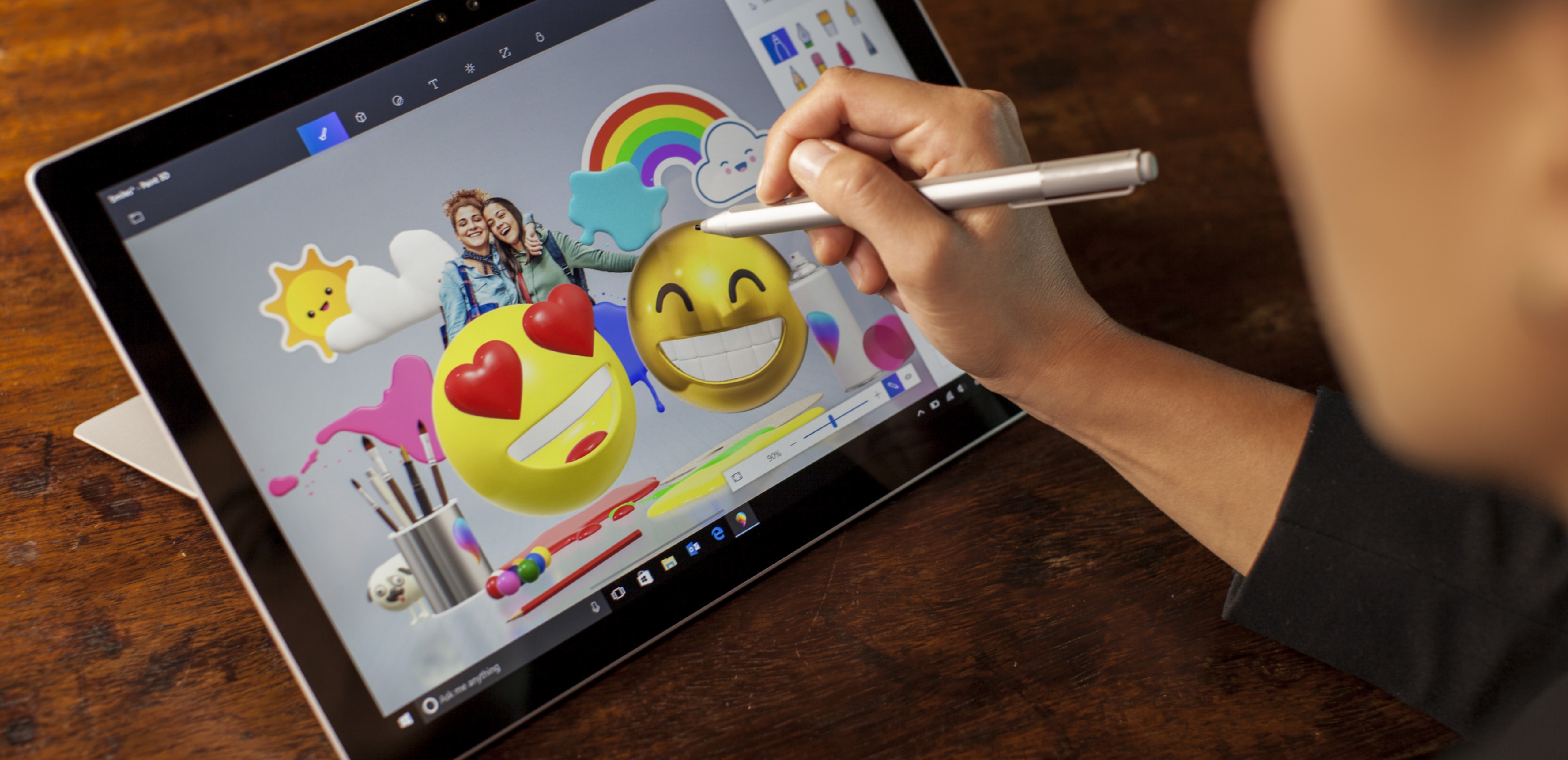
This tool is perfect for quick mock-ups, designing custom emojis, or creating fun assets for presentations and videos. It proves that creating dimensional art doesn't require expensive programs or extensive training.
The Evolution from Classic Paint
We all remember the simple joy of using Microsoft Paint for basic doodles and quick cropping jobs. Windows 10 Paint 3D takes that foundational simplicity and injects it with modern, powerful capabilities.
Where the original Paint taught us about pixels, Paint 3D introduces us to vertices, faces, and depth. It maintains some classic tools, like basic brushes, but expands them to allow for texture painting directly onto a 3D surface.
This generational leap provides a bridge for users comfortable with 2D drawing who want to explore the exciting possibilities of the third dimension without feeling overwhelmed. It truly is the next step in Microsoft's creative suite.
Getting Started: Navigating the Interface
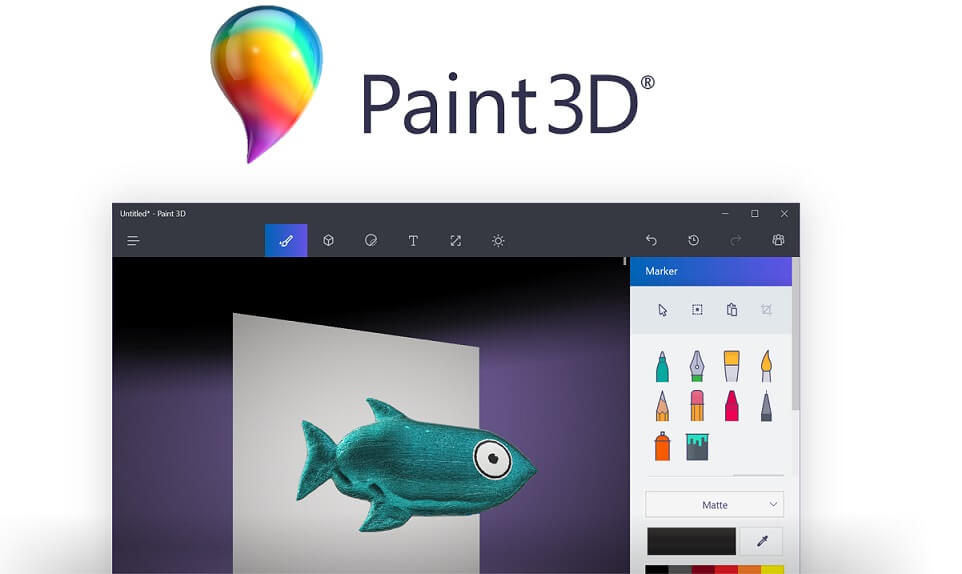
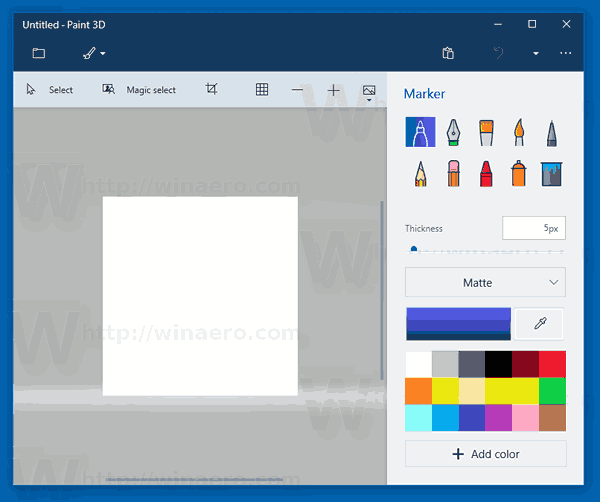
When you first open Windows 10 Paint 3D, you'll find a clean, organized workspace. The interface is ribbon-based, similar to other Microsoft applications, but the icons are large, clear, and very visually intuitive. You won't waste time hunting through complex menus.
The main canvas is a flexible space that allows you to shift between 2D and 3D views easily. A critical part of learning is familiarizing yourself with the navigation controls, especially the rotation and panning tools necessary for manipulating objects in three dimensions.
Remember that the key to mastering any 3D environment is perspective. Use the view controls frequently to check your model from all angles; what looks good from the front might look flat from the side!
Essential Tools and Features
Paint 3D packs several powerful features disguised as simple tools. Understanding what each tab does is the first step toward creating fantastic projects.
Here are the core features you'll be using most often:
- Brushes (Art Tools): This tab offers classic brushes, but also fun texture options like pixel pen, spray can, and fill buckets, all applicable to both 2D and 3D surfaces.
- 2D Shapes: Used for creating flat graphics, lines, and curves, which can later be converted into 3D objects if desired.
- 3D Shapes: This is where the magic happens. You can choose from built-in models (like cones, cubes, and spheres) or use the powerful 3D Doodle tool to draw custom extruded shapes.
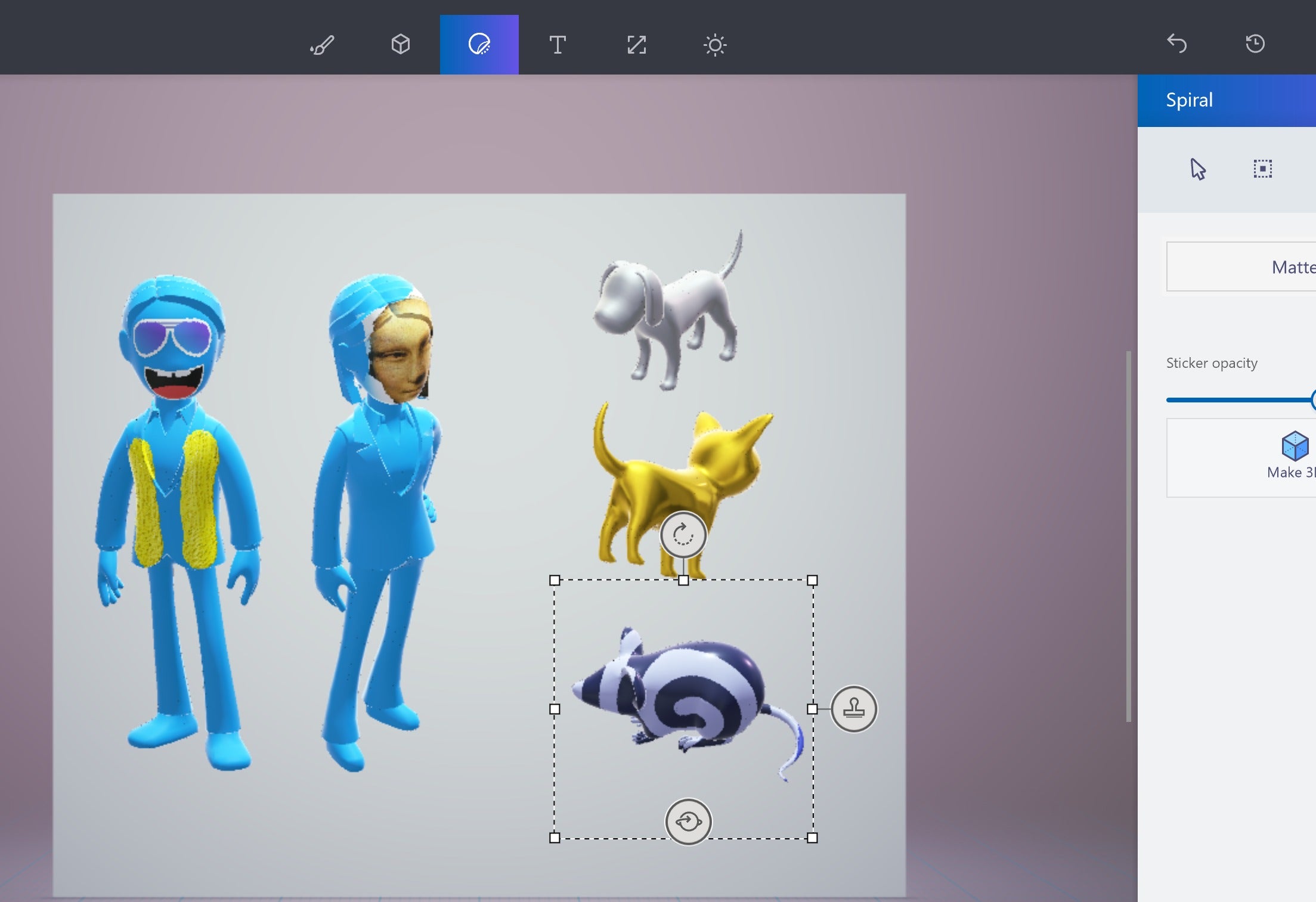
- Stickers: Essentially texture maps, stickers allow you to quickly apply photos or repeatable patterns onto your 3D models.
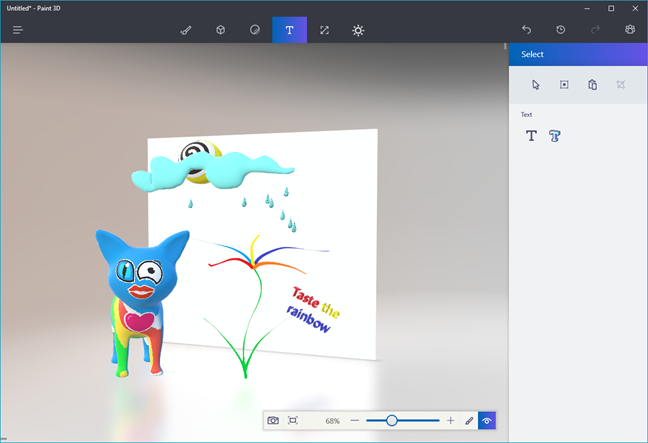
- Text: Allows you to create standard 2D text or transform it into 3D text with depth and rotation capabilities.
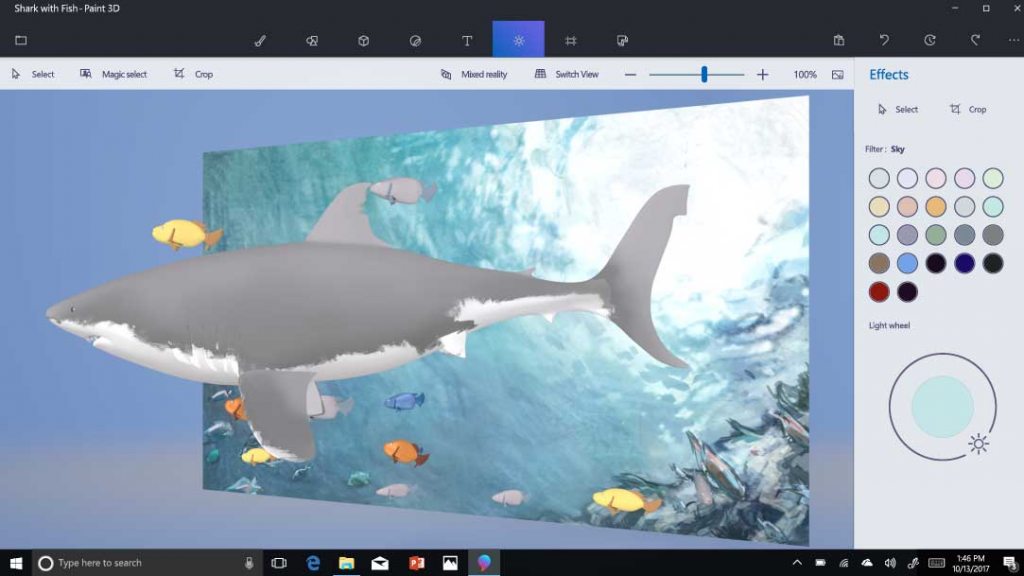
- Effects (Lighting): This feature enables you to adjust the lighting of your scene, altering shadows and colors to achieve a dramatic or realistic look.
Experimenting with these tools in combination is the best way to understand the full capability of Windows 10 Paint 3D.
Creating Masterpieces: 2D and 3D Projects
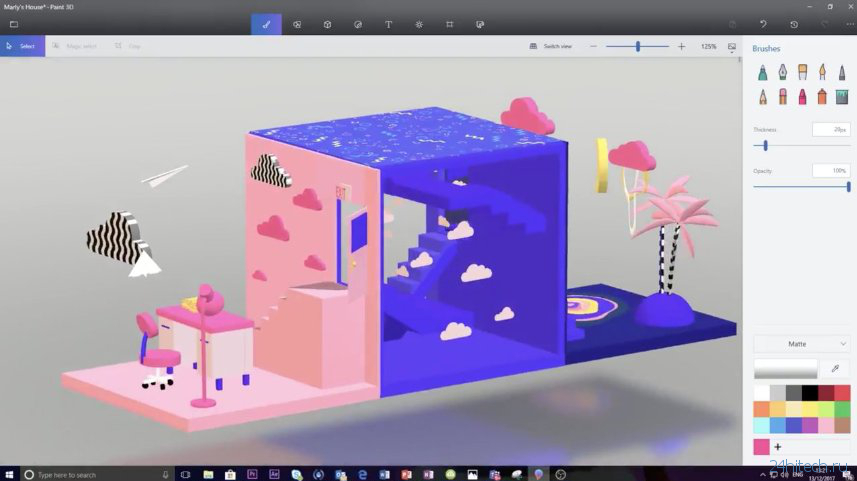
The flexibility of Paint 3D means you can start simple and build complexity over time. Maybe you want to draw a flat background for a school report, or perhaps you want to sculpt a miniature creature that you can rotate and view from all sides.
A great starting project is creating a simple environment, like a stylized tree or a futuristic robot. Begin by layering simple 3D shapes, adjusting their size and position, and then applying different textures using the brush or sticker tools.
Don't be afraid to utilize the "Make 3D" button on 2D elements. This feature instantly converts a flat image or shape into an object with depth, allowing for quick integration of traditional drawings into your new dimensional scene.
Tips for Seamless 3D Sculpting
Working in a 3D environment requires a slightly different mindset than traditional 2D drawing. Here are a few essential tips to make your sculpting process smoother in Windows 10 Paint 3D.
- Master the Axis Controls: Every 3D object has three axes (X, Y, Z). Use the control handles around your object to rotate it (spinning) and move it forward or backward (depth). Practice these movements until they feel intuitive.
- Use Grouping: If you create a complex object made of multiple parts (like a car with wheels), select all the components and use the Group feature. This allows you to move and rotate the entire assembly as one unit, preventing misalignments.
- Check Lighting Often: Lighting (under the Effects tab) dramatically changes how your textures and colors appear. Adjusting the light source can highlight important details or add necessary shadows to make your model look more realistic.
- Non-Destructive Texturing: Use the Sticker tool for applying complex patterns. If you need to remove the texture later, you can delete the sticker without affecting the underlying geometry, unlike painting directly onto the model.
Working with the Magic Select Tool
One of the most powerful and often overlooked features in Windows 10 Paint 3D is the Magic Select tool. This incredible utility is designed to help you quickly cut out a subject from a photograph, automatically detecting the edges.
Once you've selected the area you want to keep, the tool removes the background, turning your 2D image into an isolated asset. But wait, it gets even better! You can instantly "Make 3D" from this cutout.
This allows you to take pictures of friends, pets, or objects and incorporate them into your 3D scenes with amazing ease. It is a fantastic shortcut for adding realistic elements to fantastical worlds or creating personalized digital decorations.
Sharing and Community: Remix 3D
Creativity is often amplified by community, and Windows 10 Paint 3D was designed with sharing in mind. While the dedicated Remix 3D platform transitioned, the application retains robust features for importing and exporting models.
You can easily import existing 3D models (OBJ, FBX, 3MF) to use as starting points or props in your scenes. This connectivity means you aren't limited to the shapes you create yourself; you can leverage thousands of existing assets.
Crucially, once your masterpiece is complete, Paint 3D allows you to export your creation in standard 3D formats. This means your models can be used in other applications, shared online, or even prepared for 3D printing, making your digital art tangible.
The ability to collaborate and iterate on models—either imported or self-made—is a cornerstone of what makes this application so modern and valuable.
Conclusion
Windows 10 Paint 3D has successfully democratized 3D design, making powerful creation tools available to everyone who owns a Windows 10 device. It bridges the gap between simple doodling and complex modeling, all within an interface that remains approachable and fun.
From simple 2D illustrations with unique textures to complex 3D scenes ready for animation or printing, Paint 3D provides the foundation for digital creativity. Whether you are manipulating light, sculpting virtual clay, or utilizing the incredible Magic Select tool, the possibilities are vast.
So, stop viewing that application icon as just another piece of software; see it as your portal to dimensional design. Start playing around with Windows 10 Paint 3D today and see what incredible worlds you can bring to life!
Frequently Asked Questions (FAQ) about Windows 10 Paint 3D
- Is Windows 10 Paint 3D free?
- Yes, Paint 3D is a standard, built-in application for Windows 10 and Windows 11 devices and is completely free to use. There are no subscription fees or in-app purchases required for accessing its core features.
- Can I use my own photos and images in Paint 3D?
- Absolutely! You can import 2D images directly into your project. You can use the Sticker tool to wrap photos around 3D models, or utilize the Magic Select tool to cut subjects out and turn them into 3D assets.
- What file formats does Windows 10 Paint 3D support?
- Paint 3D supports importing and exporting several common file formats, including 3MF (the native format), OBJ, FBX, and STL (ideal for 3D printing). You can also save your final output as standard 2D image formats like PNG and JPEG.
- Is Paint 3D suitable for professional 3D design?
- While Windows 10 Paint 3D is incredibly powerful for beginners, students, and basic visualizations, it lacks the advanced features (like sophisticated rigging, rendering pipelines, or complex UV mapping) needed for high-end professional game design or VFX. It serves as an excellent foundational tool for moving into more complex software later.
Windows 10 Paint 3D
Windows 10 Paint 3D Wallpapers
Collection of windows 10 paint 3d wallpapers for your desktop and mobile devices.
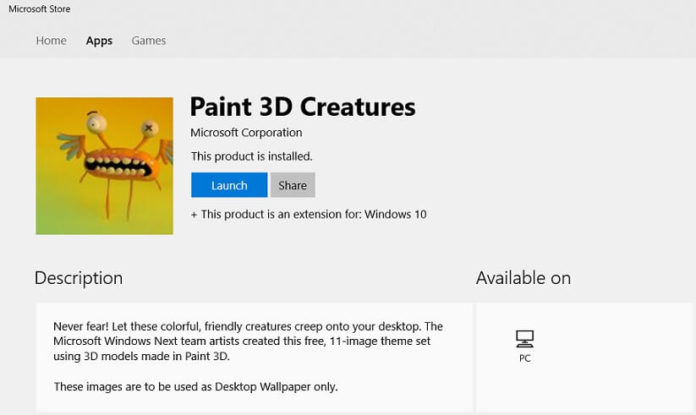
Beautiful Windows 10 Paint 3d Design Art
Experience the crisp clarity of this stunning windows 10 paint 3d image, available in high resolution for all your screens.
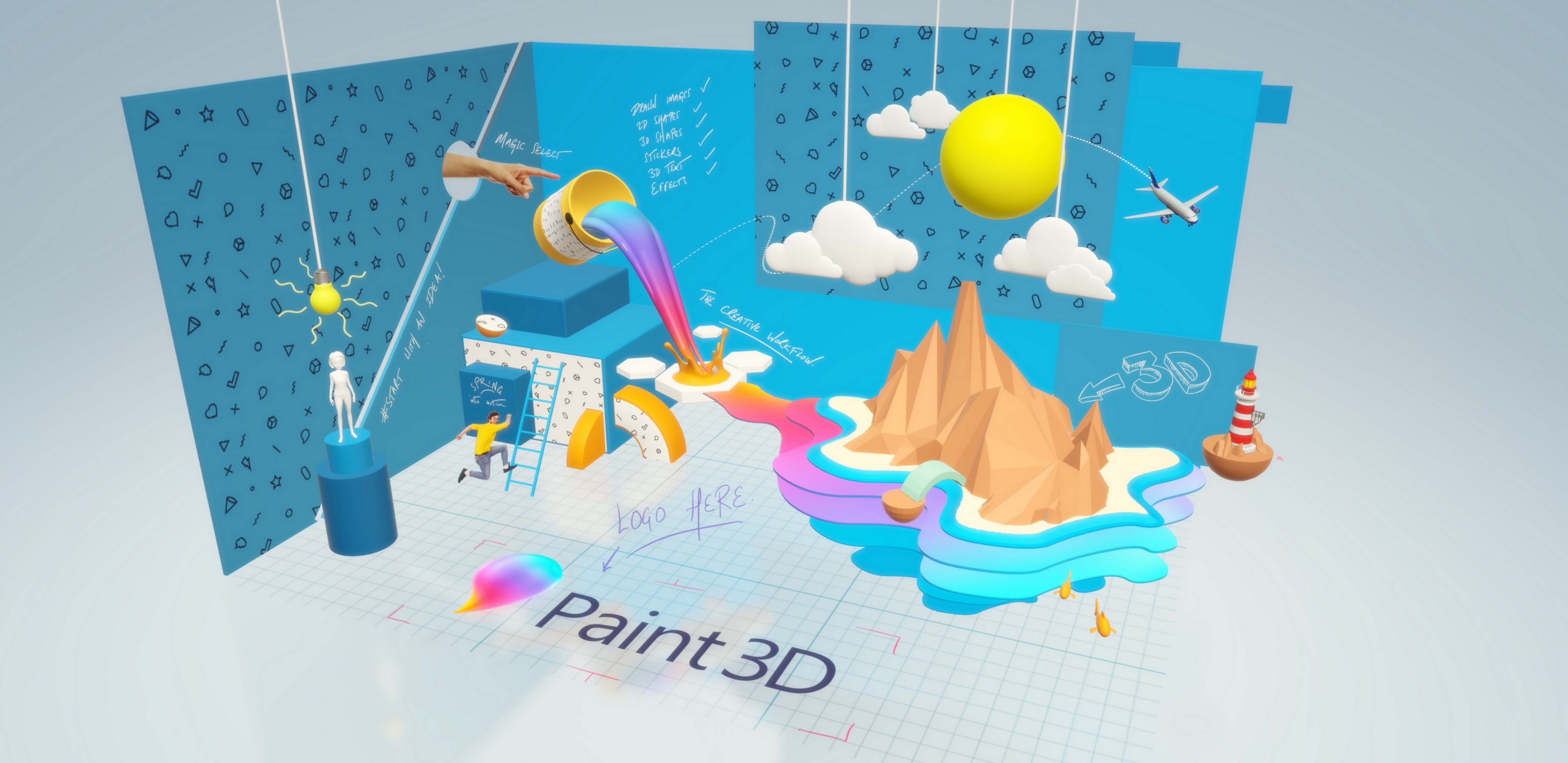
Crisp Windows 10 Paint 3d Capture Collection
This gorgeous windows 10 paint 3d photo offers a breathtaking view, making it a perfect choice for your next wallpaper.
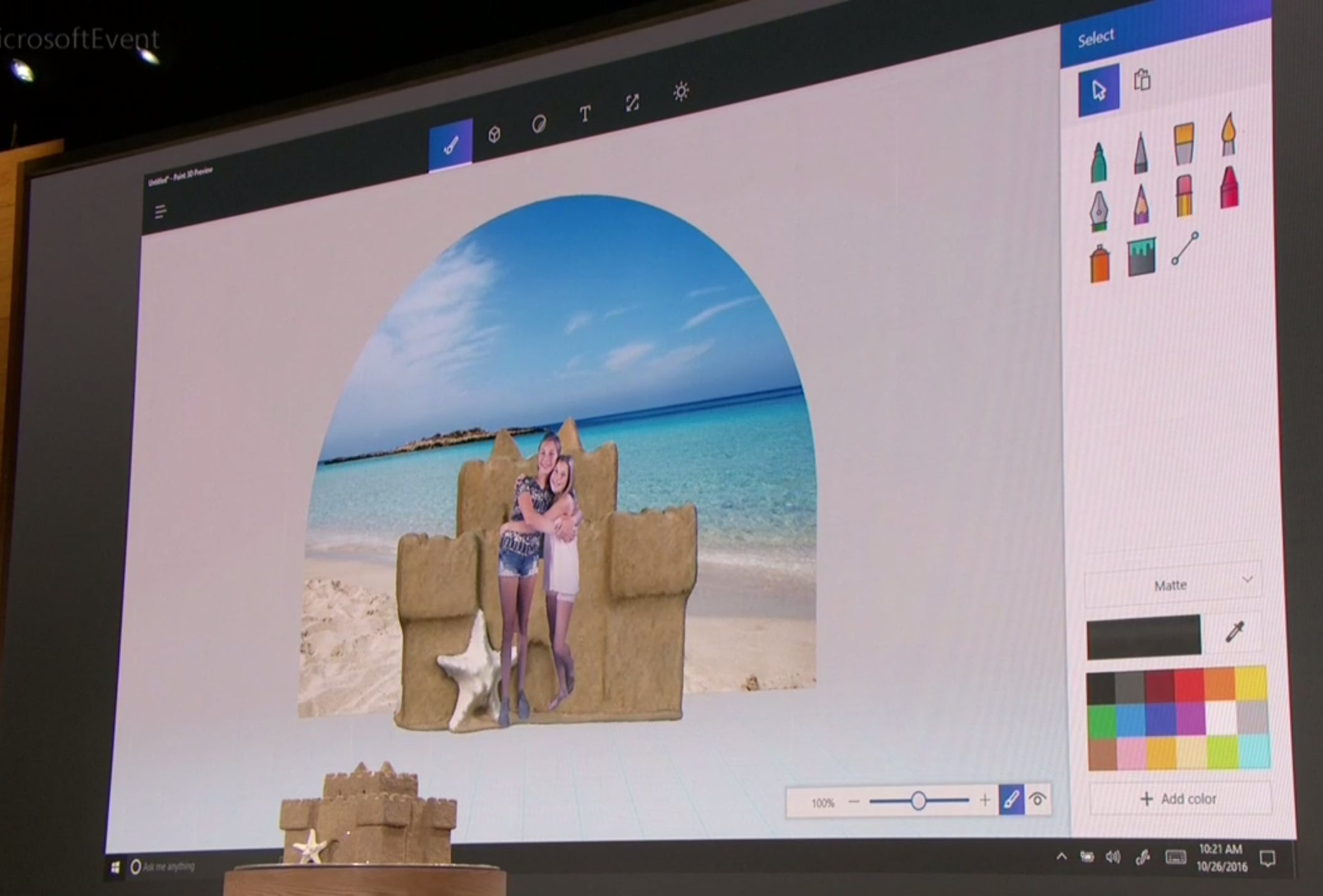
Amazing Windows 10 Paint 3d Scene for Desktop
Transform your screen with this vivid windows 10 paint 3d artwork, a true masterpiece of digital design.

Serene Windows 10 Paint 3d Scene Illustration
Discover an amazing windows 10 paint 3d background image, ideal for personalizing your devices with vibrant colors and intricate designs.
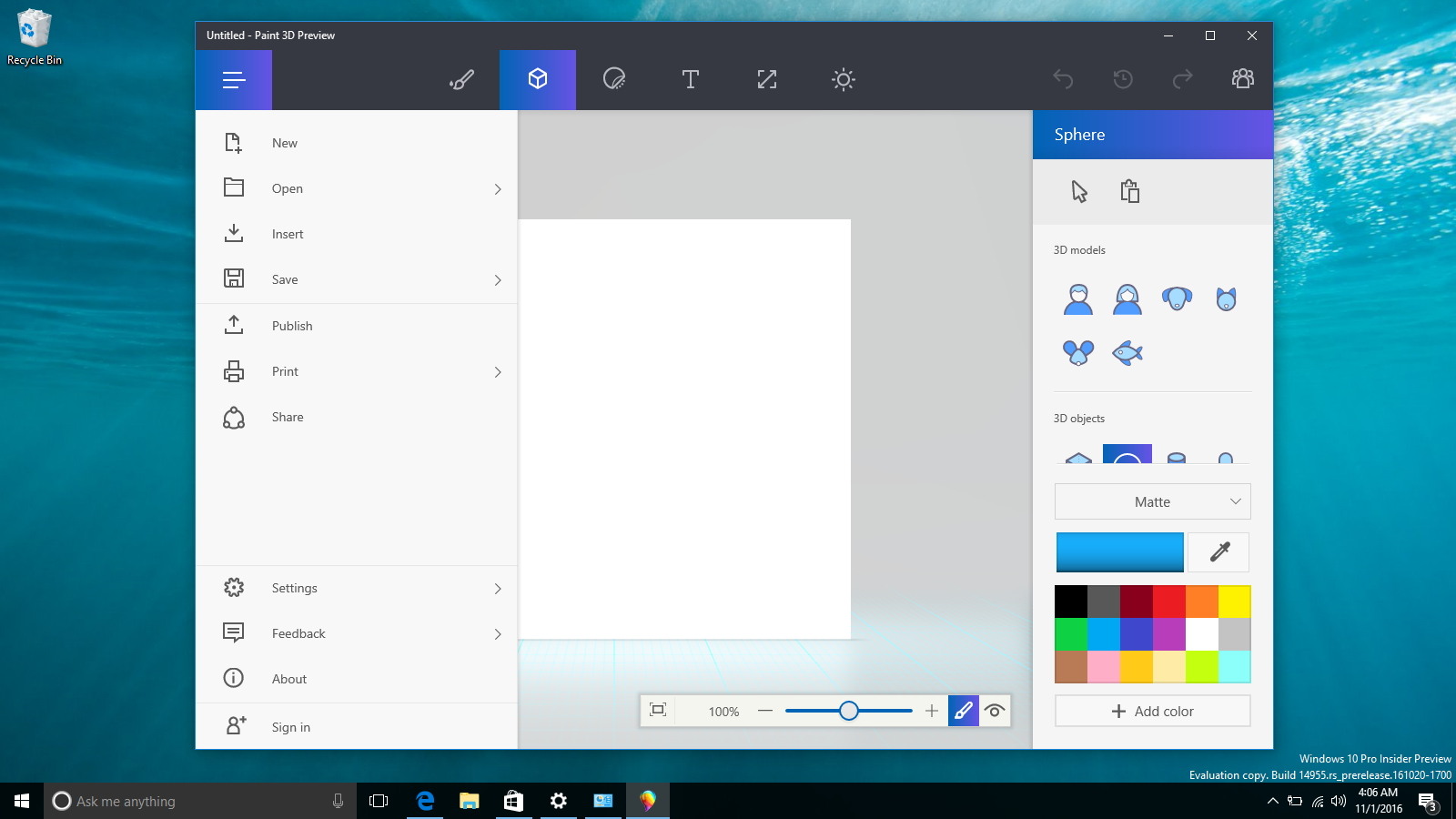
Vivid Windows 10 Paint 3d Image for Your Screen
Experience the crisp clarity of this stunning windows 10 paint 3d image, available in high resolution for all your screens.
Detailed Windows 10 Paint 3d Picture in 4K
Explore this high-quality windows 10 paint 3d image, perfect for enhancing your desktop or mobile wallpaper.
Artistic Windows 10 Paint 3d Wallpaper Art
A captivating windows 10 paint 3d scene that brings tranquility and beauty to any device.
Vivid Windows 10 Paint 3d Moment for Desktop
Discover an amazing windows 10 paint 3d background image, ideal for personalizing your devices with vibrant colors and intricate designs.
Gorgeous Windows 10 Paint 3d Design Concept
This gorgeous windows 10 paint 3d photo offers a breathtaking view, making it a perfect choice for your next wallpaper.
Dynamic Windows 10 Paint 3d View for Your Screen
Immerse yourself in the stunning details of this beautiful windows 10 paint 3d wallpaper, designed for a captivating visual experience.
Breathtaking Windows 10 Paint 3d Artwork in HD
Experience the crisp clarity of this stunning windows 10 paint 3d image, available in high resolution for all your screens.
Captivating Windows 10 Paint 3d Landscape in 4K
Immerse yourself in the stunning details of this beautiful windows 10 paint 3d wallpaper, designed for a captivating visual experience.
Lush Windows 10 Paint 3d Image Photography
A captivating windows 10 paint 3d scene that brings tranquility and beauty to any device.

Detailed Windows 10 Paint 3d Abstract Nature
Transform your screen with this vivid windows 10 paint 3d artwork, a true masterpiece of digital design.
Spectacular Windows 10 Paint 3d Picture Collection
Find inspiration with this unique windows 10 paint 3d illustration, crafted to provide a fresh look for your background.

Vibrant Windows 10 Paint 3d Capture Photography
Transform your screen with this vivid windows 10 paint 3d artwork, a true masterpiece of digital design.
Gorgeous Windows 10 Paint 3d Scene in HD
Find inspiration with this unique windows 10 paint 3d illustration, crafted to provide a fresh look for your background.
Captivating Windows 10 Paint 3d Abstract Art
Immerse yourself in the stunning details of this beautiful windows 10 paint 3d wallpaper, designed for a captivating visual experience.
Captivating Windows 10 Paint 3d Abstract in HD
Find inspiration with this unique windows 10 paint 3d illustration, crafted to provide a fresh look for your background.
Dynamic Windows 10 Paint 3d Capture Illustration
Find inspiration with this unique windows 10 paint 3d illustration, crafted to provide a fresh look for your background.
Download these windows 10 paint 3d wallpapers for free and use them on your desktop or mobile devices.