Paint Shop Pro 7
Paint Shop Pro 7: A Nostalgic Dive into Classic Digital Imaging
Ah, Paint Shop Pro 7. If you spent time on the internet creating graphics in the late 90s or early 2000s, this name likely brings back a flood of memories. Before Adobe Photoshop dominated every desktop, Paint Shop Pro (PSP) was the affordable, powerful alternative that digital artists and hobbyists relied upon. It was truly a cornerstone of early digital imaging.
But why are we still talking about this software version almost two decades later? Whether you're feeling nostalgic or searching for a lightweight, stable editor for retro computing projects, this deep dive into Paint Shop Pro 7 will show you exactly why it remains a beloved piece of software history.
Why People Still Talk About Paint Shop Pro 7 Today
Many modern graphics programs are bloated, require significant RAM, and rely on subscription models. Paint Shop Pro 7 stands in stark contrast to this trend. It offers robust functionality without the massive overhead, making it exceptionally fast on even modest hardware.
For those running older operating systems or vintage hardware, PSP 7 is often the perfect fit. Furthermore, its straightforward, non-intimidating interface made complex tasks accessible to millions of new users who found Photoshop too daunting or simply too expensive.
Additionally, the specific set of features available in Paint Shop Pro 7 made it ideal for the needs of the time, particularly the creation and optimization of graphics for the early web.
Key Features That Defined PSP 7
Version 7, released around 2000 by Jasc Software, hit a perfect sweet spot in development. It was powerful enough to handle serious photo editing and graphic creation but remained incredibly quick and stable. It introduced several features that were revolutionary for its time, especially in the context of web design optimization.
Unlike earlier versions, Paint Shop Pro 7 delivered a comprehensive editing package. This versatility meant users rarely needed external programs for routine graphic tasks.
Let's look at some of the cornerstone features that made Paint Shop Pro 7 so powerful and popular:
- Layer Support: Crucial for non-destructive editing, PSP 7 offered excellent layer management, including opacity controls and various blending modes. This feature leveled the playing field with professional editors.
- Vector Tools: PSP 7 provided robust vector drawing tools, allowing users to create scalable shapes and text easily without pixelation.
- Animation Shop Integration: While not part of the core PSP application, the bundled Animation Shop made creating dynamic, looping animated GIFs simple—a massive necessity for web graphics back then.
- Image Slicing and Mapping: Essential for optimizing large images for faster web loading times, PSP 7 handled image mapping and slicing efficiently, generating the necessary HTML code automatically.
- Scripting Capabilities: Users could record and automate repetitive tasks using scripts, significantly boosting productivity for batch processing and workflow consistency.
The Power of Filters and Effects in Paint Shop Pro 7
One area where Paint Shop Pro 7 truly excelled was its compatibility with third-party plugins. This open environment allowed users to expand its functionality almost infinitely by downloading thousands of free and commercial Photoshop-compatible plugins (8BF format).
This capability transformed Paint Shop Pro 7 from a basic editor into a professional powerhouse capable of generating complex textures, artistic effects, and specialized photo corrections. Many current graphic designers learned their foundational skills experimenting with these early 8BF filters.
The vast library of readily available plugins meant that even a hobbyist could achieve professional-looking results quickly and efficiently. This thriving third-party ecosystem was vital to the software's success.
Getting Started: Navigating the Paint Shop Pro 7 Interface
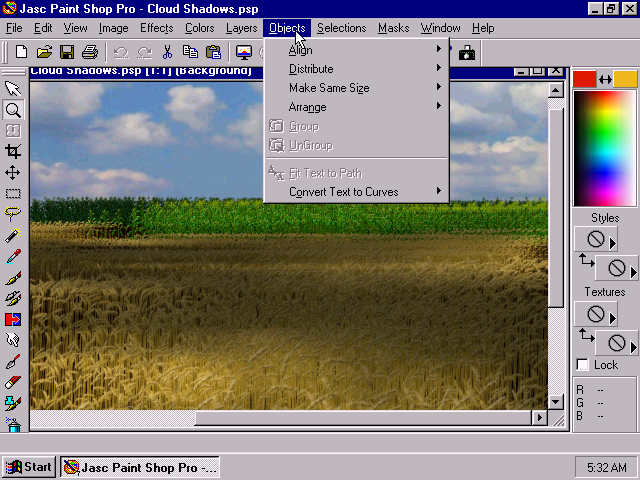
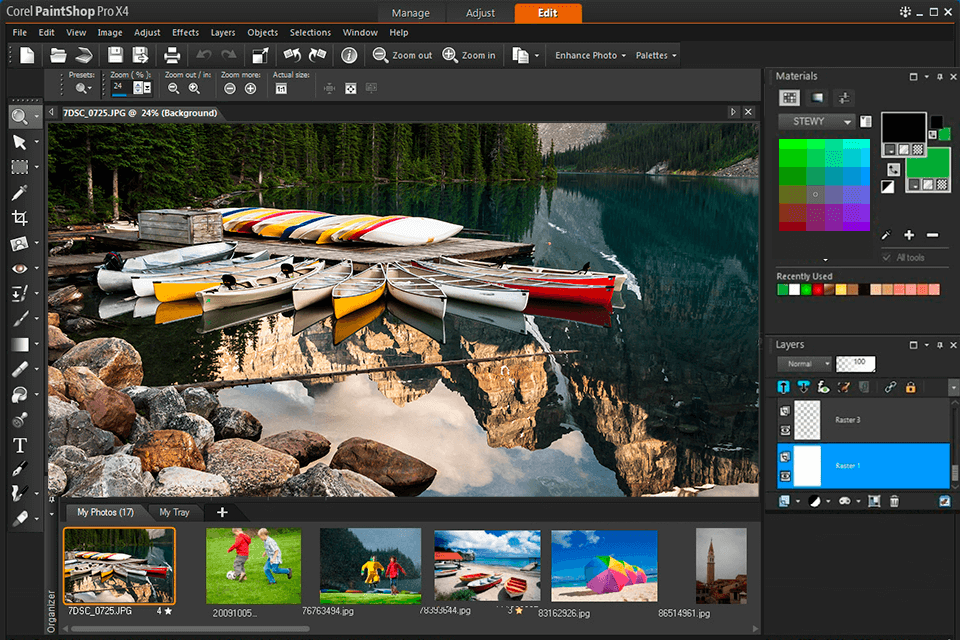
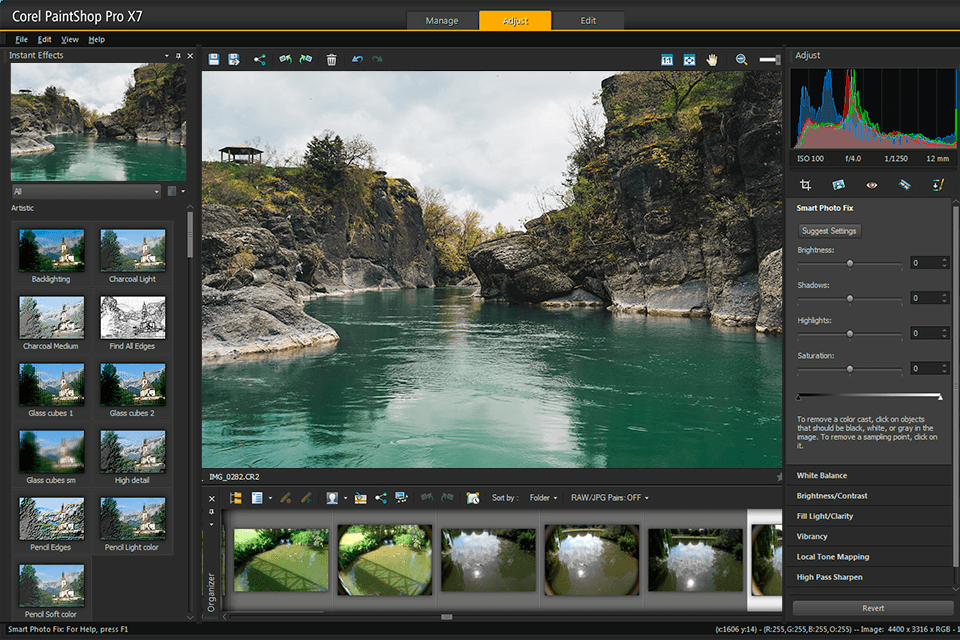
If you're opening Paint Shop Pro 7 for the first time after years of using sleek, modern UIs, you might find the early 2000s aesthetic a bit blocky. However, its layout is incredibly intuitive and logical once you get used to it. Unlike modern editors that hide tools behind contextual menus, everything you need is usually accessible through easily identified floating palettes.
The standard layout typically includes the main image window in the center, the Tools Palette docked on the left, the Color Palette, and the Layer Palette. This structured approach ensures that essential controls are always just a click away, making the workflow remarkably efficient even by today's standards. Furthermore, the speed with which the program loads is a refreshing change.
Essential Tools for Beginners in PSP 7
Starting out with any image editor requires knowing where the basic operations live. Paint Shop Pro 7 provides a comprehensive set of fundamental tools that rivaled its competitors and are still highly useful today. Mastering these basic tools quickly leads to successful editing projects.
Here are three indispensable tools you absolutely need to understand when using Paint Shop Pro 7, especially for restoration or graphic design work:
- Selection Tools: The Freehand Selection, Point to Point, and Magic Wand tools were excellent for isolating specific areas. The efficiency of the Magic Wand, particularly for older raster graphics with solid backgrounds, was outstanding for quickly removing surrounding elements.
- The Clone Brush: This is your primary tool for touching up photos, removing blemishes, or seamlessly erasing unwanted objects. PSP 7's implementation was surprisingly smooth and highly accurate, functioning beautifully in tandem with the history palette.
- Text Tool (Vector Text): Since text in Paint Shop Pro 7 defaults to vector format, you can scale and manipulate it without losing quality or introducing jagged edges. This capability made creating sharp web banners and headers a fundamental breeze.
Furthermore, never overlook the powerful Adjust menu, where you can find quick fixes for brightness, contrast, and color balance without delving into complex manual color correction settings.
PSP 7 vs. Modern Editors: Where Does It Stand?
We need to be realistic: Paint Shop Pro 7 cannot handle high-end professional tasks like 3D manipulation, complex RAW file processing from modern digital cameras, or deep integration with cloud storage. Modern editors like Adobe Photoshop and current iterations of Corel PaintShop Pro have advanced significantly in computational capabilities and features tailored to high-resolution photography.
However, PSP 7 still offers superior performance for basic and intermediate tasks, especially involving raster graphics and web optimization, simply due to its lightweight nature. It excels where modern software often fails: speed, stability, and simplicity. If your goal is GIF creation, simple batch photo correction, or retro graphic design, Paint Shop Pro 7 remains surprisingly effective and reliable.
Technical Requirements and Compatibility of Paint Shop Pro 7
Originally designed for Windows 98 and Windows 2000, Paint Shop Pro 7's technical requirements are laughably small by current computing standards. It requires minimal CPU power, minimal hard drive space, and barely needs any RAM to run quickly. This efficiency is one of its biggest selling points for retro computing enthusiasts or those utilizing minimal hardware resources.
Getting it to run perfectly on very modern systems (like Windows 10 or 11 64-bit) can sometimes require specific compatibility mode settings or virtualization environments. Despite these minor hoops, the effort is often worthwhile to utilize this vintage workhorse that defined an era of digital creativity.
Tips for Running Paint Shop Pro 7 on Modern Systems
If you decide to revisit this classic software, you might need a few pointers to ensure a smooth, crash-free experience. Since it's no longer officially supported, troubleshooting relies heavily on community knowledge and standard Windows compatibility features.
- Use Compatibility Mode: The most crucial step is often right-clicking the executable, going to Properties, and setting the compatibility mode to Windows XP (Service Pack 3) or Windows 2000. This often tricks the program into behaving correctly.
- Run as Administrator: Running the application with administrative privileges can often resolve issues related to file access and saving configurations, especially if installation directories are protected.
- Address Color Depth Issues: Some display issues, particularly relating to color palettes, can be fixed by forcing the program to run in 256-color mode via compatibility settings, though this is less common on modern GPUs.
- Ensure 8BF Plugin Compatibility: While most older plugins work perfectly, ensure you place the plugin files in a directory that PSP 7 can easily access, and avoid using brand-new filters designed for contemporary software.
Conclusion: The Enduring Legacy of Paint Shop Pro 7
Paint Shop Pro 7 holds a truly special place in the timeline of digital graphics software. It was accessible, powerful, and remarkably efficient—a perfect storm for the burgeoning internet age. It democratized graphic design and allowed countless individuals to start creating digital art without a massive investment.
While newer editors offer features PSP 7 could never dream of, the classic version remains a stellar choice for specific projects, particularly those requiring speed, simplicity, and a touch of Y2K nostalgia. If you want to step back into the golden age of digital art, or if you simply need a lightweight, no-frills tool for manipulating raster images, downloading and using Paint Shop Pro 7 is definitely an experience worth revisiting. It proves that sometimes, the classics are truly the best tools for the job.
Frequently Asked Questions (FAQ) About Paint Shop Pro 7
- Is Paint Shop Pro 7 still legal to use?
- The software is no longer officially sold or supported by Corel (which acquired Jasc, the original developer). While the software is considered abandonware, users who legally purchased a license originally may still use it. Locating legitimate installation files can be challenging today, but many enthusiasts use it for personal retro projects.
- Can Paint Shop Pro 7 open modern file formats like high-res JPEGs or RAW files?
- PSP 7 handles standard JPEG, GIF, and PNG formats well, particularly those optimized for older web standards. However, it will struggle severely or fail entirely with very high-resolution modern camera JPEGs (due to 32-bit memory limits) and complex proprietary RAW formats, as these require specific decoding that wasn't available 20 years ago.
- Is Paint Shop Pro 7 better than GIMP?
- This depends entirely on your needs. GIMP is actively developed, supports modern features, and is free (open-source). However, many users prefer the extremely straightforward interface and faster loading speed of Paint Shop Pro 7 for simpler tasks. PSP 7 offers a specific, nostalgic workflow that GIMP doesn't replicate.
- Does Paint Shop Pro 7 support Photoshop (8BF) plugins?
- Yes, one of the great strengths of Paint Shop Pro 7 is its extensive support for 8BF format plugins. This ability dramatically extends its functionality, allowing it to utilize many of the classic filters developed for Photoshop's ecosystem.
Paint Shop Pro 7
Paint Shop Pro 7 Wallpapers
Collection of paint shop pro 7 wallpapers for your desktop and mobile devices.
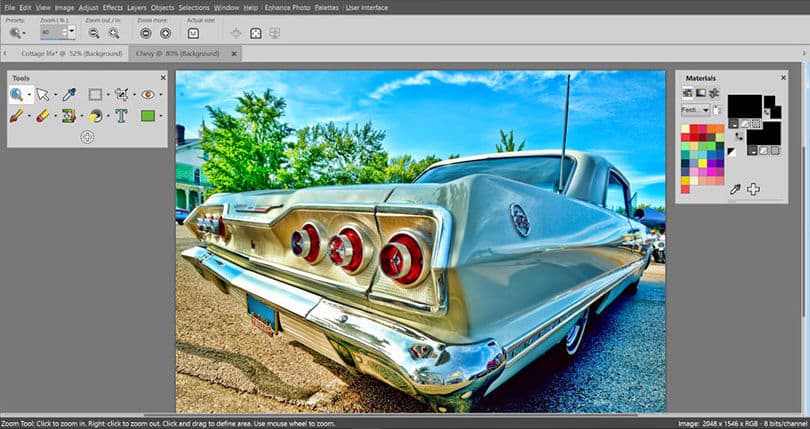
Breathtaking Paint Shop Pro 7 Background Nature
Discover an amazing paint shop pro 7 background image, ideal for personalizing your devices with vibrant colors and intricate designs.
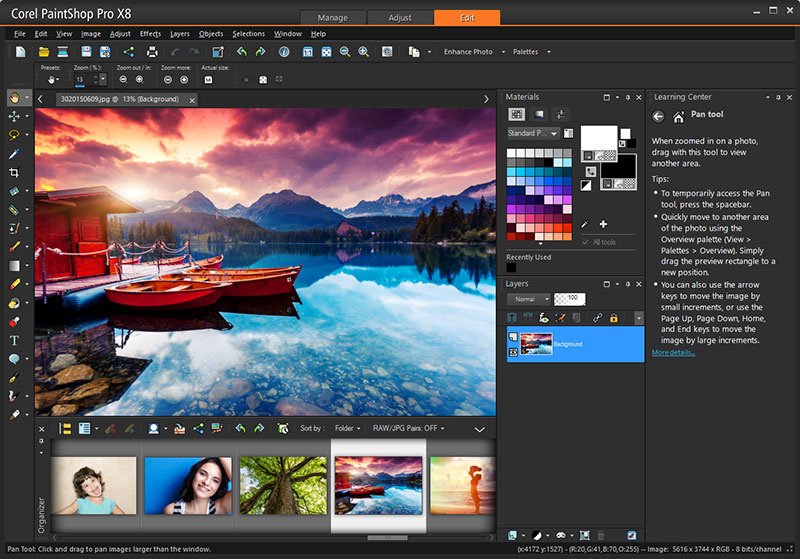
Serene Paint Shop Pro 7 Photo Concept
Discover an amazing paint shop pro 7 background image, ideal for personalizing your devices with vibrant colors and intricate designs.
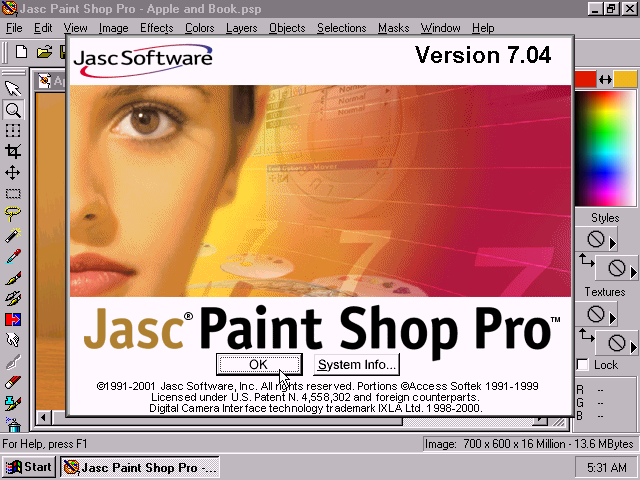
Vibrant Paint Shop Pro 7 Image Concept
Experience the crisp clarity of this stunning paint shop pro 7 image, available in high resolution for all your screens.
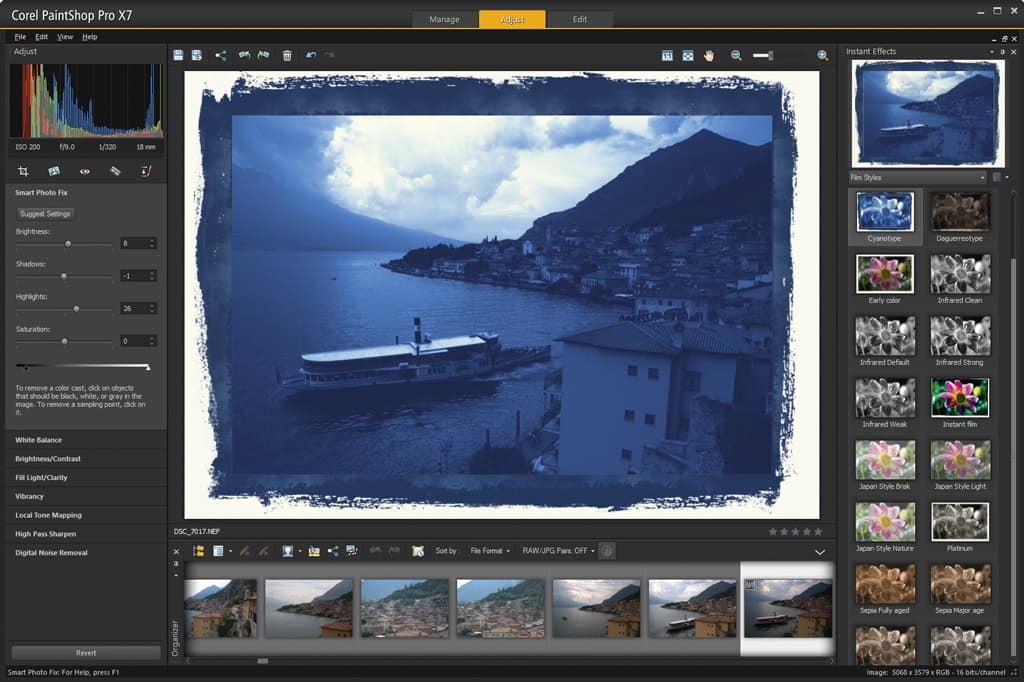
Mesmerizing Paint Shop Pro 7 Capture Concept
Discover an amazing paint shop pro 7 background image, ideal for personalizing your devices with vibrant colors and intricate designs.
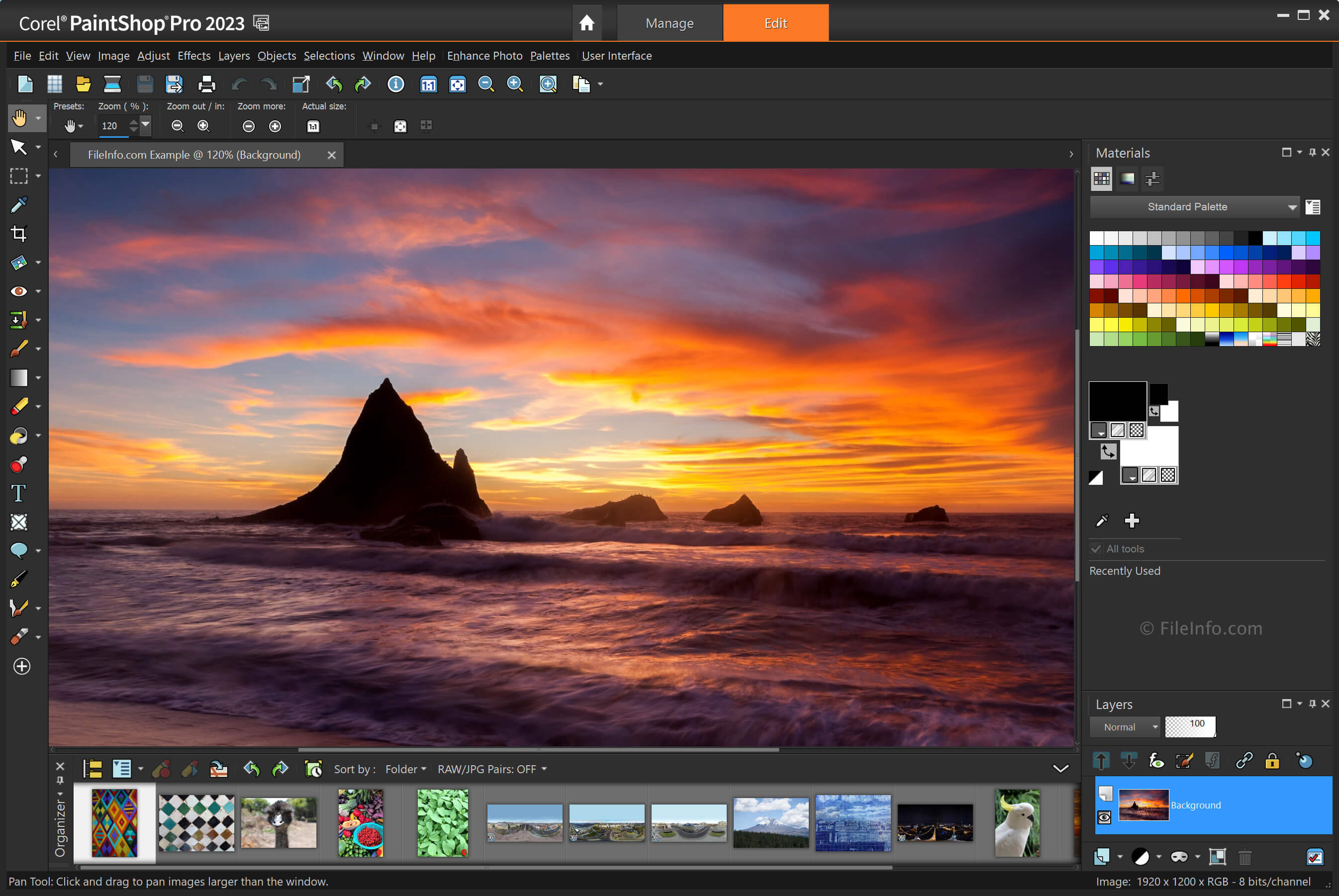
Artistic Paint Shop Pro 7 Design in HD
This gorgeous paint shop pro 7 photo offers a breathtaking view, making it a perfect choice for your next wallpaper.
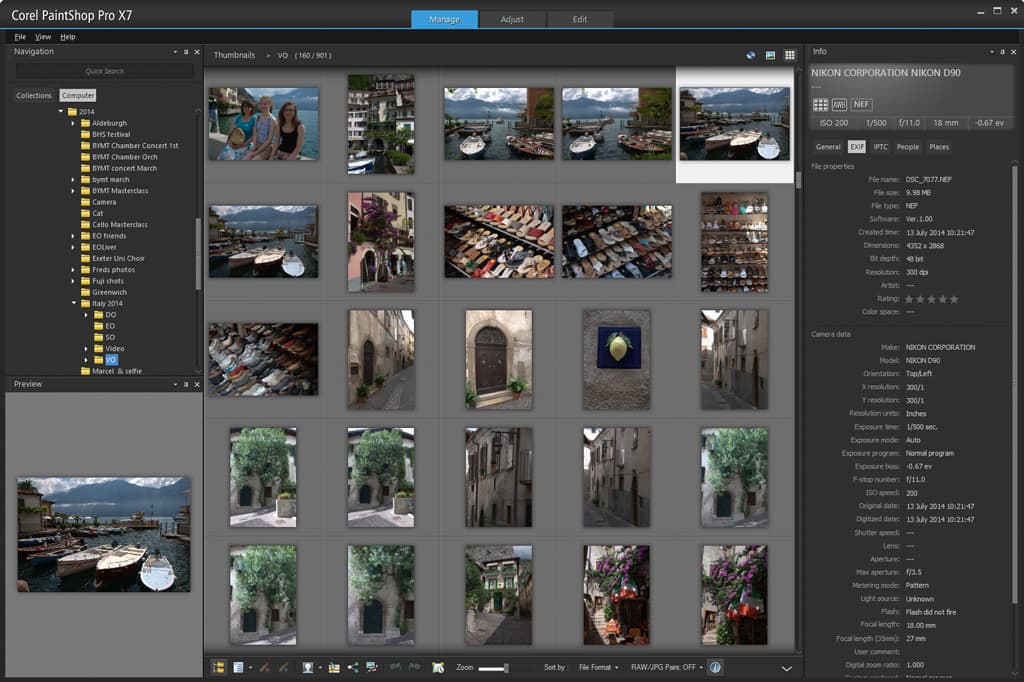
Serene Paint Shop Pro 7 Moment Art
Discover an amazing paint shop pro 7 background image, ideal for personalizing your devices with vibrant colors and intricate designs.
Artistic Paint Shop Pro 7 Wallpaper Photography
Find inspiration with this unique paint shop pro 7 illustration, crafted to provide a fresh look for your background.
Detailed Paint Shop Pro 7 Image Concept
Transform your screen with this vivid paint shop pro 7 artwork, a true masterpiece of digital design.
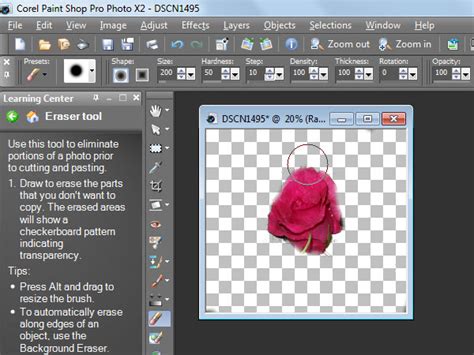
Vibrant Paint Shop Pro 7 Capture in HD
Transform your screen with this vivid paint shop pro 7 artwork, a true masterpiece of digital design.

Artistic Paint Shop Pro 7 Image for Desktop
A captivating paint shop pro 7 scene that brings tranquility and beauty to any device.
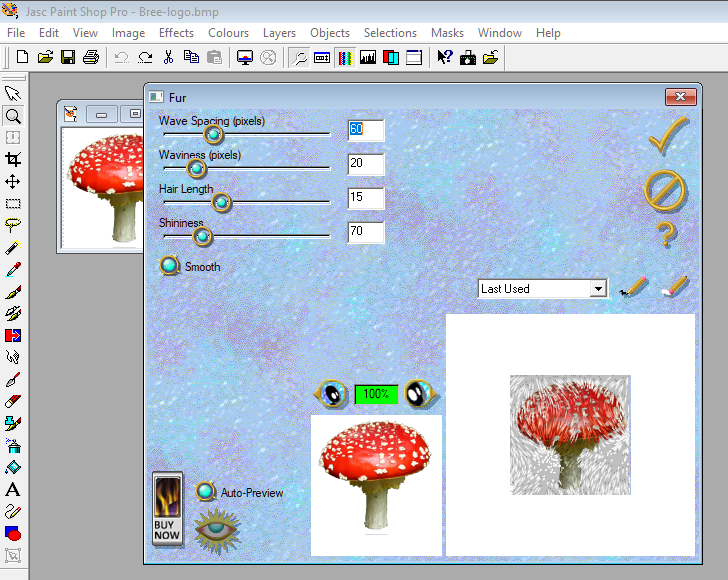
Crisp Paint Shop Pro 7 Artwork for Desktop
A captivating paint shop pro 7 scene that brings tranquility and beauty to any device.

Serene Paint Shop Pro 7 Landscape Nature
Explore this high-quality paint shop pro 7 image, perfect for enhancing your desktop or mobile wallpaper.
Gorgeous Paint Shop Pro 7 Image Nature
Immerse yourself in the stunning details of this beautiful paint shop pro 7 wallpaper, designed for a captivating visual experience.

Artistic Paint Shop Pro 7 Image Illustration
A captivating paint shop pro 7 scene that brings tranquility and beauty to any device.
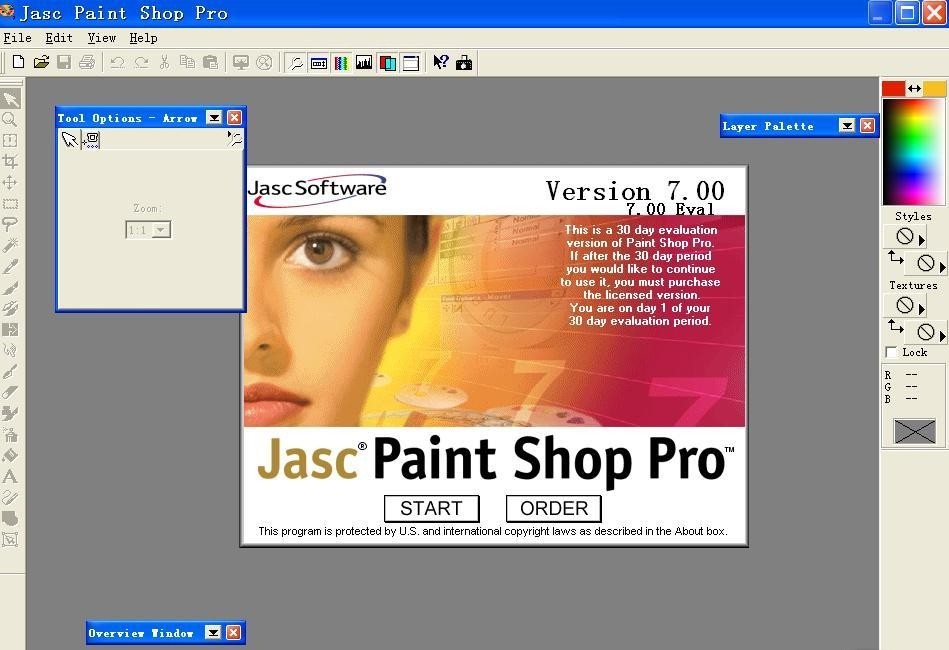
Breathtaking Paint Shop Pro 7 Artwork for Your Screen
Experience the crisp clarity of this stunning paint shop pro 7 image, available in high resolution for all your screens.

Spectacular Paint Shop Pro 7 Background Digital Art
Immerse yourself in the stunning details of this beautiful paint shop pro 7 wallpaper, designed for a captivating visual experience.
Serene Paint Shop Pro 7 Design Nature
Explore this high-quality paint shop pro 7 image, perfect for enhancing your desktop or mobile wallpaper.
Stunning Paint Shop Pro 7 Capture for Mobile
This gorgeous paint shop pro 7 photo offers a breathtaking view, making it a perfect choice for your next wallpaper.

Serene Paint Shop Pro 7 Photo in HD
Transform your screen with this vivid paint shop pro 7 artwork, a true masterpiece of digital design.
Exquisite Paint Shop Pro 7 Abstract in 4K
This gorgeous paint shop pro 7 photo offers a breathtaking view, making it a perfect choice for your next wallpaper.
Download these paint shop pro 7 wallpapers for free and use them on your desktop or mobile devices.