Samsung Launches One UI 8.5 Beta for Next-Level Ease of Use
Samsung Launches One UI 8.5 Beta for Next-Level Ease of Use
For years, Samsung has set the benchmark for Android customization, balancing powerful features with sophisticated design. Now, the tech giant is rolling out the highly anticipated One UI 8.5 Beta, promising a monumental shift towards true simplicity and "next-level ease of use." This isn't just a minor update; it's a fundamental redesign aimed at making your Galaxy device an even more intuitive extension of your daily life.
If you've ever felt overwhelmed by endless settings menus or wished for faster access to core functionality, Samsung has been listening. The 8.5 iteration focuses heavily on reducing friction, accelerating system processes, and deeply integrating advanced accessibility features that genuinely matter.
The initial beta rollout targets premium flagships, primarily the Galaxy S series, giving power users and developers the first chance to experience the streamlined interface. Here's everything you need to know about the features that define One UI 8.5 and why this beta launch is trending globally.
One UI 8.5: Redefining the User Experience (UX)
The core philosophy driving One UI 8.5 is efficiency. Samsung understands that users spend countless hours on their devices, and every saved tap or faster animation contributes to a superior overall experience. The previous iterations were solid, but 8.5 polishes the rough edges and optimizes the underlying Android OS kernel like never before.
I recall recently trying to set up a complex Bixby Routine for my smart home devices—a process that involved digging through three nested menus. One UI 8.5 tackles this complexity head-on, introducing smarter contextual menus and proactive suggestions based on usage patterns. The result? Less time searching, more time doing.
The design language itself has received subtle but impactful tweaks. Visual clutter is minimized, and system animations are noticeably smoother, giving the operating system a premium, cohesive feel that rival operating systems struggle to match. This focus on visual clarity is essential for achieving true ease of use across various screen sizes.
Key UI enhancements include:
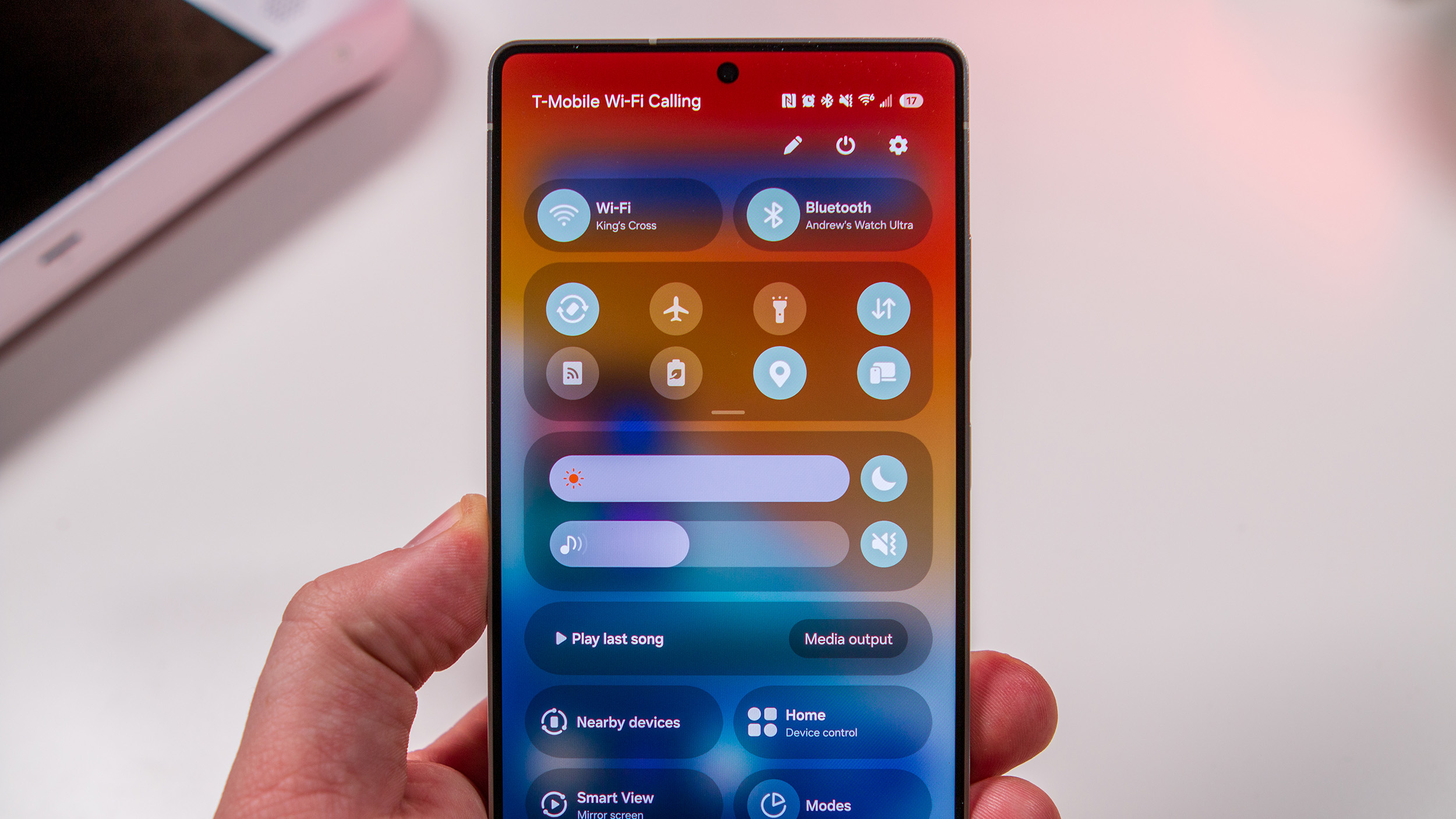
- Refined Quick Panel Access: The Quick Panel is now reorganized to allow single-handed access to 80% of common toggles, reducing the need for constant scrolling.
- Smarter Widget Stacking: Smart Widgets are now contextually aware. If you commute, your travel widget will prioritize itself. If you're home, your smart thermostat controls pop to the front. This proactive display minimizes manual sorting.
- Enhanced Color Palettes: Deeper integration with Material You color extraction, offering more harmonious and vibrant theme options that truly match your wallpaper, including subtle shifts in system apps like Contacts and Messages.
- Intuitive Settings Search: The search function in Settings is significantly improved, offering immediate, relevant results and even suggesting related settings you might need.
Deep Dive: The Game-Changing Features of One UI 8.5
While the visual polish is immediately apparent, the true innovation in One UI 8.5 lies in the functionality upgrades, particularly in communication and security. Samsung is leveraging advanced AI to push the boundaries of what a mobile OS can do proactively.
Advanced Communication and AI Integration
One UI 8.5 takes the foundation laid by previous versions and expands its AI capabilities, making features like Bixby and Live Translate more robust and easier to activate. This enhances cross-cultural communication and daily tasks.
- Bixby Text Call Upgrades: This feature, which allows Bixby to answer calls and transcribe them in real-time if you can't speak, is now instantaneous and offers more natural language responses, greatly improving accessibility for the hearing impaired or those in loud environments.
- Real-Time Chat Translation within Keyboard: Instead of having to copy text and paste it into a separate app, the Samsung Keyboard now offers integrated, near-instantaneous translation within popular messaging apps, reducing friction during global communication.
- Improved Multitasking Gestures: New swipe gestures for split-screen and pop-up view are more sensitive and easier to activate, making power-user multitasking genuinely fast, even on smaller screens.
Focus on Privacy and Customization Options
Security remains paramount. One UI 8.5 introduces new tools that give users greater control over their data permissions and digital footprint, while also offering granular control over the look and feel of the device.
- Enhanced Security Dashboard: A redesigned dashboard aggregates all security settings—from biometric scans to location permissions—into one easy-to-read location. It now provides personalized recommendations for boosting device security, such as suggesting two-factor authentication for specific apps.
- Per-App Notification Control: Beyond simply allowing or blocking notifications, users can now specify types of notifications allowed per app (e.g., allow "delivery updates" but block "promotional emails" within a single shopping app).
- Granular Lock Screen Personalization: While prior versions offered customization, 8.5 provides more detailed font, clock style, and alignment options, giving users true control over their primary interface.
- Secure Folder Biometrics: The Secure Folder gains advanced biometric keys that require multi-factor verification (face and fingerprint) for access to ultra-sensitive data, providing next-level peace of mind.
Performance, Stability, and the Beta Program Timeline
As a beta program, One UI 8.5's primary goals are stability testing and bug reporting. Samsung stresses that this version focuses heavily on core system optimization, ensuring that the new features do not drain battery life or slow down the existing device hardware.
Early reports suggest significant improvements in resource management. Apps that previously lagged during intense multitasking sessions on older flagship models (such as the Galaxy S23 Ultra) are running noticeably smoother. This is a direct result of aggressive memory management changes implemented under the hood by Samsung's development team.
The Commitment to Stability Improvements
Samsung has deployed new thermal throttling algorithms in 8.5. This means that during demanding tasks like gaming or 4K video editing, the device should maintain high performance for longer periods before reducing clock speeds to manage heat. This focus on sustained performance is a huge win for heavy users.
Joining the One UI 8.5 Beta Program
The initial beta phase is typically restricted to recent flagship models in specific regions (e.g., US, South Korea, Germany). If you own a qualifying device and wish to participate, you must enroll through the official channel.
Steps to join the official beta program:
- Ensure your device is running the latest stable firmware update.
- Download and open the Samsung Members app on your device.
- Look for the One UI 8.5 Beta registration banner or announcement card.
- Follow the on-screen prompts to enroll your device.
- Once approved (which may take a few hours), navigate to Settings > Software Update and manually check for the beta download.
Note for Beta Testers: Remember that beta software, by its nature, contains bugs. While Samsung has prioritized stability, critical bugs may still exist. Always back up your data before installing any pre-release software.
The general timeline suggests that the One UI 8.5 stable release will likely coincide with the launch of the next generation of Samsung foldable devices, ensuring that the new OS is fully optimized for both standard smartphones and unique foldable form factors. This unified approach confirms Samsung's long-term commitment to leading the Android OS ecosystem in terms of features and user satisfaction.
With its deep focus on ease of use, advanced AI integration, and robust performance gains, One UI 8.5 is shaping up to be one of the most exciting software updates Samsung has delivered in years. We encourage eager users to dive into the beta and help shape the future of the Galaxy ecosystem.
Samsung Launches One UI 8.5 Beta for Next-Level Ease of Use
Samsung Launches One UI 8.5 Beta for Next-Level Ease of Use Wallpapers
Collection of samsung launches one ui 8.5 beta for next-level ease of use wallpapers for your desktop and mobile devices.
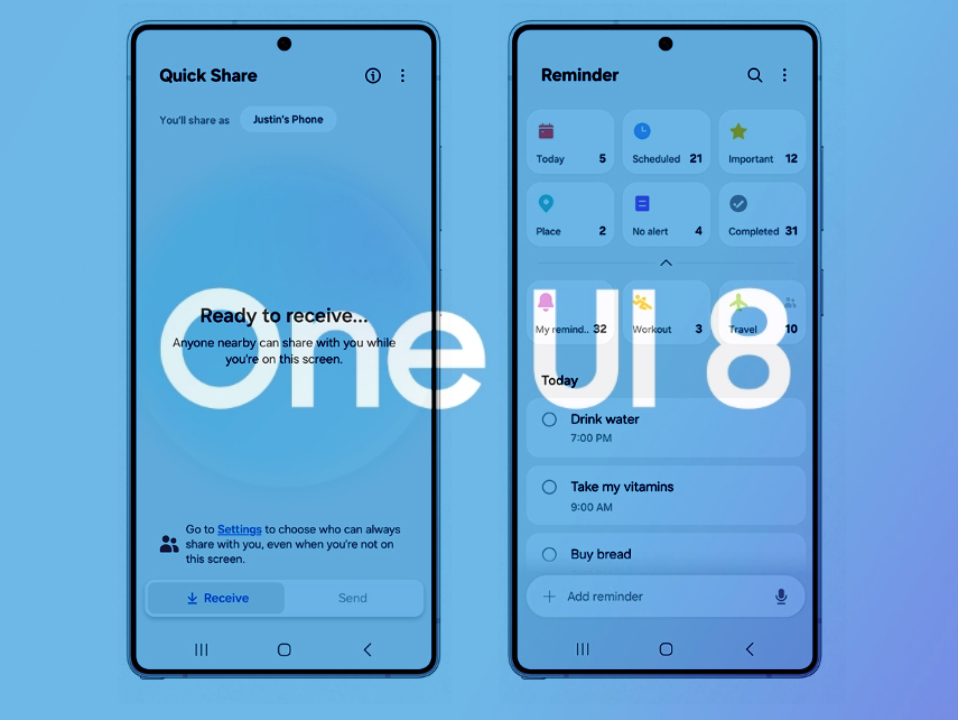
High-Quality Samsung Launches One Ui 8.5 Beta For Next-level Ease Of Use Photo for Desktop
Explore this high-quality samsung launches one ui 8.5 beta for next-level ease of use image, perfect for enhancing your desktop or mobile wallpaper.
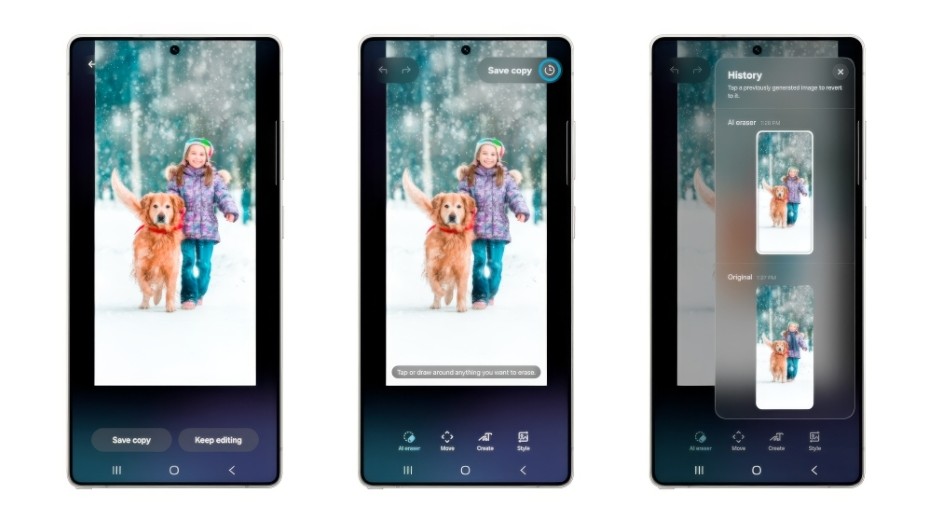
Amazing Samsung Launches One Ui 8.5 Beta For Next-level Ease Of Use Artwork Illustration
Experience the crisp clarity of this stunning samsung launches one ui 8.5 beta for next-level ease of use image, available in high resolution for all your screens.
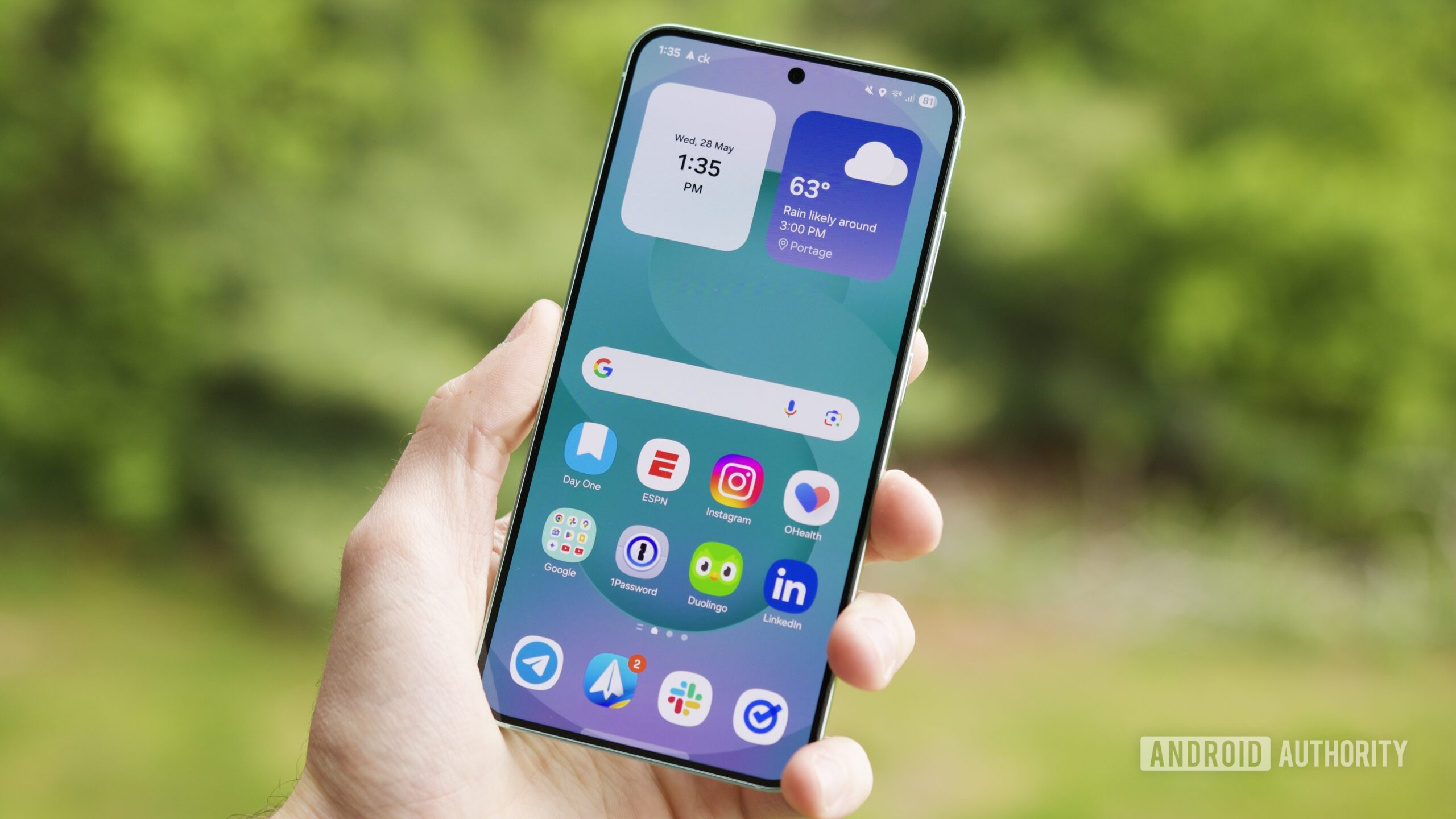
Spectacular Samsung Launches One Ui 8.5 Beta For Next-level Ease Of Use Background Concept
This gorgeous samsung launches one ui 8.5 beta for next-level ease of use photo offers a breathtaking view, making it a perfect choice for your next wallpaper.
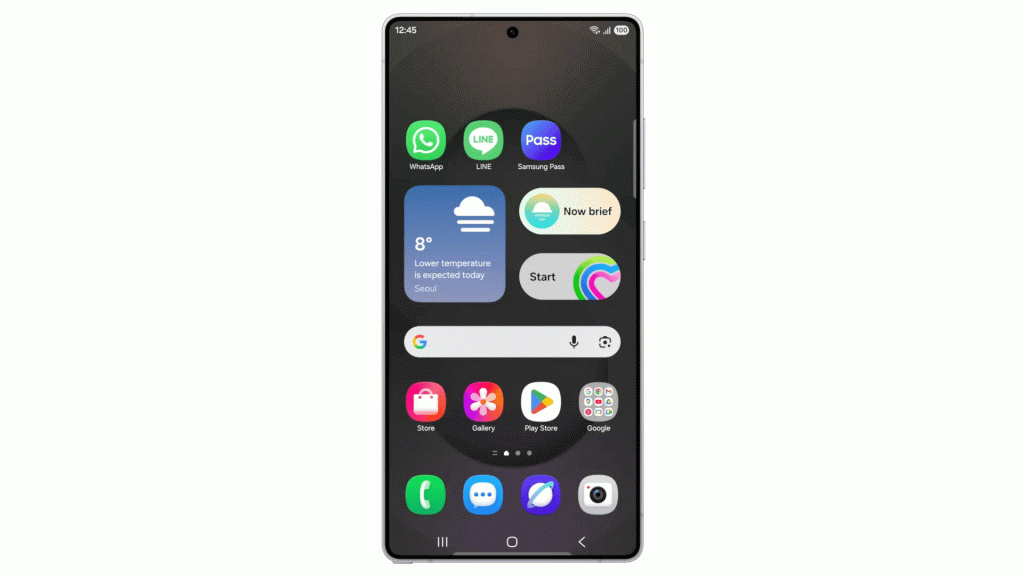
Beautiful Samsung Launches One Ui 8.5 Beta For Next-level Ease Of Use Background Collection
Experience the crisp clarity of this stunning samsung launches one ui 8.5 beta for next-level ease of use image, available in high resolution for all your screens.

Breathtaking Samsung Launches One Ui 8.5 Beta For Next-level Ease Of Use Photo in 4K
Discover an amazing samsung launches one ui 8.5 beta for next-level ease of use background image, ideal for personalizing your devices with vibrant colors and intricate designs.
Exquisite Samsung Launches One Ui 8.5 Beta For Next-level Ease Of Use Artwork in HD
This gorgeous samsung launches one ui 8.5 beta for next-level ease of use photo offers a breathtaking view, making it a perfect choice for your next wallpaper.
Vibrant Samsung Launches One Ui 8.5 Beta For Next-level Ease Of Use Capture for Mobile
Transform your screen with this vivid samsung launches one ui 8.5 beta for next-level ease of use artwork, a true masterpiece of digital design.

Dynamic Samsung Launches One Ui 8.5 Beta For Next-level Ease Of Use Abstract in 4K
A captivating samsung launches one ui 8.5 beta for next-level ease of use scene that brings tranquility and beauty to any device.
Serene Samsung Launches One Ui 8.5 Beta For Next-level Ease Of Use Design for Desktop
Explore this high-quality samsung launches one ui 8.5 beta for next-level ease of use image, perfect for enhancing your desktop or mobile wallpaper.

Breathtaking Samsung Launches One Ui 8.5 Beta For Next-level Ease Of Use Image Art
Experience the crisp clarity of this stunning samsung launches one ui 8.5 beta for next-level ease of use image, available in high resolution for all your screens.

Artistic Samsung Launches One Ui 8.5 Beta For Next-level Ease Of Use View for Desktop
A captivating samsung launches one ui 8.5 beta for next-level ease of use scene that brings tranquility and beauty to any device.

Crisp Samsung Launches One Ui 8.5 Beta For Next-level Ease Of Use Landscape Digital Art
This gorgeous samsung launches one ui 8.5 beta for next-level ease of use photo offers a breathtaking view, making it a perfect choice for your next wallpaper.

Gorgeous Samsung Launches One Ui 8.5 Beta For Next-level Ease Of Use Scene for Desktop
This gorgeous samsung launches one ui 8.5 beta for next-level ease of use photo offers a breathtaking view, making it a perfect choice for your next wallpaper.
Crisp Samsung Launches One Ui 8.5 Beta For Next-level Ease Of Use Abstract for Mobile
This gorgeous samsung launches one ui 8.5 beta for next-level ease of use photo offers a breathtaking view, making it a perfect choice for your next wallpaper.
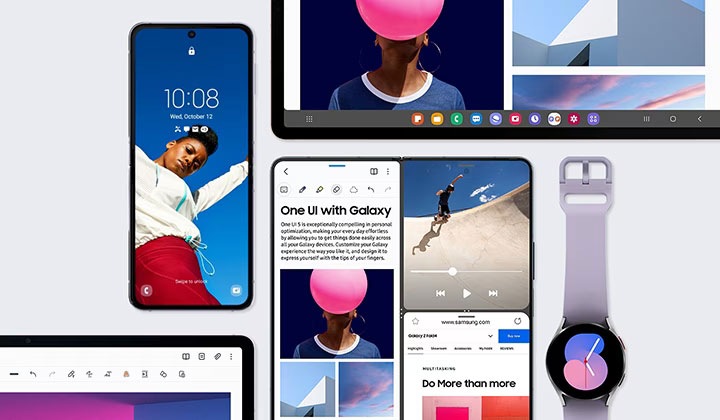
Detailed Samsung Launches One Ui 8.5 Beta For Next-level Ease Of Use Image Digital Art
Explore this high-quality samsung launches one ui 8.5 beta for next-level ease of use image, perfect for enhancing your desktop or mobile wallpaper.
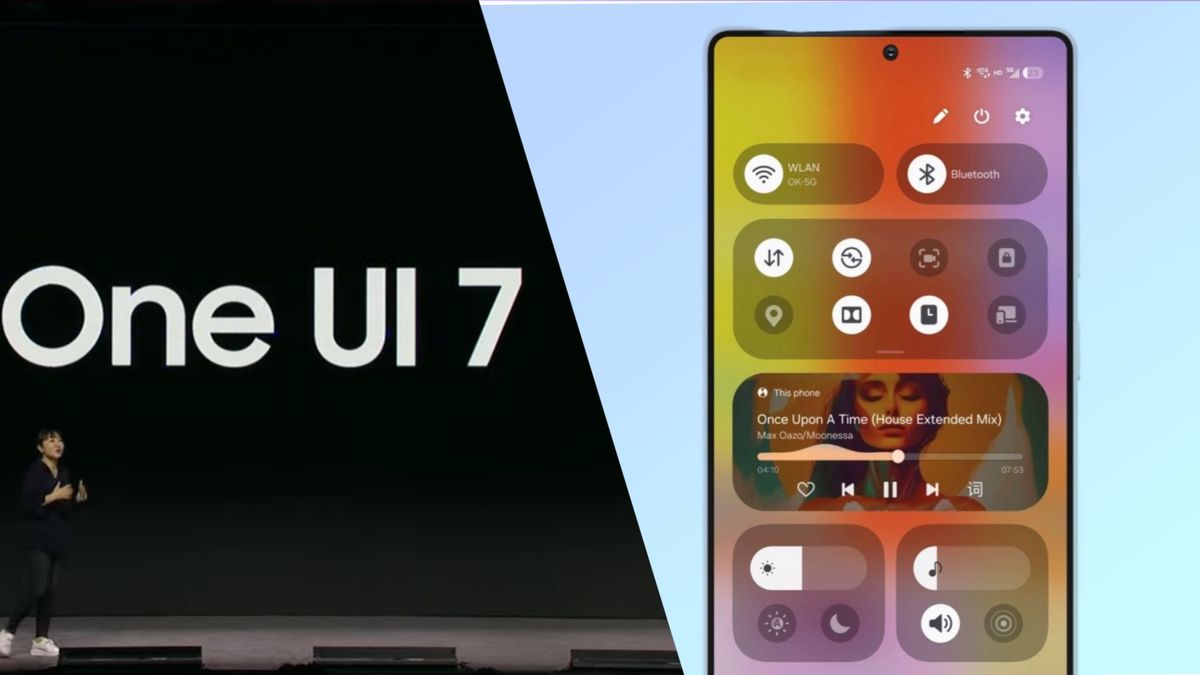
Exquisite Samsung Launches One Ui 8.5 Beta For Next-level Ease Of Use Picture for Mobile
A captivating samsung launches one ui 8.5 beta for next-level ease of use scene that brings tranquility and beauty to any device.

Crisp Samsung Launches One Ui 8.5 Beta For Next-level Ease Of Use Scene for Mobile
Find inspiration with this unique samsung launches one ui 8.5 beta for next-level ease of use illustration, crafted to provide a fresh look for your background.

High-Quality Samsung Launches One Ui 8.5 Beta For Next-level Ease Of Use Artwork Illustration
Explore this high-quality samsung launches one ui 8.5 beta for next-level ease of use image, perfect for enhancing your desktop or mobile wallpaper.

High-Quality Samsung Launches One Ui 8.5 Beta For Next-level Ease Of Use Photo Art
Experience the crisp clarity of this stunning samsung launches one ui 8.5 beta for next-level ease of use image, available in high resolution for all your screens.
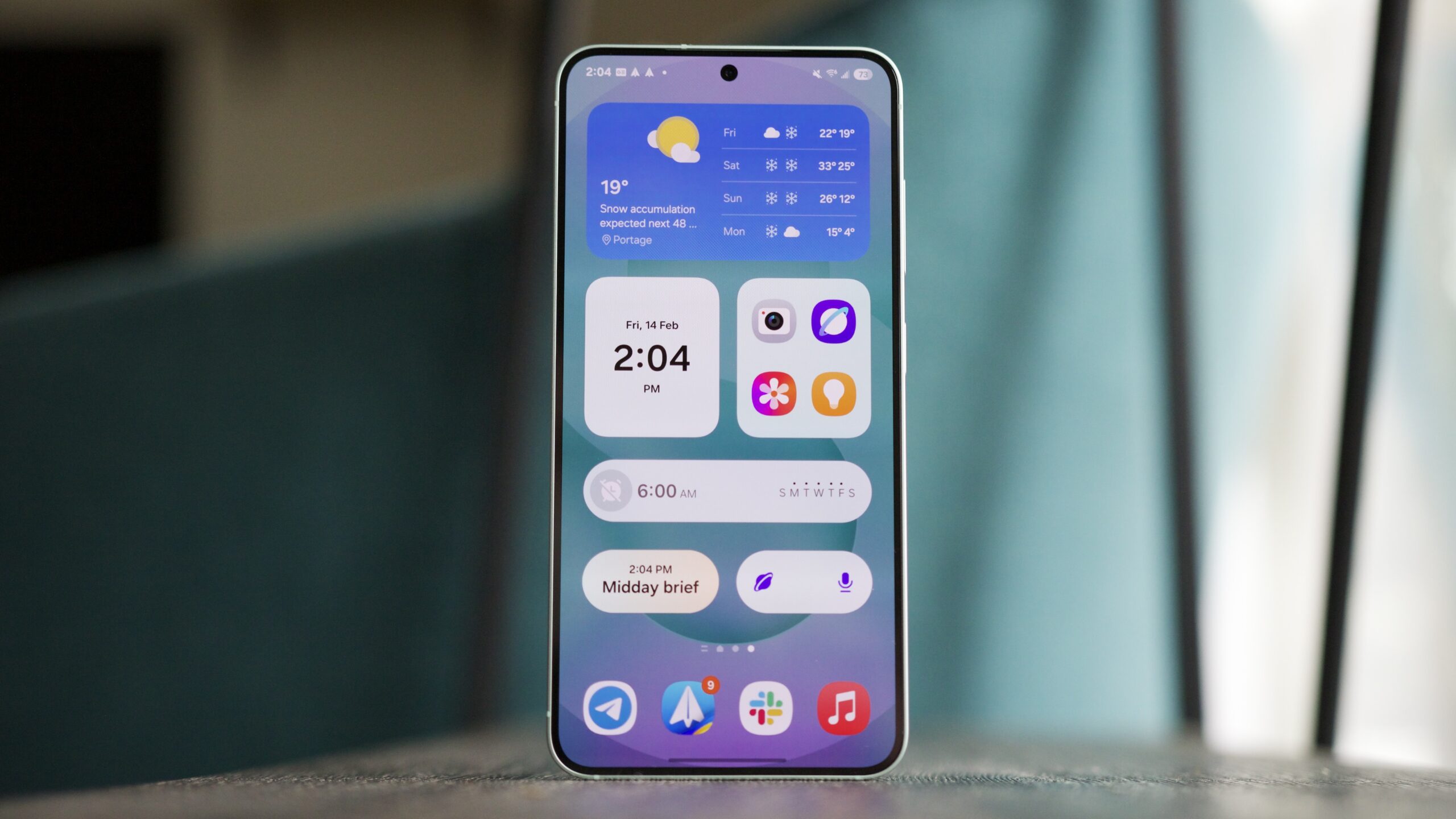
Lush Samsung Launches One Ui 8.5 Beta For Next-level Ease Of Use Design Collection
Find inspiration with this unique samsung launches one ui 8.5 beta for next-level ease of use illustration, crafted to provide a fresh look for your background.
Download these samsung launches one ui 8.5 beta for next-level ease of use wallpapers for free and use them on your desktop or mobile devices.