Paint Scanner App
The Ultimate Guide to the Paint Scanner App: Match Colors Like a Pro
Ever fallen in love with a color you saw on a piece of furniture, a vintage dress, or even a sunset, and desperately wished you could replicate it on your walls? The struggle to accurately match an existing paint color is real.
In the past, this meant carrying around clumsy physical swatches and squinting under harsh store lighting. But those days are long gone. Welcome to the digital age of interior design, powered by the incredible utility of the Paint Scanner App.
This comprehensive guide will walk you through everything you need to know about these indispensable tools, helping you turn any inspirational color into a tangible reality.
What Exactly is a Paint Scanner App?
A Paint Scanner App, often referred to as a digital color finder or color identification app, is a smartphone application designed to capture, analyze, and identify colors in the real world.
These apps typically utilize your phone's camera to read the color data of a surface, translating that visual information into standardized color codes (like RGB or HEX) and then cross-referencing it with large databases of commercially available paint colors.
It acts like a miniature, portable spectrophotometer, giving you the power of professional color measurement right in your pocket. Whether you are a professional designer or a DIY enthusiast, this app is a game changer for accuracy and convenience.
How Does the Technology Work?
The core functionality relies on sophisticated algorithms and your phone's camera sensor. When you point your camera at a surface, the app processes the light reflected from that object.
It then analyzes the intensity of the red, green, and blue (RGB) components of that light. These numerical values are then mapped to specific paint manufacturer color systems, such as NCS or RAL codes, or direct matches to Sherwin-Williams, Behr, or Benjamin Moore palettes.
While the basic camera function provides impressive results, some premium apps also allow connectivity with external hardware scanners for professional-grade, highly precise color identification, minimizing the distortion caused by ambient light.
Why You Need a Digital Color Finder
The benefits of using a dedicated Paint Scanner App extend far beyond simple convenience. They fundamentally improve the accuracy and efficiency of color selection for any project.
Forget the stress of trying to hold a tiny swatch up against a wall and hoping for the best. These apps provide verifiable data points, reducing guesswork significantly.
Solving the Color Matching Dilemma
Have you ever needed to touch up a wall but couldn't remember the exact shade used years ago? This is where the app shines.
A quick scan of the existing wall can pinpoint the exact match or the closest possible equivalent from thousands of historical and current colors. This ability to match existing paint, even when slightly faded or obscured, saves tremendous time and frustration during renovations or repairs.
Convenience and Speed
The speed of identification is unmatched. Instead of traveling to the hardware store multiple times, you can capture color inspiration instantly, wherever you are.
Whether you're browsing a flea market or walking through a garden, the perfect shade is just a photo away. This portability makes the color selection process seamless and integrated into your daily life.
Accessing Manufacturer Palettes
Most quality Paint Scanner Apps come pre-loaded with extensive libraries from major paint companies.
This means when you scan a blue pillow, the app doesn't just give you a generic blue code; it tells you, "This is Benjamin Moore's 'Ocean Blue'" or "This matches Sherwin-Williams' 'Naval'." This immediate link to purchasable products eliminates an extra step in your workflow.
Choosing the Best Paint Scanner App
The market is flooded with options, but not all apps are created equal. Choosing the right one depends heavily on your specific needs and the depth of color accuracy required for your project.
Look for apps that are regularly updated, highly rated, and offer integrations with major brands you trust.
Key Features to Look For
A truly effective digital color finder should offer more than just a simple color identification. It needs features that aid in visualization and project management.
Keep an eye out for these essential capabilities when downloading a new Paint Scanner App:
- Large Database: Ensure the app includes tens of thousands of colors and covers multiple major paint brands globally.
- Color Palettes/Harmonies: The ability to suggest complementary colors, triads, or analogous schemes based on your scanned color.
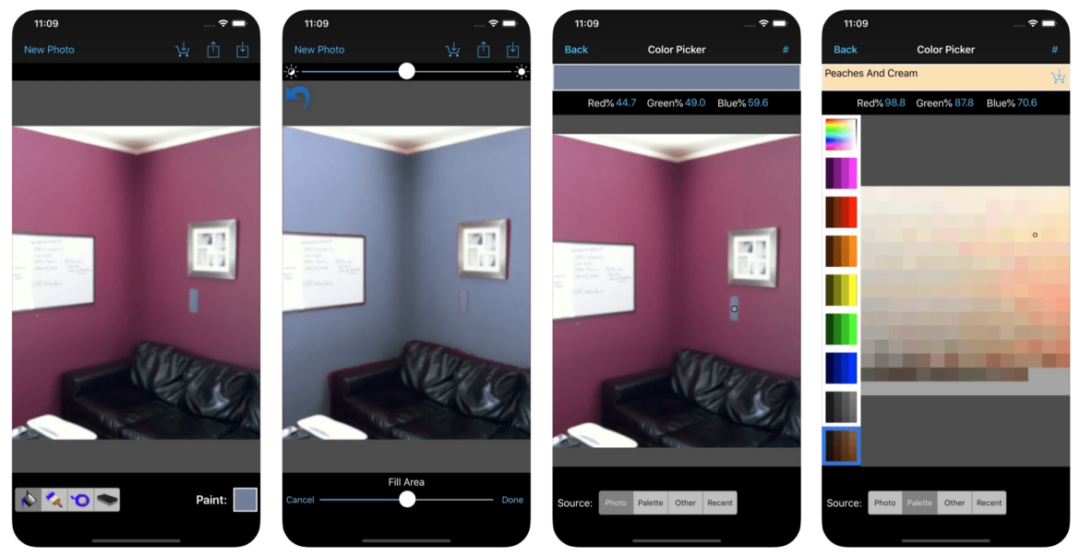
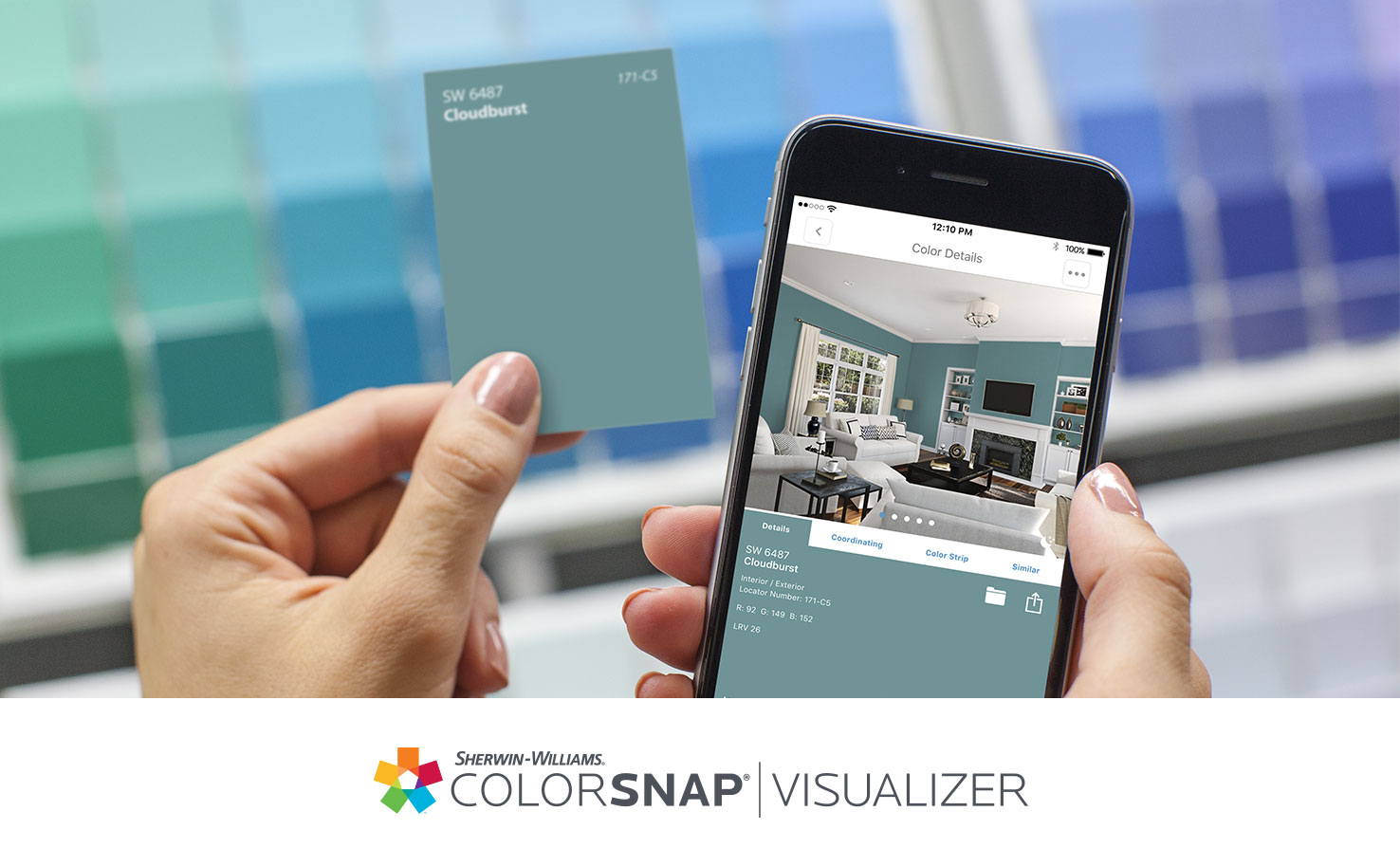
- Virtual Painting Feature: Many apps now allow you to upload a photo of your room and "paint" the scanned color onto the walls virtually.
- Project Organization: Features allowing you to save scanned colors into named project folders for easy future reference.
- Export Options: The ability to export color data (HEX, RGB) or specific manufacturer codes to share with painters or designers.
Top Contenders in the Market
While the "best" app is subjective, several leading options consistently deliver high performance and reliability. Often, paint manufacturers themselves develop the most accurate apps because they integrate directly with their proprietary color libraries.
- Manufacturer Apps (e.g., Sherwin-Williams ColorSnap): Excellent for accuracy within that specific brand's system, often featuring the best visualization tools.
- Independent Digital Color Identification Apps: These often integrate multiple brand databases and are great for users who mix and match different suppliers.
- Apps Paired with Hardware: Ideal for professionals who require lab-level accuracy by pairing the phone app with a dedicated physical scanning device.
Tips for Achieving Perfect Color Identification
Using a Paint Scanner App is easy, but getting a perfect match requires a little finesse. Remember that the accuracy of the result depends heavily on the input data—what your phone's camera sees.
Lighting is Everything
The single biggest factor affecting your scan is lighting. Avoid scanning under direct, harsh spotlights or low-quality artificial light, as this can dramatically skew the color tone captured by the camera.
Natural daylight (not direct sun) is usually the best environment for scanning. If you must scan indoors, use a neutral, white light source. Furthermore, ensure no shadows are cast directly over the area you are trying to capture.
Calibrating Your Phone
While the app provides the exact paint code, keep in mind that the color you see displayed on your screen may not be 100% accurate. Mobile screens display colors slightly differently based on their calibration settings.
For crucial professional projects, always cross-reference the digital reading with a physical swatch. Use the Paint Scanner App to narrow down the options, but always finalize the selection using a physical reference under the actual lighting condition of the room.
Conclusion
The Paint Scanner App is truly revolutionary for anyone involved in interior design, decorating, or DIY home improvement. It removes the stress and uncertainty from color matching, replacing it with speed, accuracy, and digital convenience.
By understanding how these apps work, choosing one with robust features, and following best practices for lighting and calibration, you can effortlessly capture inspiration from the world around you and translate it perfectly into your next paint project. Say goodbye to swatch books and hello to instant color matching!
Frequently Asked Questions (FAQ) About the Paint Scanner App
- Can a Paint Scanner App match exact colors on non-painted materials?
- Yes, absolutely! The app scans the color data regardless of the material—be it fabric, wood, stone, or plastic. It then finds the closest corresponding paint color available in its database.
- Are these apps completely free?
- Many basic Paint Scanner Apps offered by major paint companies (like Behr or Sherwin-Williams) are free to download and use. However, some independent apps or those that connect to professional hardware may require a subscription or purchase.
- How accurate is the color identification using just a smartphone camera?
- For general home use and initial identification, the accuracy is very high (usually within 90-95% for determining the shade family). For highly sensitive, professional work, using an external, calibrated color reader that connects via Bluetooth to the app is recommended for near-perfect results.
- Does ambient light really matter that much?
- Yes, significantly. A yellow or warm light bulb will make a surface appear warmer, leading the app to identify a yellower paint color than is truly present. Always use bright, neutral, and indirect lighting for the most reliable results with your Paint Scanner App.
Paint Scanner App
Paint Scanner App Wallpapers
Collection of paint scanner app wallpapers for your desktop and mobile devices.
Vibrant Paint Scanner App Wallpaper in HD
Experience the crisp clarity of this stunning paint scanner app image, available in high resolution for all your screens.
Spectacular Paint Scanner App View Illustration
Find inspiration with this unique paint scanner app illustration, crafted to provide a fresh look for your background.
Amazing Paint Scanner App Capture in HD
Explore this high-quality paint scanner app image, perfect for enhancing your desktop or mobile wallpaper.
Artistic Paint Scanner App Scene Illustration
A captivating paint scanner app scene that brings tranquility and beauty to any device.
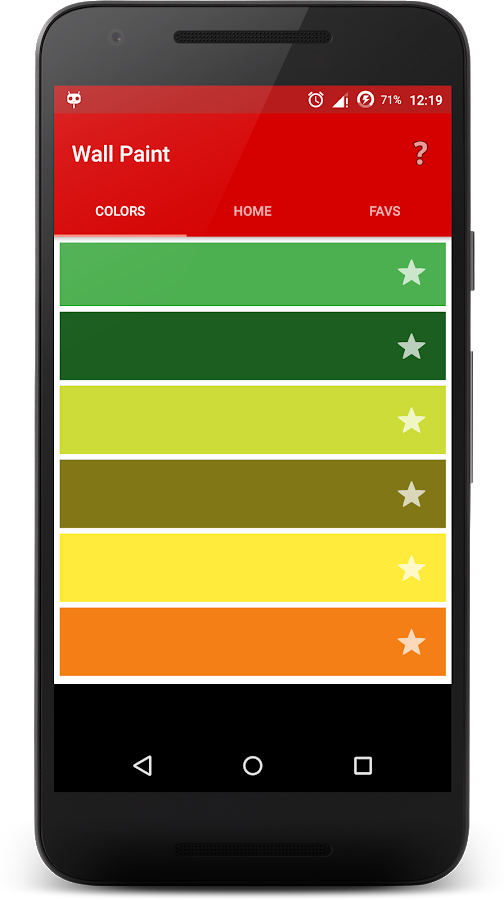
Gorgeous Paint Scanner App Abstract Collection
Find inspiration with this unique paint scanner app illustration, crafted to provide a fresh look for your background.

Artistic Paint Scanner App Image in HD
This gorgeous paint scanner app photo offers a breathtaking view, making it a perfect choice for your next wallpaper.
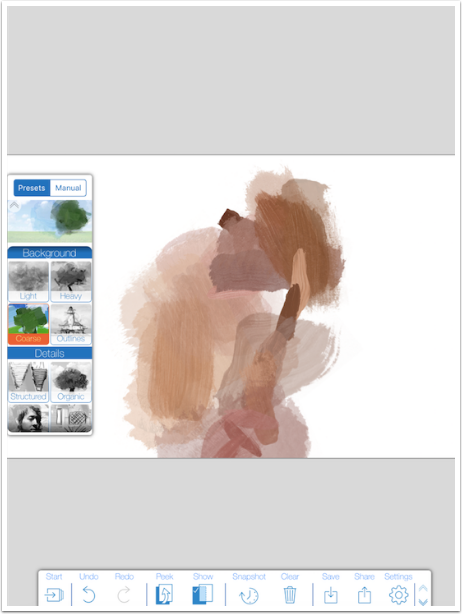
Vibrant Paint Scanner App Photo Art
Transform your screen with this vivid paint scanner app artwork, a true masterpiece of digital design.

Captivating Paint Scanner App Photo in HD
Find inspiration with this unique paint scanner app illustration, crafted to provide a fresh look for your background.

Vivid Paint Scanner App Capture Collection
Discover an amazing paint scanner app background image, ideal for personalizing your devices with vibrant colors and intricate designs.
Serene Paint Scanner App Moment Art
Explore this high-quality paint scanner app image, perfect for enhancing your desktop or mobile wallpaper.
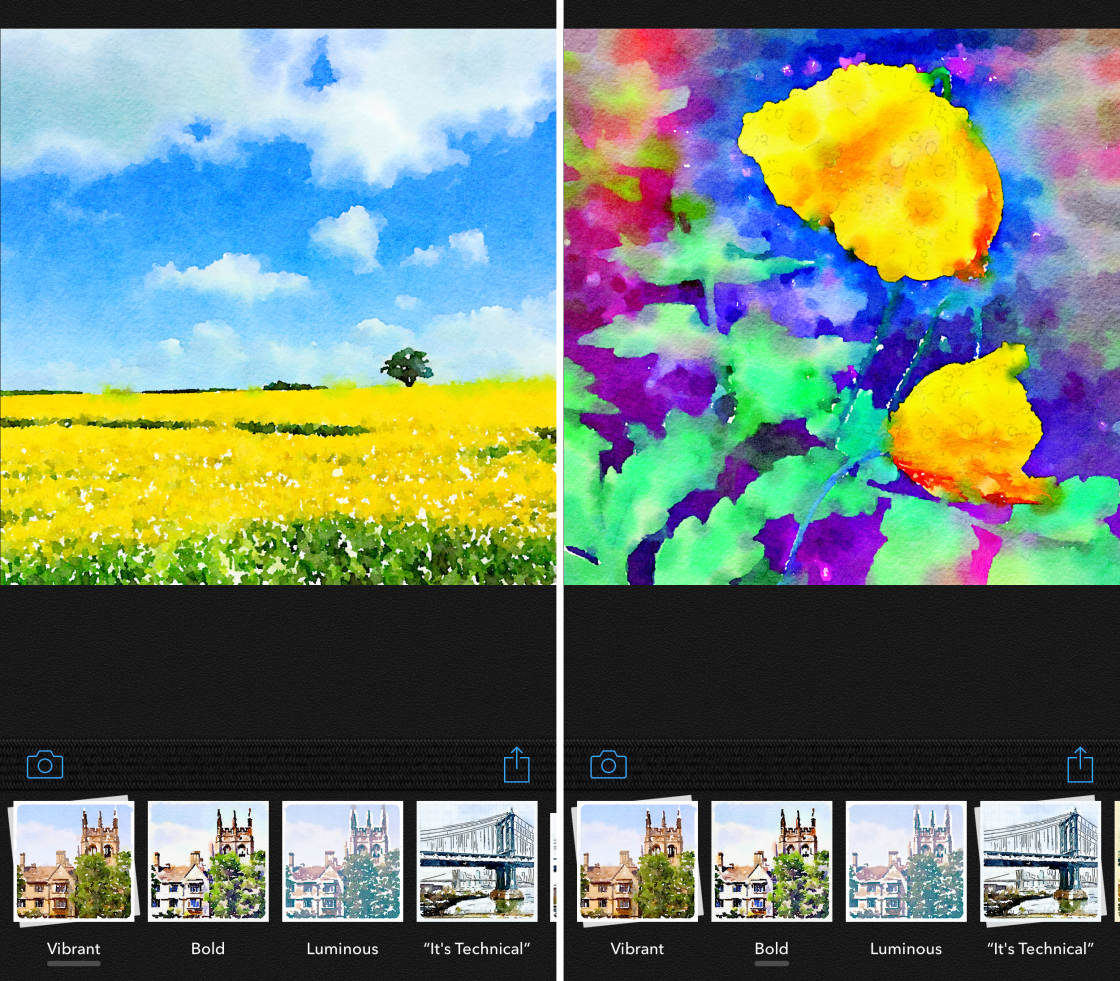
Exquisite Paint Scanner App Scene Concept
A captivating paint scanner app scene that brings tranquility and beauty to any device.
Stunning Paint Scanner App Artwork Illustration
Find inspiration with this unique paint scanner app illustration, crafted to provide a fresh look for your background.

Breathtaking Paint Scanner App Scene Concept
Experience the crisp clarity of this stunning paint scanner app image, available in high resolution for all your screens.
Mesmerizing Paint Scanner App Scene Photography
Experience the crisp clarity of this stunning paint scanner app image, available in high resolution for all your screens.
Lush Paint Scanner App Moment for Your Screen
A captivating paint scanner app scene that brings tranquility and beauty to any device.
Stunning Paint Scanner App Background for Mobile
This gorgeous paint scanner app photo offers a breathtaking view, making it a perfect choice for your next wallpaper.
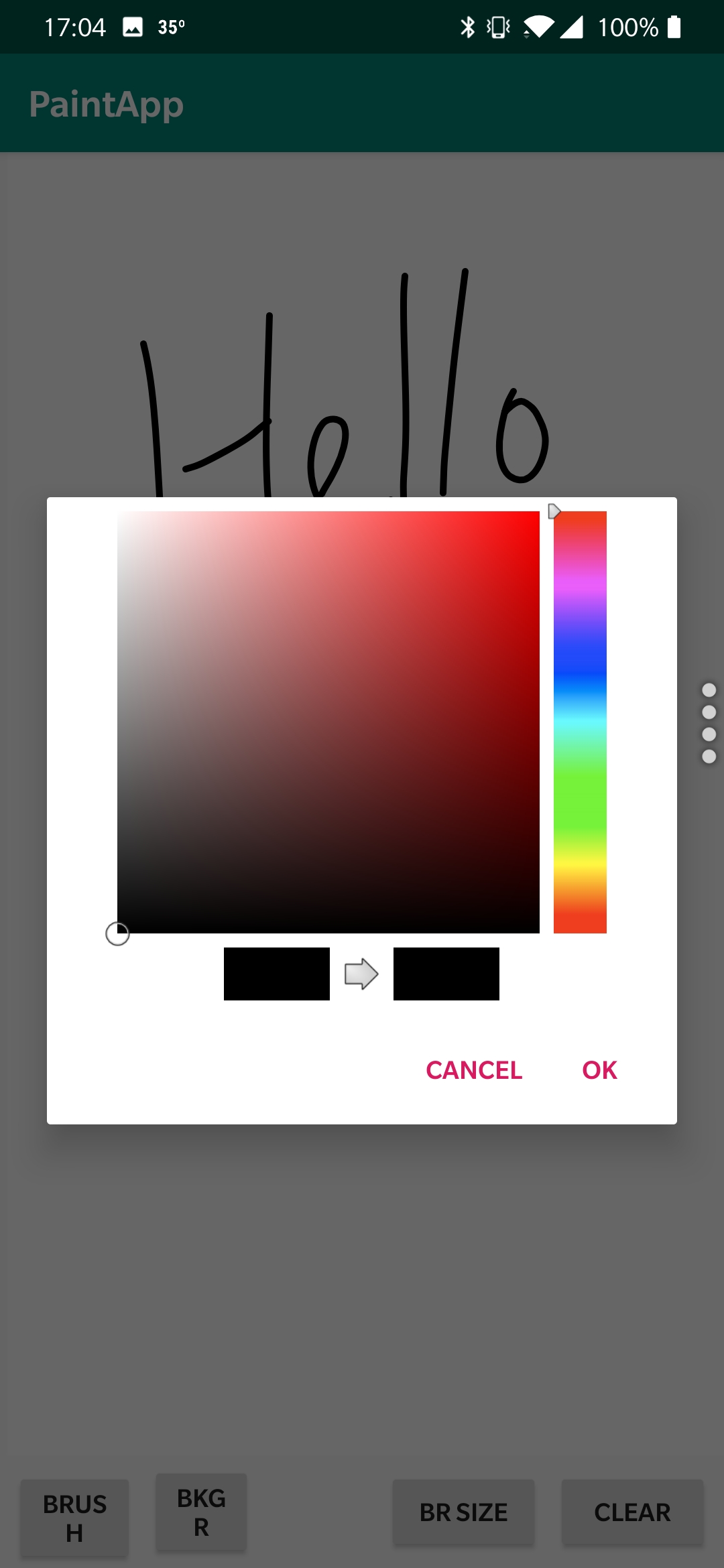
Gorgeous Paint Scanner App Background Illustration
This gorgeous paint scanner app photo offers a breathtaking view, making it a perfect choice for your next wallpaper.

Breathtaking Paint Scanner App Scene for Mobile
Experience the crisp clarity of this stunning paint scanner app image, available in high resolution for all your screens.
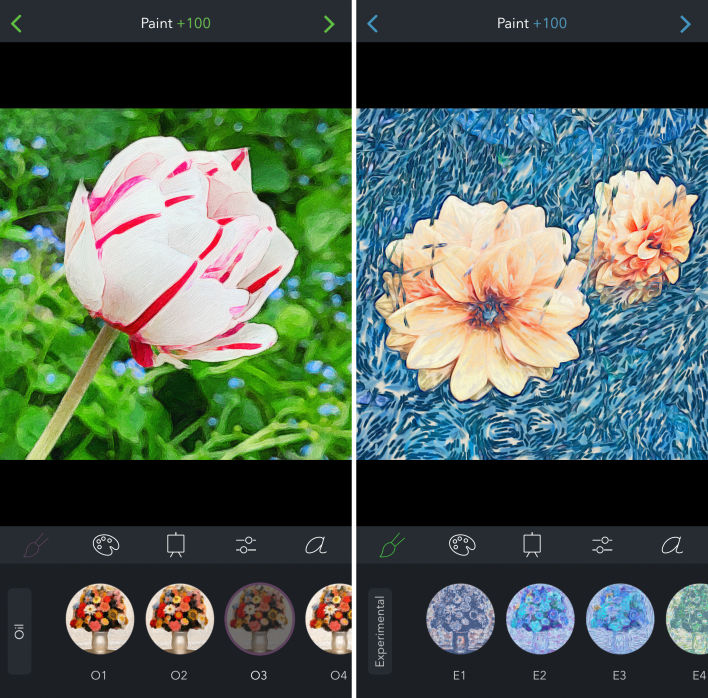
Exquisite Paint Scanner App Design Photography
Find inspiration with this unique paint scanner app illustration, crafted to provide a fresh look for your background.
Dynamic Paint Scanner App Photo Photography
This gorgeous paint scanner app photo offers a breathtaking view, making it a perfect choice for your next wallpaper.
Download these paint scanner app wallpapers for free and use them on your desktop or mobile devices.