Paint App Art
The Ultimate Guide to Creating Amazing Paint App Art
Have you ever watched someone effortlessly sketch a masterpiece on a tablet and wondered if you could do the same? The answer is a resounding yes! Welcome to the exciting world of Paint App Art—a creative field that blends traditional artistic principles with the immense power of digital tools. Whether you are a seasoned painter looking to go digital or a total beginner just looking for a fun hobby, digital painting apps have revolutionized how we create.
This comprehensive guide will walk you through everything you need to know, from choosing the right software to mastering essential techniques. Get ready to unleash your inner artist, because the digital canvas is waiting for you!
What Exactly is Paint App Art?
Simply put, Paint App Art refers to any artwork created using specialized software applications designed for digital drawing and painting. Unlike traditional media (like physical paint or charcoal), digital art provides infinite undo buttons, perfectly symmetrical tools, and a virtually unlimited palette of colors and textures.
The beauty of this medium lies in its accessibility. You don't need an expensive studio setup; all you really need is a device—it could be a professional graphics tablet, a laptop, or even just your smartphone. Furthermore, the ability to work non-destructively (meaning you can make changes without ruining the original work) makes experimentation fun and stress-free.
Many professional artists today rely heavily on digital painting because it streamlines their workflow. It allows for quick edits, easy sharing, and the integration of photographic elements or 3D models. Therefore, mastering Paint App Art is a crucial skill in the modern creative industry.
Choosing Your Digital Canvas: The Best Paint Apps
The first step in creating fantastic Paint App Art is selecting the right tool for your specific needs. There is a vast array of software available, ranging from free basic tools to powerful industry standards. Your choice usually depends on your device, budget, and desired level of complexity.
Professional Tools for Detailed Paint App Art
These applications are often subscription-based or require a one-time purchase, offering extensive brush libraries, superior layer management, and high-resolution output essential for complex projects like concept art or detailed illustration.
- Adobe Photoshop: The industry standard, known for its powerful editing capabilities, though its painting tools are also top-notch. It's perfect for integrating photo manipulation into your digital art.
- Corel Painter: Famous for its realistic simulation of traditional media, offering brushes that truly feel like oil, watercolor, or pastel. This is a favorite among artists transitioning from physical media.
- Clip Studio Paint (Manga Studio): Highly recommended for comic artists, illustrators, and animators. It offers specific features like perspective rulers and advanced inking tools, making certain aspects of Paint App Art much faster.
- Procreate (iOS/iPad Only): While mobile-focused, it has the processing power and feature set of professional desktop software. Its intuitive interface has made it a favorite for many professional illustrators on the go.
Beginner-Friendly Mobile Options
If you are just starting out or primarily work on a budget, these apps offer fantastic entry points into Paint App Art without a steep learning curve or high cost.
- Ibis Paint X: Extremely popular on mobile devices, offering thousands of brushes and tutorials that make the learning process manageable for beginners.
- Autodesk Sketchbook: Known for its clean user interface and excellent drawing engine. Best of all, it is typically free across all platforms (desktop and mobile).
- Krita: A powerful, open-source, and free alternative primarily designed for Linux and Windows, but gaining traction. It is incredibly feature-rich, making it an excellent budget-friendly professional option.
Essential Techniques for Stunning Paint App Art
Once you've settled on your software, it's time to dive into the core techniques that differentiate amateur sketches from polished digital paintings. Digital art introduces unique workflow elements that you must utilize effectively.
Mastering Layers and Blending Modes
Layers are the foundational concept in all digital art. Think of them as transparent sheets stacked on top of each other. This allows you to organize your work and make modifications to one element (like the background) without affecting others (like your main character).
A good rule of thumb is to separate major elements onto distinct layers:
- Layer 1: Sketch/Line Art
- Layer 2: Flat Base Colors
- Layer 3: Shadows/Shading
- Layer 4: Highlights/Lighting Effects
- Layer 5: Background
Furthermore, blending modes (like Multiply, Screen, Overlay) are essential for achieving professional lighting and color effects. For instance, using the Multiply blending mode on a dark color layer above your base color is the quickest way to lay down realistic shadows. Conversely, using Screen or Overlay is perfect for adding vibrant light sources.
Tips for Achieving Realistic Textures
Realistic textures bring life and depth to your Paint App Art. Digital brushes are your best friend here, but knowing how to apply them matters most.
Start by observing real-life materials. Does the material reflect light (like metal) or absorb it (like cotton)? Use textured brushes—not just stamps—to apply texture subtly. You should avoid drawing every individual detail; instead, use the brush to suggest texture, focusing on how the light interacts with the surface.
Also, utilize reference images heavily. A common mistake beginners make is relying purely on memory, which leads to flat, unrealistic surfaces. Look up photos of wood, leather, or stone to understand how light falls and how fibers or cracks appear.
Overcoming Challenges and Finding Inspiration
Even with the best tools, you might hit roadblocks. Learning digital painting takes time, patience, and persistent practice. Don't be discouraged if your first few attempts at Paint App Art don't look exactly as you imagined.
One common challenge is avoiding the "digital look," where the art appears sterile or artificial. To combat this, experiment with custom brushes that have imperfections built into them, simulating the roughness of physical paint.
If you face artist's block, try these inspiration techniques:
- The Limited Palette Challenge: Force yourself to create a piece using only three or four colors. This improves your understanding of color theory and light mixing.
- Study the Masters: Digitally reproduce a section of a painting by a traditional master (like Rembrandt or Monet) to understand their use of light, shadow, and composition.
- Join Digital Communities: Share your work and view others' art on platforms like ArtStation, DeviantArt, or Instagram. Feedback is invaluable for growth in Paint App Art.
Remember that every professional artist started where you are now. Consistent, focused practice is the key to mastering your craft.
Conclusion
The journey into Paint App Art is an incredibly rewarding one. By selecting the right digital tools, understanding the power of layers and blending modes, and committing to regular practice, you can transition from simple sketches to complex, vibrant digital illustrations.
Whether you choose a powerful desktop application like Photoshop or a streamlined mobile app like Procreate, the creative potential is limitless. Embrace the digital canvas, keep experimenting with textures and light, and soon you will be creating stunning pieces of Paint App Art that truly stand out. Happy painting!
Frequently Asked Questions (FAQ) about Paint App Art
- What hardware do I need for Paint App Art?
- While you can start on any device, serious digital artists typically use a graphics tablet (like Wacom or Huion) connected to a PC/Mac, or a dedicated tablet like the iPad Pro with an Apple Pencil. The key requirement is pressure sensitivity, which mimics real brushes.
- Is Paint App Art easier than traditional painting?
- It is different, not necessarily easier. Digital art removes physical constraints (like running out of paint or space) and offers powerful editing tools (like the undo button). However, it still requires the same foundational knowledge of anatomy, perspective, color theory, and light required for traditional painting.
- How do I find high-quality brushes?
- Most major software (like Procreate, Photoshop, and Clip Studio Paint) allow users to import custom brushes. Many artists and companies sell or offer free brush packs online. Look for brushes specifically designed for the type of texture or effect you are trying to achieve (e.g., oil, charcoal, or line art).
- What resolution should I use for my digital canvas?
- If you plan to print your Paint App Art, you should aim for a high resolution (at least 300 DPI) and set the physical size accordingly (e.g., 8.5x11 inches). If your art is purely for web use, 72 DPI is sufficient, but keep the pixel dimensions large (e.g., 2000px on the longest side) to allow for detailing.
Paint App Art
Paint App Art Wallpapers
Collection of paint app art wallpapers for your desktop and mobile devices.

Artistic Paint App Art Image in HD
This gorgeous paint app art photo offers a breathtaking view, making it a perfect choice for your next wallpaper.

Breathtaking Paint App Art Image in HD
Discover an amazing paint app art background image, ideal for personalizing your devices with vibrant colors and intricate designs.

Artistic Paint App Art Background for Your Screen
Find inspiration with this unique paint app art illustration, crafted to provide a fresh look for your background.

Beautiful Paint App Art View Digital Art
Experience the crisp clarity of this stunning paint app art image, available in high resolution for all your screens.
Stunning Paint App Art Landscape Concept
Immerse yourself in the stunning details of this beautiful paint app art wallpaper, designed for a captivating visual experience.
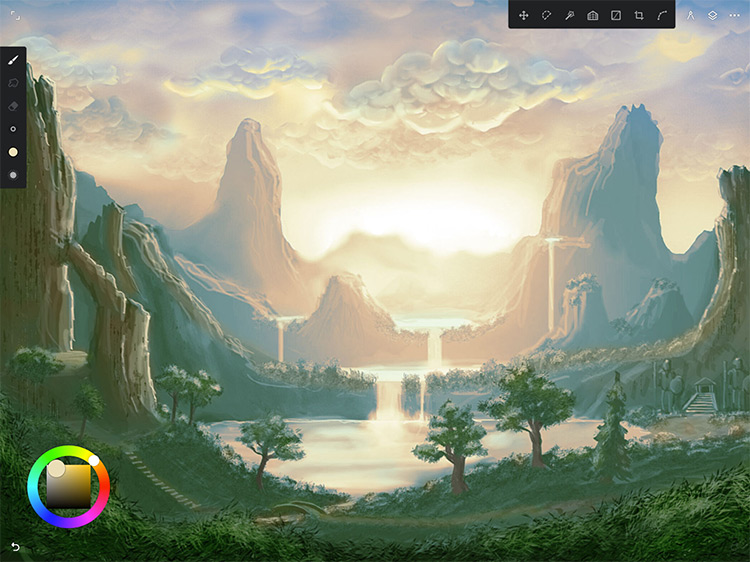
Beautiful Paint App Art Wallpaper Concept
Experience the crisp clarity of this stunning paint app art image, available in high resolution for all your screens.
Dynamic Paint App Art Photo for Mobile
This gorgeous paint app art photo offers a breathtaking view, making it a perfect choice for your next wallpaper.

Stunning Paint App Art Background for Desktop
A captivating paint app art scene that brings tranquility and beauty to any device.
Gorgeous Paint App Art Abstract Collection
Find inspiration with this unique paint app art illustration, crafted to provide a fresh look for your background.
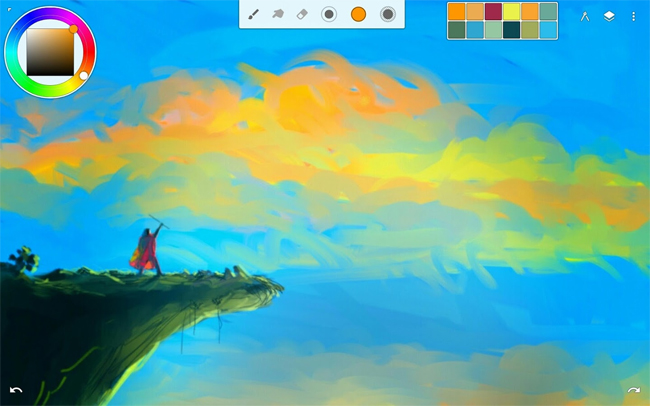
Lush Paint App Art Wallpaper for Your Screen
A captivating paint app art scene that brings tranquility and beauty to any device.

Breathtaking Paint App Art Moment Concept
Experience the crisp clarity of this stunning paint app art image, available in high resolution for all your screens.
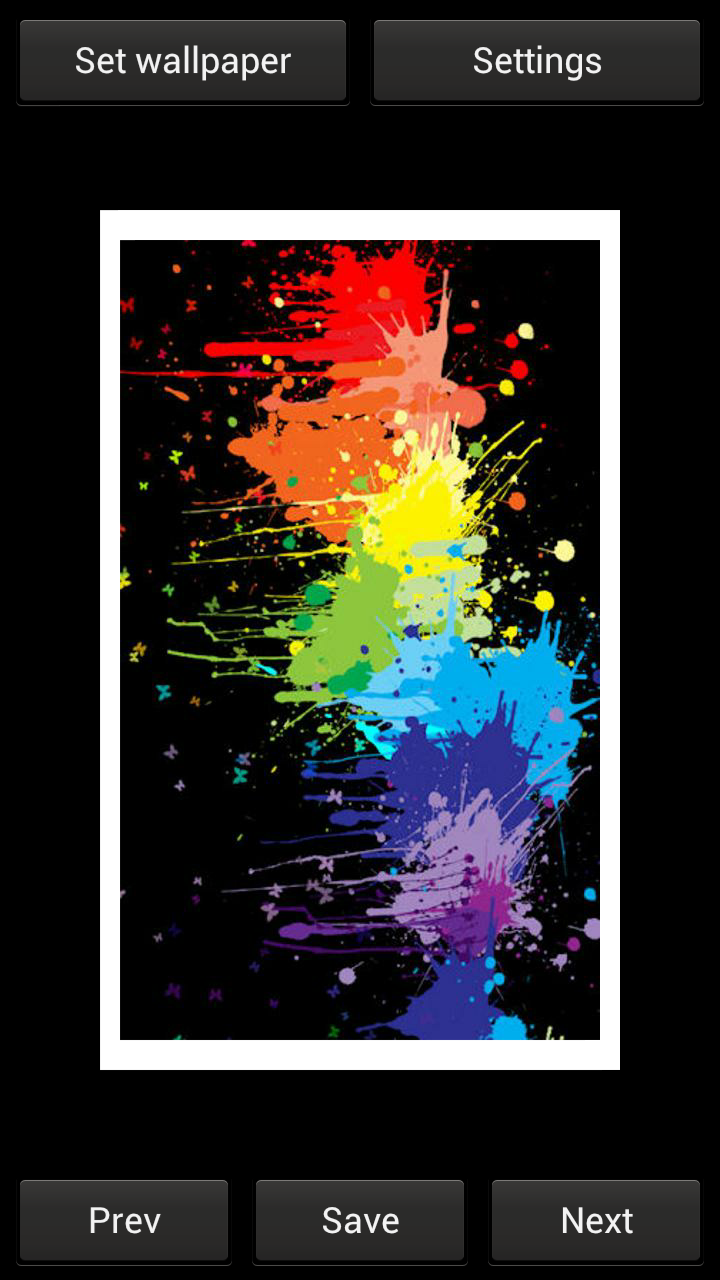
High-Quality Paint App Art Landscape in 4K
Experience the crisp clarity of this stunning paint app art image, available in high resolution for all your screens.
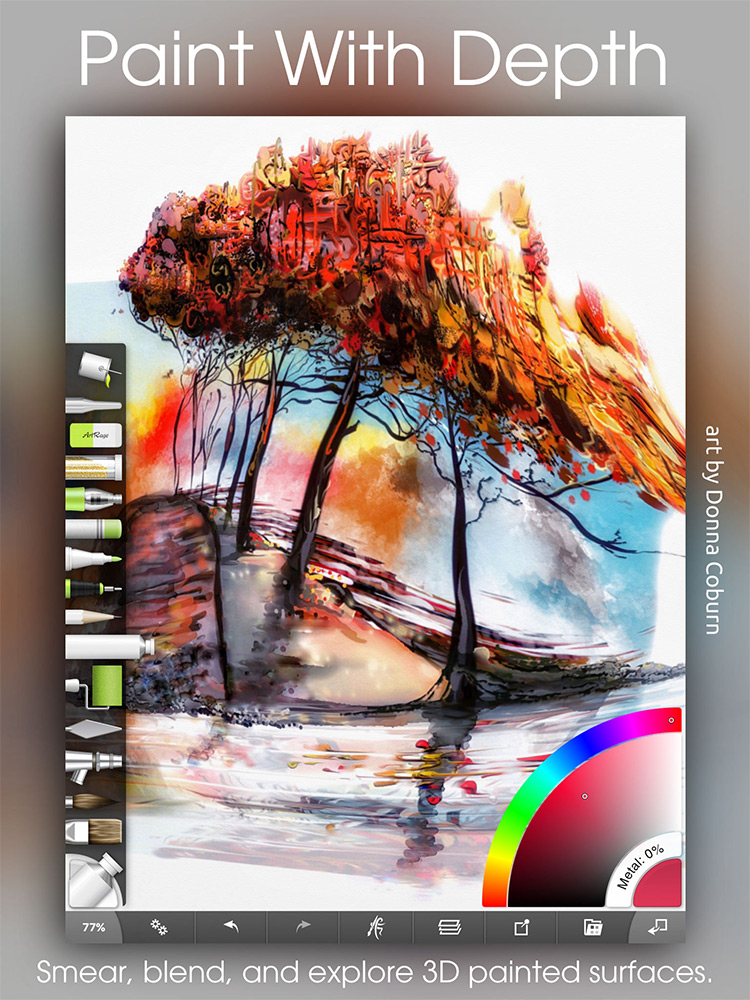
High-Quality Paint App Art Picture for Desktop
Explore this high-quality paint app art image, perfect for enhancing your desktop or mobile wallpaper.

Vivid Paint App Art Capture Collection
Discover an amazing paint app art background image, ideal for personalizing your devices with vibrant colors and intricate designs.
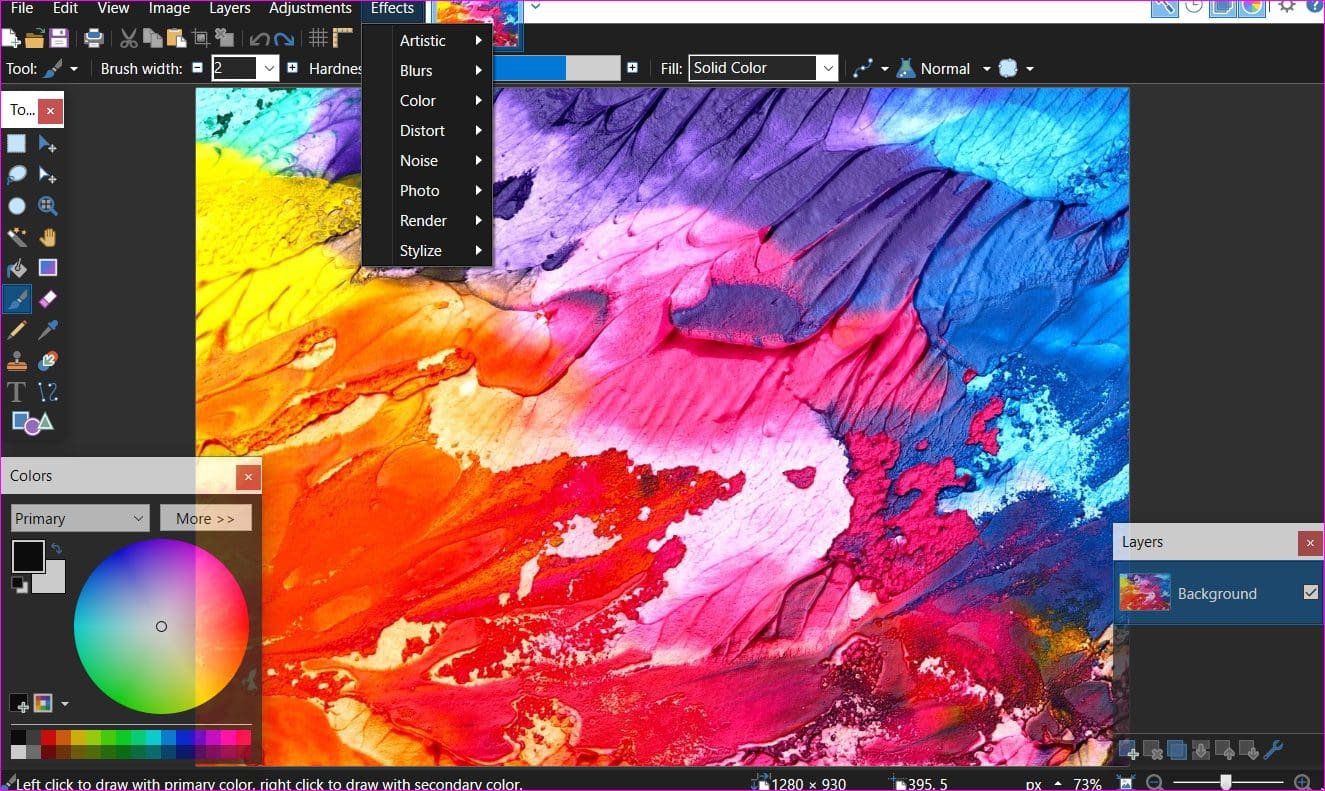
Stunning Paint App Art Background Collection
This gorgeous paint app art photo offers a breathtaking view, making it a perfect choice for your next wallpaper.
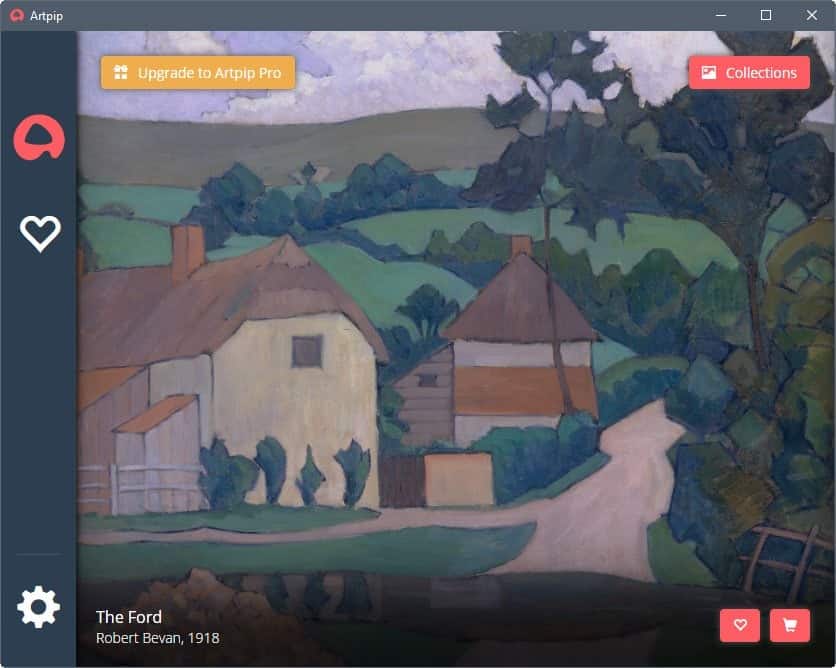
Lush Paint App Art Abstract for Desktop
Find inspiration with this unique paint app art illustration, crafted to provide a fresh look for your background.
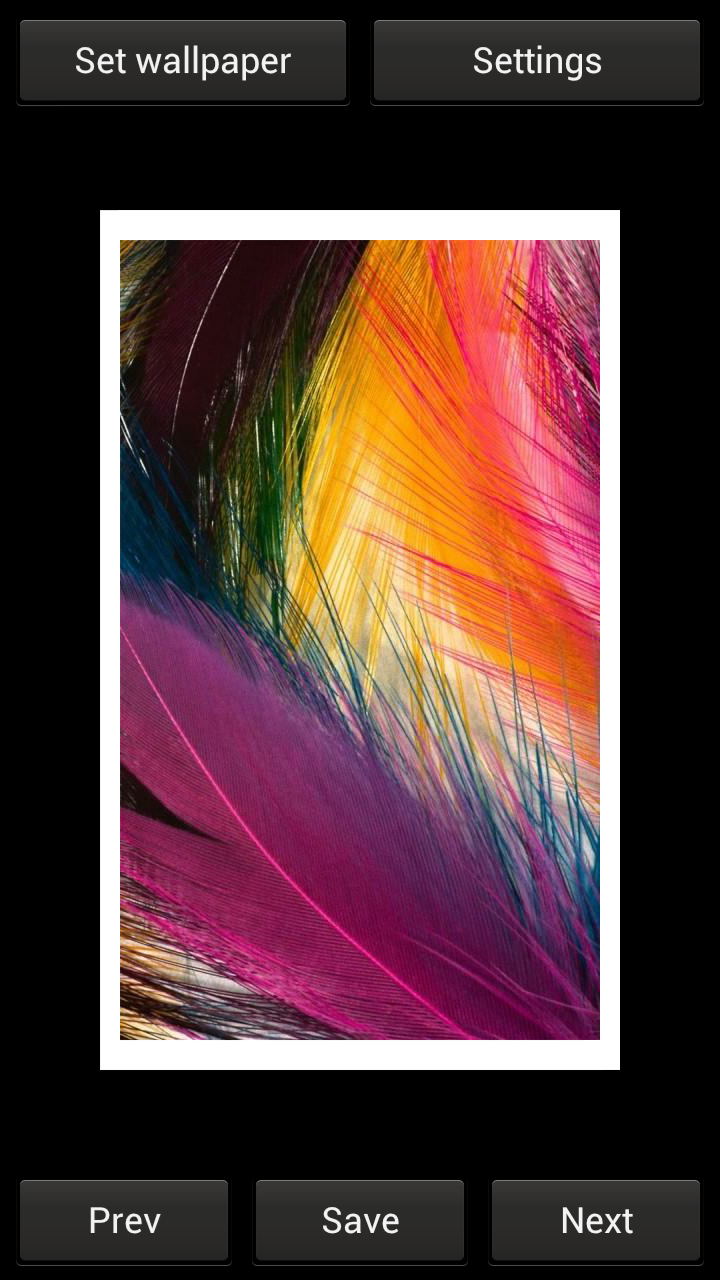
Spectacular Paint App Art Wallpaper for Desktop
This gorgeous paint app art photo offers a breathtaking view, making it a perfect choice for your next wallpaper.
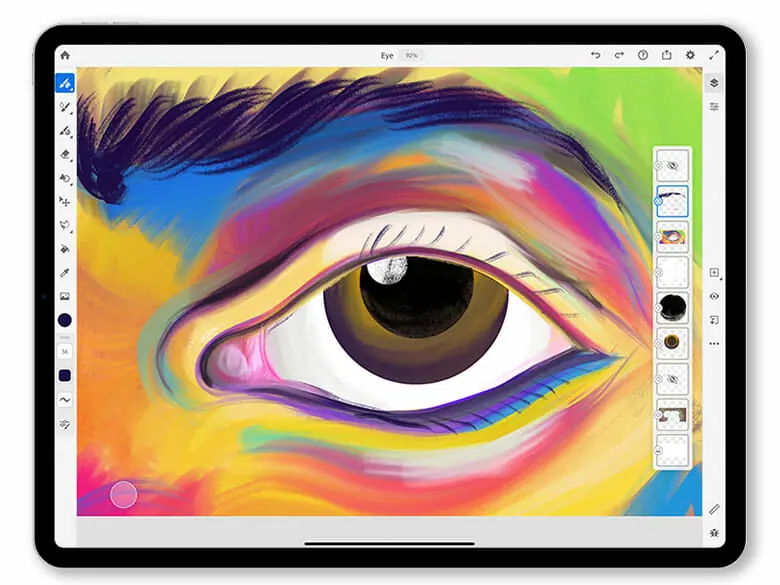
Amazing Paint App Art Wallpaper Illustration
Discover an amazing paint app art background image, ideal for personalizing your devices with vibrant colors and intricate designs.

Artistic Paint App Art View Nature
Immerse yourself in the stunning details of this beautiful paint app art wallpaper, designed for a captivating visual experience.
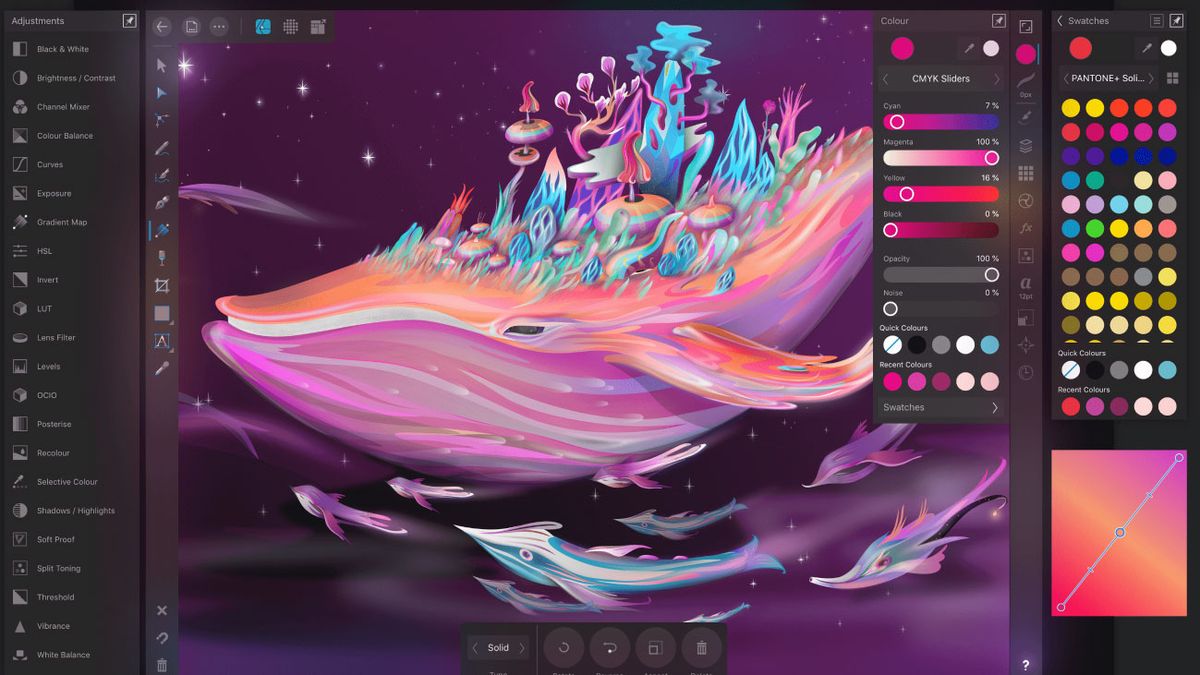
Exquisite Paint App Art Picture Concept
This gorgeous paint app art photo offers a breathtaking view, making it a perfect choice for your next wallpaper.
Download these paint app art wallpapers for free and use them on your desktop or mobile devices.