Create A Paint By Number
Create A Paint By Number: Your Ultimate Guide to Personalized Art
Have you ever looked at a cherished photo—maybe a stunning sunset, a beloved pet, or a family portrait—and wished you could capture it in paint, even if you don't feel like a seasoned artist? Well, you absolutely can! The secret lies in learning how to Create A Paint By Number kit tailored specifically to your image.
Turning your favorite memory into a custom paint-by-number canvas is not just a rewarding creative endeavor; it's an incredibly unique way to preserve moments. This detailed guide will walk you through the entire process, whether you prefer to use professional services or tackle the transformation yourself using digital tools.
Why Create A Paint By Number Kit?
The standard paint-by-number kits found in stores are fun, but they often lack that personal touch. By choosing to Create A Paint By Number from your own photo, you transform a simple craft activity into a meaningful piece of art. It's also the perfect thoughtful gift for a loved one.
Furthermore, the process of painting your own image is deeply therapeutic. You already have an emotional connection to the subject, which makes seeing the finished product even more satisfying. Before diving into the technical steps, however, we need to ensure you have the right starting material.
Selecting the Perfect Image to Create A Paint By Number
Not every photo translates well into a paint-by-number format. Because the process simplifies complex color gradients into distinct numbered regions, images with clear contrast and simple backgrounds tend to yield the best results. A blurry smartphone snapshot might not be ideal.
To ensure your final painting looks professional and enjoyable to complete, consider the following image qualities:
- High Resolution: The image must be sharp and large enough to retain detail when printed onto a canvas.
- Good Contrast: Look for strong shadows and highlights. Flat, evenly lit photos can sometimes appear muddy once converted.
- Simple Backgrounds: Busy backgrounds create hundreds of tiny, frustrating segments. A simple, blurred, or solid background focuses attention on the main subject.
- Defined Edges: Subjects with clear outlines, like pets or portraits, work much better than landscapes full of subtle haze or fog.
Two Main Ways to Create A Paint By Number
Once your perfect photo is selected, you have two primary routes to transform it into a paint-by-number canvas. Your choice depends heavily on your budget, technical skill level, and how quickly you want the physical kit.
Both methods have their merits. Using a service is easier and guarantees quality paint matching, while the DIY approach gives you total control over the artistic outcome.
Using Online Services for Custom PBN
This is the simplest and most recommended route for beginners. Numerous specialized companies exist that will take your digital image, convert it, prepare the canvas, match the necessary paint pots, and ship the complete kit directly to you. This method removes all the technical guesswork.
The process is incredibly straightforward and usually involves these simple steps:
- Upload Your Image: Visit the provider's website and upload the chosen photograph.
- Select Size and Options: Choose your desired canvas size (e.g., 16x20 inches) and frame options.
- Review the Proof: Most reputable companies will send you a digital mock-up showing exactly how the image will be segmented and numbered. This is your chance to request adjustments, such as simplifying the color palette.
- Place Your Order: Once satisfied with the preview, confirm your order.
- Receive and Paint: The completed kit, including the numbered canvas, corresponding paints, and brushes, will arrive at your door, ready for you to start painting.
While this option is usually more expensive than DIY, the quality and convenience are unmatched. You receive a professional, ready-to-go product specifically designed to help you Create A Paint By Number easily.
The DIY Approach: Software and Printing
If you enjoy digital tinkering and prefer to print the canvas yourself, the DIY method offers maximum control. This requires specialized software, whether a professional program like Adobe Photoshop or a dedicated online PBN generator tool.
The core concept is to reduce the number of colors in the image significantly and then trace the resulting color boundaries. Here is a simplified breakdown of the technical steps involved in using photo editing software:
- Step 1: Simplify the Palette (Posterization): Use a "Posterize" filter to reduce the image to a fixed number of colors, typically between 15 and 30. This creates those distinct, blocky regions needed for PBN.
- Step 2: Generate the Outline: Use tools to detect the edges between these simplified color regions. This creates the black lines you will paint within.
- Step 3: Assign and Number Colors: Systematically assign a number to each unique color swatch remaining in the image. You must then manually place these numbers within the corresponding boundaries on your outline layer.
- Step 4: Prepare Paint Swatches: This is arguably the hardest part. You must accurately match physical paint colors (acrylics are best) to the digital swatches you created in Step 1.
- Step 5: Print: Print the final numbered outline onto your canvas material or high-quality thick paper.
This method requires patience and a good understanding of color matching, but the resulting canvas is truly unique, having been designed by you from start to finish.
Refining Your Design Before Printing
Before you commit to printing your DIY canvas, take a final moment to review the complexity. A successful paint-by-number project should be challenging, not frustrating. If your design has dozens of tiny, fragmented pieces in the center of the canvas, consider merging those areas.
Remember that paint brushes aren't pin needles. If a numbered area is smaller than a fingernail, it will be extremely difficult to paint neatly. Look for opportunities to simplify complex areas, especially in textures like grass or hair. Simplifying the overall color count from 30 down to 24, for example, can drastically improve the painting experience while maintaining the essence of the original photograph.
Ready to Create A Paint By Number Masterpiece?
Whether you opt for the simplicity of a professional service or the granular control of the DIY route, transforming a photo into a personalized art kit is immensely rewarding. The ability to Create A Paint By Number from your own photo opens up a world of custom gifting and personalized home decor.
By selecting a high-quality image and paying attention to detail simplification, you ensure that the painting process is enjoyable and the final piece is a beautiful representation of your chosen memory. So go ahead, dust off that perfect picture, and start planning your next creative project!
Frequently Asked Questions About Creating Custom PBN
- Can I use a low-resolution image to Create A Paint By Number?
- While you technically can, it is highly discouraged. Low-resolution images (those under 1500 pixels on the shortest side) will pixelate when enlarged to canvas size, resulting in jagged lines and blurred details in the final numbered template. Always aim for the highest resolution possible.
- How many colors should I aim for in my custom kit?
- Most successful custom paint-by-number kits use between 20 and 35 colors. Fewer colors result in a more abstract, stylized look, while more colors (above 40) increase complexity significantly, creating smaller segments that are difficult for beginners.
- Is the DIY method cheaper than using a professional service?
- The DIY method can be cheaper upfront if you already own the necessary software and printing equipment. However, once you factor in the cost of high-quality canvas printing, procuring matched acrylic paints, and the significant time spent manually designing and numbering the template, the cost difference often narrows. Professional services usually offer better value for time and guaranteed paint accuracy.
- What type of photos works best for personalized paint by number kits?
- Photos of single subjects (like pets or close-up portraits) with strong lighting and limited background clutter work best. Complex scenes like crowded cityscapes or dense forests are very challenging to convert into paint-by-number due to the high number of tiny, detailed segments required.
Create A Paint By Number
Create A Paint By Number Wallpapers
Collection of create a paint by number wallpapers for your desktop and mobile devices.

Lush Create A Paint By Number Design Concept
Find inspiration with this unique create a paint by number illustration, crafted to provide a fresh look for your background.
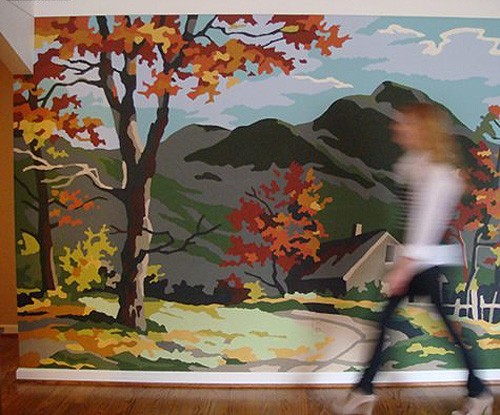
Detailed Create A Paint By Number Scene for Your Screen
Experience the crisp clarity of this stunning create a paint by number image, available in high resolution for all your screens.

Detailed Create A Paint By Number Scene in 4K
Explore this high-quality create a paint by number image, perfect for enhancing your desktop or mobile wallpaper.
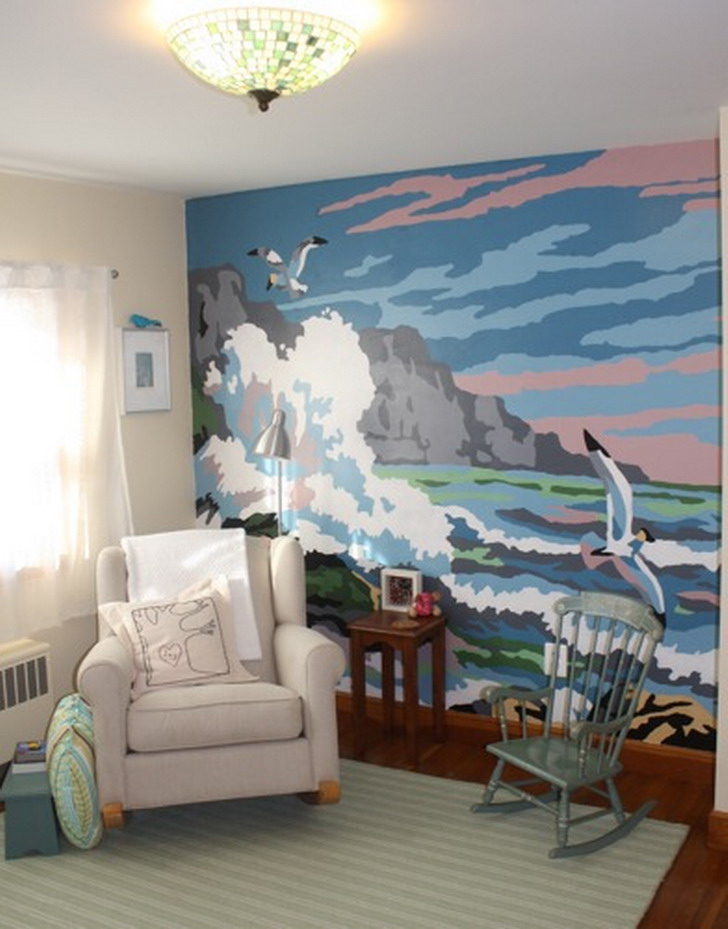
Dynamic Create A Paint By Number Moment Art
Immerse yourself in the stunning details of this beautiful create a paint by number wallpaper, designed for a captivating visual experience.
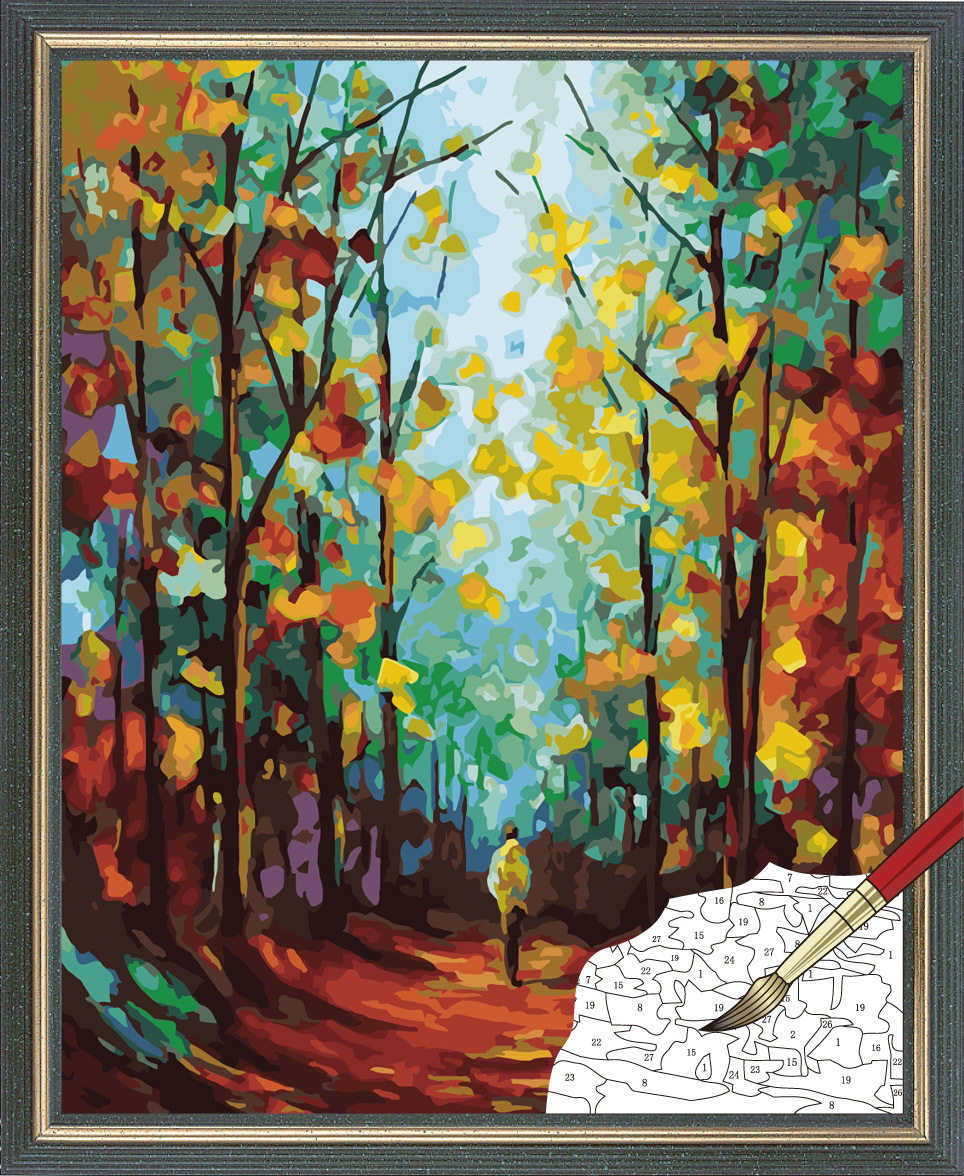
Mesmerizing Create A Paint By Number Landscape Nature
Explore this high-quality create a paint by number image, perfect for enhancing your desktop or mobile wallpaper.
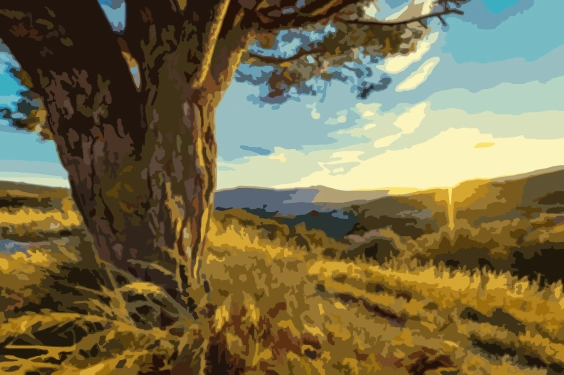
Serene Create A Paint By Number View in HD
Discover an amazing create a paint by number background image, ideal for personalizing your devices with vibrant colors and intricate designs.
Artistic Create A Paint By Number Scene Photography
A captivating create a paint by number scene that brings tranquility and beauty to any device.

Beautiful Create A Paint By Number Abstract in 4K
Discover an amazing create a paint by number background image, ideal for personalizing your devices with vibrant colors and intricate designs.

High-Quality Create A Paint By Number View Concept
Explore this high-quality create a paint by number image, perfect for enhancing your desktop or mobile wallpaper.
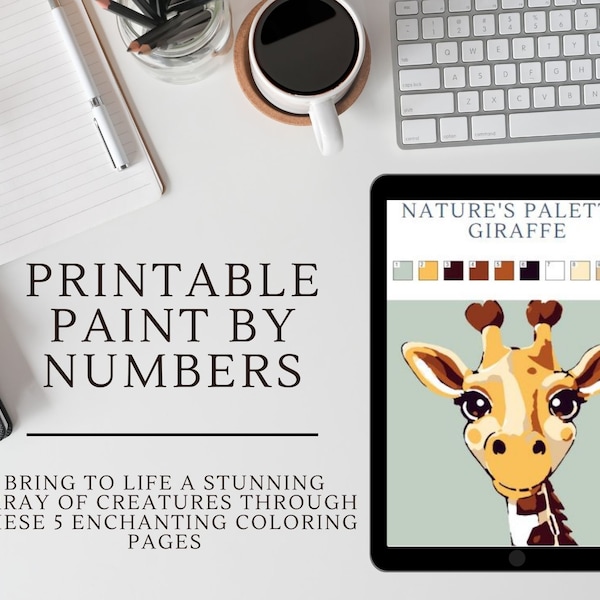
Captivating Create A Paint By Number Design Collection
Immerse yourself in the stunning details of this beautiful create a paint by number wallpaper, designed for a captivating visual experience.
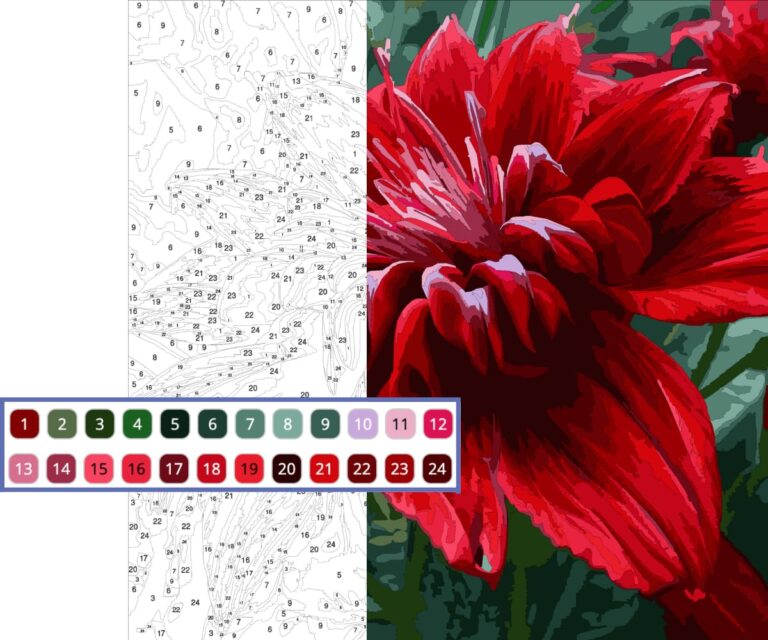
Beautiful Create A Paint By Number View for Mobile
Transform your screen with this vivid create a paint by number artwork, a true masterpiece of digital design.
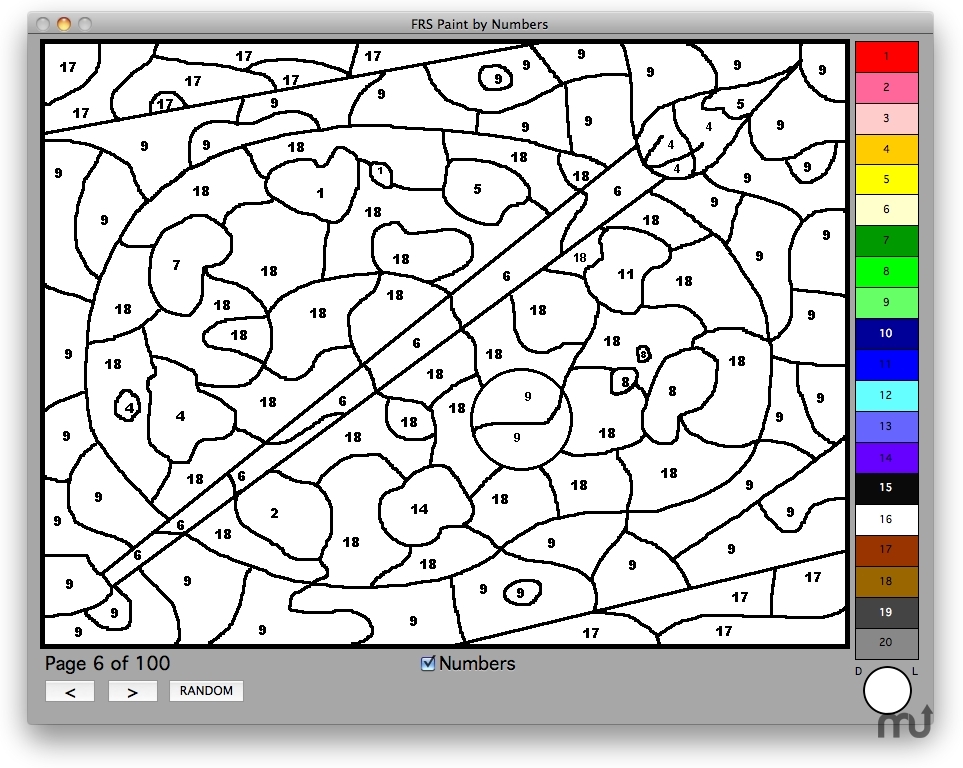
Gorgeous Create A Paint By Number Capture in 4K
Immerse yourself in the stunning details of this beautiful create a paint by number wallpaper, designed for a captivating visual experience.
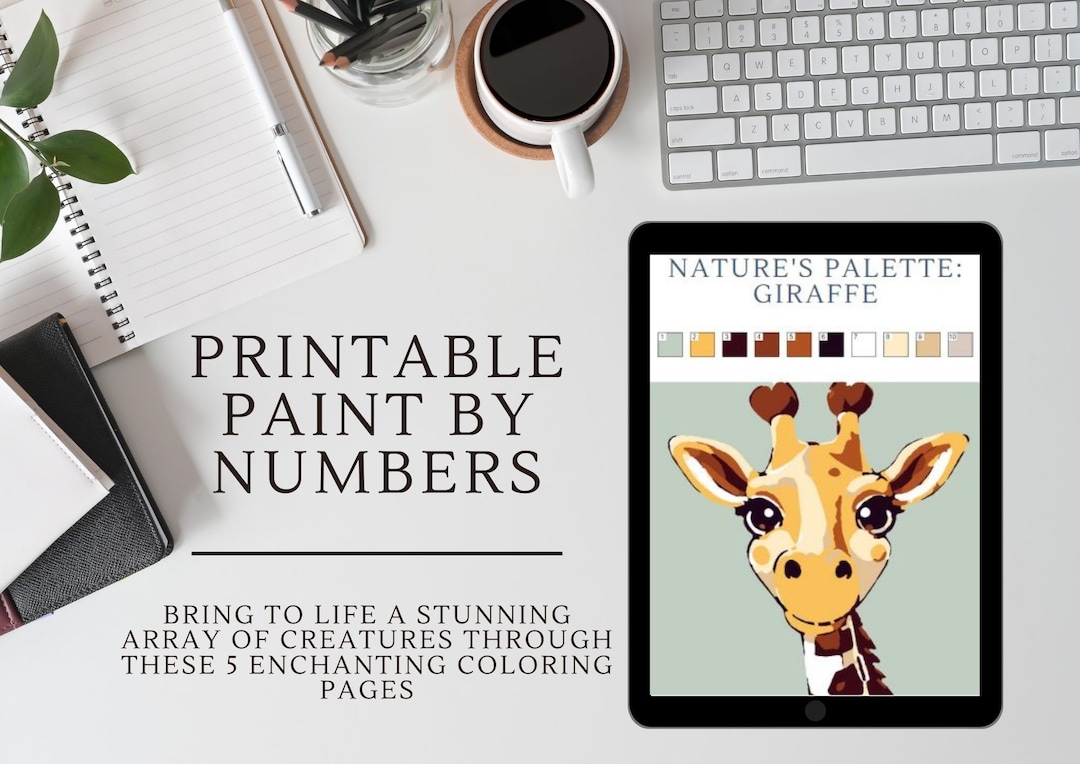
Mesmerizing Create A Paint By Number Capture in HD
Experience the crisp clarity of this stunning create a paint by number image, available in high resolution for all your screens.
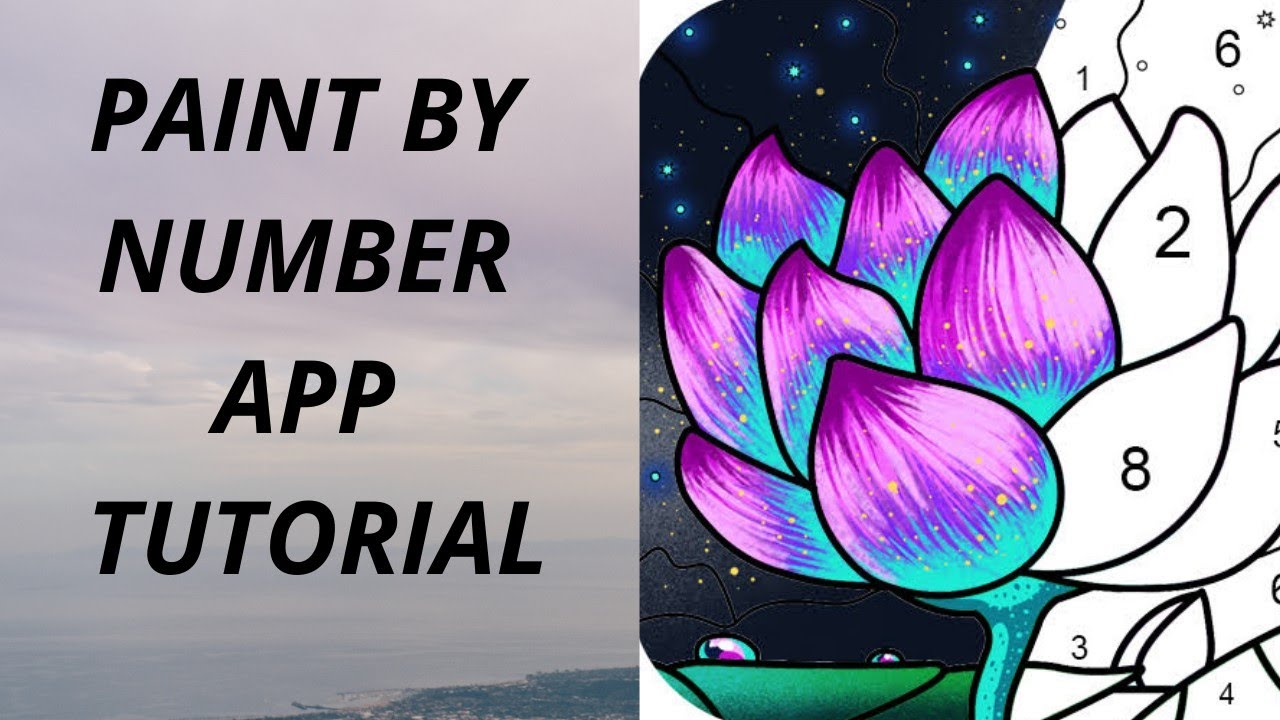
Vivid Create A Paint By Number Artwork Concept
Discover an amazing create a paint by number background image, ideal for personalizing your devices with vibrant colors and intricate designs.

Mesmerizing Create A Paint By Number Moment in 4K
Discover an amazing create a paint by number background image, ideal for personalizing your devices with vibrant colors and intricate designs.
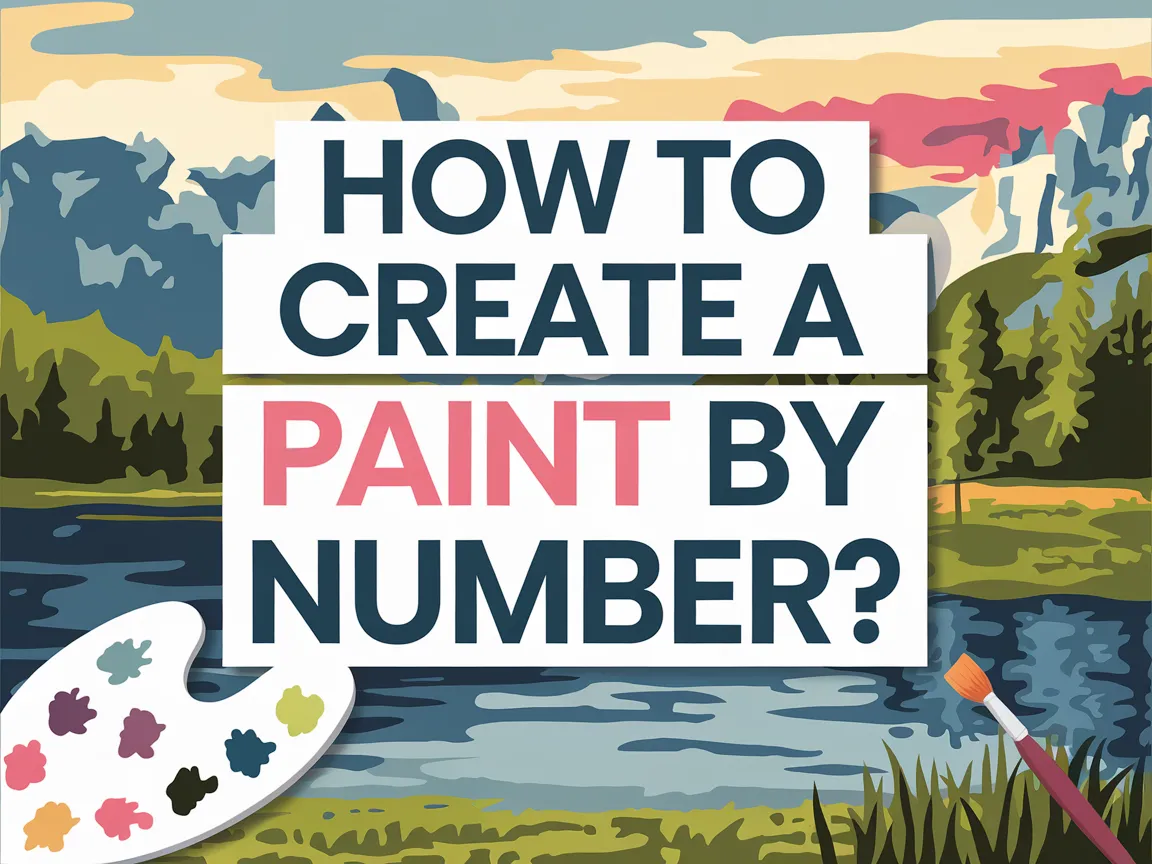
Amazing Create A Paint By Number Landscape Photography
Discover an amazing create a paint by number background image, ideal for personalizing your devices with vibrant colors and intricate designs.

Artistic Create A Paint By Number Moment Collection
Immerse yourself in the stunning details of this beautiful create a paint by number wallpaper, designed for a captivating visual experience.

Beautiful Create A Paint By Number Picture for Desktop
Transform your screen with this vivid create a paint by number artwork, a true masterpiece of digital design.
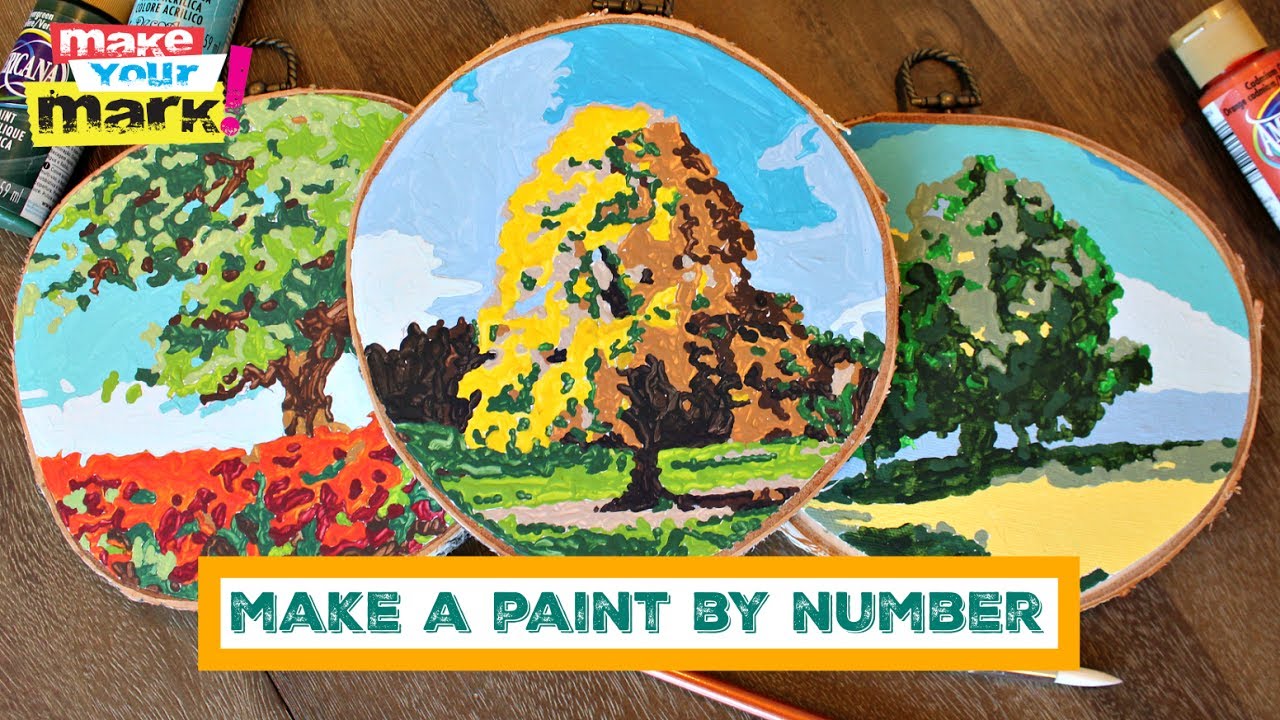
Lush Create A Paint By Number Wallpaper Illustration
This gorgeous create a paint by number photo offers a breathtaking view, making it a perfect choice for your next wallpaper.

Dynamic Create A Paint By Number Abstract Concept
A captivating create a paint by number scene that brings tranquility and beauty to any device.
Download these create a paint by number wallpapers for free and use them on your desktop or mobile devices.