Microsoft investigating access issues with M365 Cloud and Office.com
Microsoft Investigating Access Issues with M365 Cloud and Office.com: Urgent Update
If you are struggling to access your vital productivity tools this morning, you are not alone. Microsoft has confirmed that they are actively investigating access issues with M365 Cloud and Office.com. This widespread disruption is impacting users across various geographies who rely on the platform for their daily work and communication needs.
This is a developing situation, and timely information is crucial. We understand the frustration and immediate impact this downtime causes for businesses and individual users globally. This article breaks down everything we know about the current status, the affected services, and what you need to do while the investigation is underway.
Microsoft 365 services form the backbone of modern enterprise operations, making swift resolution of this access issue an absolute priority for the tech giant.
What We Know: The Initial Access Disruption
Reports of difficulty accessing Microsoft 365 services began surfacing early today, manifesting primarily as sign-in failures or slow loading times when attempting to reach Office.com. Microsoft quickly acknowledged the problem via its official communication channels, including the Microsoft 365 Status Twitter account and the Admin Center.
The initial statements confirmed that the issue revolves around access and authentication, suggesting a problem near the login gateway rather than necessarily the core functionality of every single application once logged in. However, given the nature of cloud services, these access issues cascade rapidly.
The tech teams at Microsoft are dedicatedly working to isolate the specific component causing the failure. They have categorized the incident as a service degradation incident rather than a complete outage in all regions, though some users may experience complete lack of access.
Who is Affected by the M365 Cloud Access Issues?
The incident appears to have a broad impact, affecting users globally, though the severity may vary by geographic location and tenancy configuration. Reports indicate that both consumer and enterprise customers attempting to log into the cloud platform are experiencing difficulty. Small to medium businesses relying heavily on Office 365 for communication are feeling the immediate strain.
Crucially, anyone attempting to use web-based versions of applications that require authentication through Office.com is likely to encounter error messages or extremely slow performance. If your data resides entirely in the M365 Cloud environment, your productivity is likely stalled right now.
This widespread nature means that Microsoft is mobilizing substantial resources to ensure a quick fix. They recognize the criticality of continuous service delivery for their cloud user base.
Current Status of Key Microsoft Services
While the focus is on the login portal (Office.com), the authentication bottleneck inevitably affects dependent services. Reports suggest varying degrees of impact on the following core applications:
- Office.com Portal Access: Users cannot sign in or access their applications list.
- Outlook Web Access (OWA): Loading errors or inability to retrieve mailbox data are common.
- Microsoft Teams: Users may experience login failures or connectivity issues with features requiring real-time authentication.
- SharePoint Online/OneDrive for Business: Accessing stored files or synchronizing data may be significantly delayed or fail entirely.
- Azure Services: While Azure's core infrastructure services are generally resilient, services linked directly to M365 authentication might see secondary impacts.
It is important to note that desktop applications that were already logged in prior to the incident may continue to function offline or with cached data, but they will eventually require re-authentication, which is currently failing for many users.
The Investigation Process: Why is Microsoft Investigating Access Issues with M365 Cloud and Office.com?
When a major cloud provider like Microsoft faces widespread access problems, the investigation typically follows a rigorous methodology. The primary goal is achieving rapid resolution while ensuring service stability and preventing future recurrence. Given the scale of Microsoft's infrastructure, troubleshooting can be complex.
The investigation is likely focused on several potential areas. These include recent configuration changes within their authentication services (such as Azure Active Directory—now Entra ID), network routing problems affecting specific data centers, or a sudden, unexpected spike in load that overwhelmed authentication servers.
Microsoft relies on telemetry data and internal monitoring tools to pinpoint the exact failure point. Once identified, a rollback, patch, or traffic rerouting strategy will be deployed. Users must remain patient as engineers meticulously work through these stages, ensuring no further damage is done.
Immediate Steps Users Should Take
While Microsoft is investigating access issues with M365 Cloud and Office.com, your immediate priority should be maintaining business continuity where possible. Resist the urge to repeatedly try logging in, as this can sometimes exacerbate load issues on the strained servers. Here are proactive steps your organization can take:
- Confirm the Status: Check the official Microsoft 365 Service Health Dashboard or their status social media channels rather than relying solely on third-party reports.
- Utilize Desktop/Mobile Apps: If you are already signed in to your desktop Outlook or Teams application, try to continue using these until they demand re-authentication.
- Switch to Local Resources: Access local copies of files whenever possible. If collaboration is required, shift temporarily to alternative communication methods (e.g., local phone calls or non-M365 messaging services).
- Avoid Mass Logins: Advise all staff to wait for an "all clear" notification before attempting to log in simultaneously, which helps prevent secondary load spikes during recovery.
- Document Failed Attempts: For your IT team, document the exact error codes or messages received during failed access attempts; this information can be valuable once Microsoft provides a post-incident review.
These actions ensure that you maximize efficiency during this unexpected downtime and prepare for service restoration.
Staying Informed: Microsoft's Communication Channels
Transparency is key during service disruptions. Microsoft is committed to providing timely updates as they make progress in the investigation. Users should rely primarily on official sources for the most accurate information regarding restoration efforts and estimated resolution times.
The best place for real-time status updates is the Admin Center Service Health Dashboard (if you can access it) or, failing that, the public Microsoft 365 Status account on X (formerly Twitter). Updates typically include details on the scope of the problem, specific error message patterns, and, most importantly, the expected path to mitigation.
Be wary of unverified rumors circulating on social media. Always cross-reference information with official Microsoft sources to avoid confusion and ensure your recovery efforts are based on accurate data.
What Happens Next? Recovery and Prevention
Once Microsoft identifies and implements a fix, service recovery will begin. This usually means a phased rollout to monitor the stability of the solution before declaring the incident fully resolved. Users should start noticing that login attempts are succeeding and overall service performance returns to normal speeds.
Following the immediate fix, Microsoft will conduct a thorough post-incident review (PIR). This report is crucial for technical users and organizational IT teams. The PIR details the root cause, the timeline of the investigation, the actions taken, and—most importantly—the preventive measures put in place to ensure this specific type of failure does not happen again.
Cloud resilience is constantly evolving. Incidents like these, while disruptive, often lead to significant investments in redundancy and automated failure mechanisms, ultimately strengthening the M365 Cloud platform for all subscribers.
Summary of the M365 Cloud Access Investigation
Microsoft is currently and urgently investigating access issues with M365 Cloud and Office.com affecting numerous users attempting to sign in to critical business applications. The widespread nature of the disruption underscores the foundational role of the Office.com authentication gateway in enterprise productivity.
While technical teams work to isolate the root cause, users are advised to minimize repeated login attempts, rely on already-authenticated applications, and track official updates provided by Microsoft. Service restoration is anticipated to be gradual, followed by a detailed report outlining preventative steps. We will continue to monitor the situation and provide updates as soon as they become available.
Frequently Asked Questions (FAQ) Regarding M365 Cloud Access Issues
- What is the primary issue Microsoft is investigating?
- Microsoft is investigating access and authentication issues primarily affecting users attempting to sign in to the M365 Cloud environment, specifically through Office.com and related web applications.
- Are all Microsoft 365 services completely down?
- No, the issue is categorized as a degradation, not a full outage. However, because the authentication mechanism is failing, many users are experiencing login failures, which effectively prevents access to key services like Outlook Web Access, Teams, and OneDrive.
- Is this outage limited to a specific region?
- Initial reports indicate a widespread impact, though the severity may vary between regions. Microsoft's investigation is covering their global infrastructure to ensure full service restoration everywhere.
- Should I try resetting my password?
- No. Since the issue appears to be server-side within Microsoft's authentication infrastructure, changing your password will not resolve the problem and may introduce further complications once service is restored. It is best to wait for official confirmation that the issue is resolved.
- Where can I find the most accurate real-time status update?
- The most reliable information is found on the official Microsoft 365 Service Health Dashboard (accessible via the Admin Center, if possible) and the official Microsoft 365 Status account on X/Twitter.
Microsoft investigating access issues with M365 Cloud and Office.com
Microsoft investigating access issues with M365 Cloud and Office.com Wallpapers
Collection of microsoft investigating access issues with m365 cloud and office.com wallpapers for your desktop and mobile devices.
Serene Microsoft Investigating Access Issues With M365 Cloud And Office.com Abstract Concept
Discover an amazing microsoft investigating access issues with m365 cloud and office.com background image, ideal for personalizing your devices with vibrant colors and intricate designs.
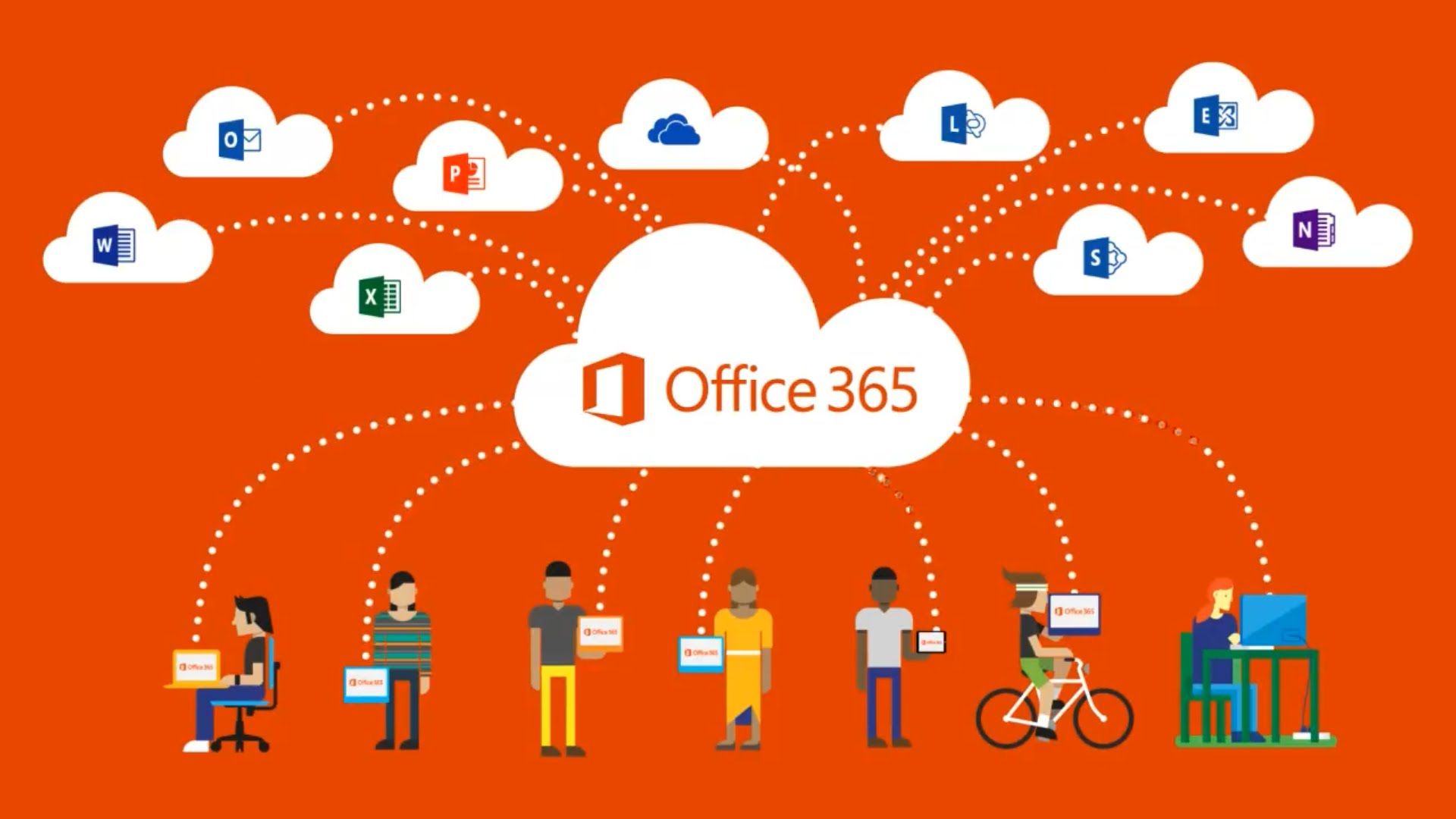
Beautiful Microsoft Investigating Access Issues With M365 Cloud And Office.com Capture for Desktop
Experience the crisp clarity of this stunning microsoft investigating access issues with m365 cloud and office.com image, available in high resolution for all your screens.

Serene Microsoft Investigating Access Issues With M365 Cloud And Office.com Abstract Photography
Experience the crisp clarity of this stunning microsoft investigating access issues with m365 cloud and office.com image, available in high resolution for all your screens.

Crisp Microsoft Investigating Access Issues With M365 Cloud And Office.com Scene Collection
A captivating microsoft investigating access issues with m365 cloud and office.com scene that brings tranquility and beauty to any device.

Stunning Microsoft Investigating Access Issues With M365 Cloud And Office.com Picture Photography
This gorgeous microsoft investigating access issues with m365 cloud and office.com photo offers a breathtaking view, making it a perfect choice for your next wallpaper.

Vivid Microsoft Investigating Access Issues With M365 Cloud And Office.com Capture Illustration
Experience the crisp clarity of this stunning microsoft investigating access issues with m365 cloud and office.com image, available in high resolution for all your screens.

Breathtaking Microsoft Investigating Access Issues With M365 Cloud And Office.com Photo Nature
Discover an amazing microsoft investigating access issues with m365 cloud and office.com background image, ideal for personalizing your devices with vibrant colors and intricate designs.

Crisp Microsoft Investigating Access Issues With M365 Cloud And Office.com Wallpaper Concept
Immerse yourself in the stunning details of this beautiful microsoft investigating access issues with m365 cloud and office.com wallpaper, designed for a captivating visual experience.

Vivid Microsoft Investigating Access Issues With M365 Cloud And Office.com Picture Photography
Explore this high-quality microsoft investigating access issues with m365 cloud and office.com image, perfect for enhancing your desktop or mobile wallpaper.
Vibrant Microsoft Investigating Access Issues With M365 Cloud And Office.com Photo for Mobile
Discover an amazing microsoft investigating access issues with m365 cloud and office.com background image, ideal for personalizing your devices with vibrant colors and intricate designs.

Vibrant Microsoft Investigating Access Issues With M365 Cloud And Office.com Background Illustration
Discover an amazing microsoft investigating access issues with m365 cloud and office.com background image, ideal for personalizing your devices with vibrant colors and intricate designs.

Beautiful Microsoft Investigating Access Issues With M365 Cloud And Office.com Image Collection
Experience the crisp clarity of this stunning microsoft investigating access issues with m365 cloud and office.com image, available in high resolution for all your screens.

Serene Microsoft Investigating Access Issues With M365 Cloud And Office.com Landscape Concept
Discover an amazing microsoft investigating access issues with m365 cloud and office.com background image, ideal for personalizing your devices with vibrant colors and intricate designs.

Serene Microsoft Investigating Access Issues With M365 Cloud And Office.com Photo in 4K
Experience the crisp clarity of this stunning microsoft investigating access issues with m365 cloud and office.com image, available in high resolution for all your screens.
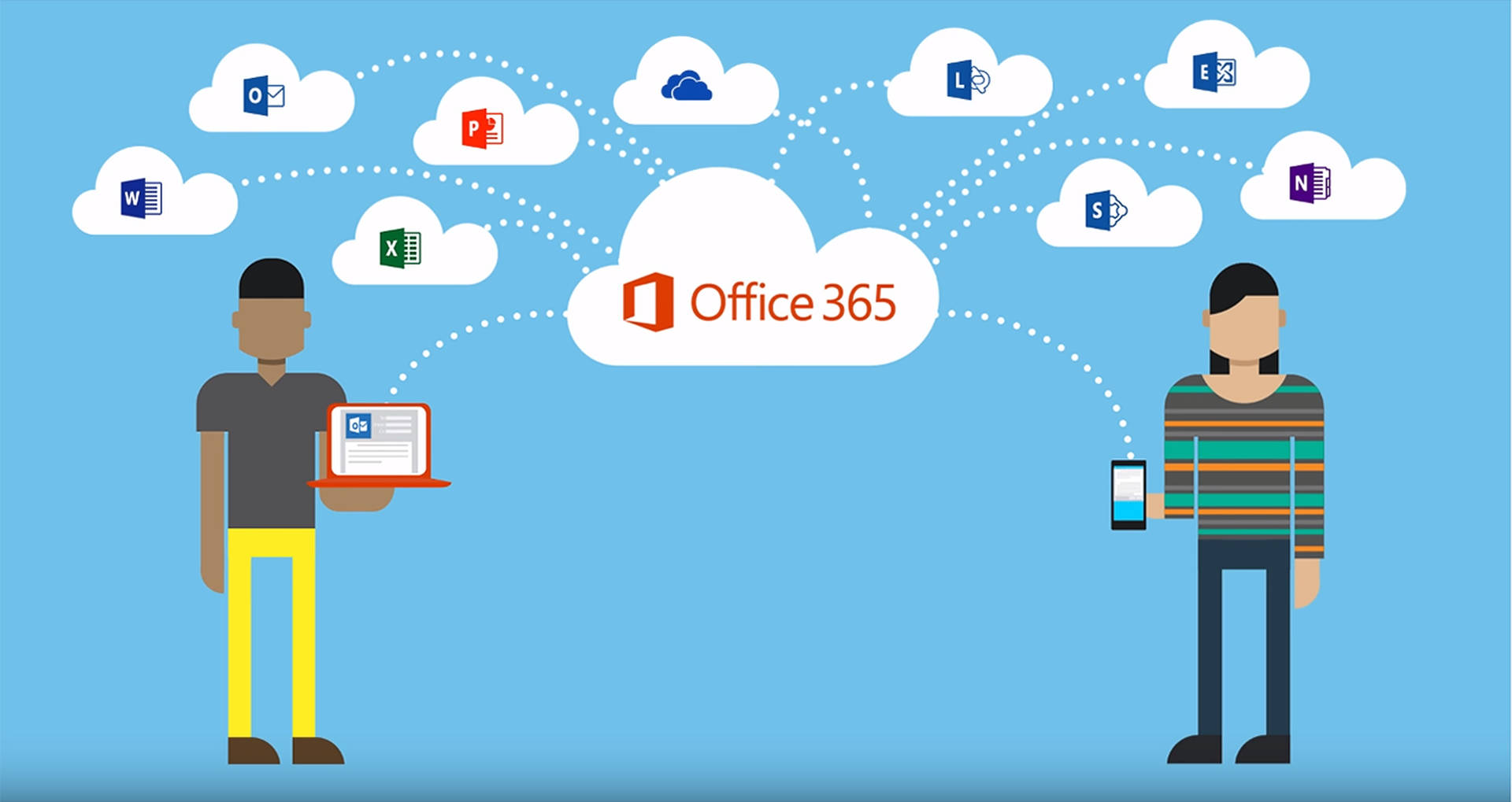
Lush Microsoft Investigating Access Issues With M365 Cloud And Office.com Design for Desktop
Find inspiration with this unique microsoft investigating access issues with m365 cloud and office.com illustration, crafted to provide a fresh look for your background.

Dynamic Microsoft Investigating Access Issues With M365 Cloud And Office.com Moment Illustration
Find inspiration with this unique microsoft investigating access issues with m365 cloud and office.com illustration, crafted to provide a fresh look for your background.

Breathtaking Microsoft Investigating Access Issues With M365 Cloud And Office.com Photo for Mobile
Experience the crisp clarity of this stunning microsoft investigating access issues with m365 cloud and office.com image, available in high resolution for all your screens.
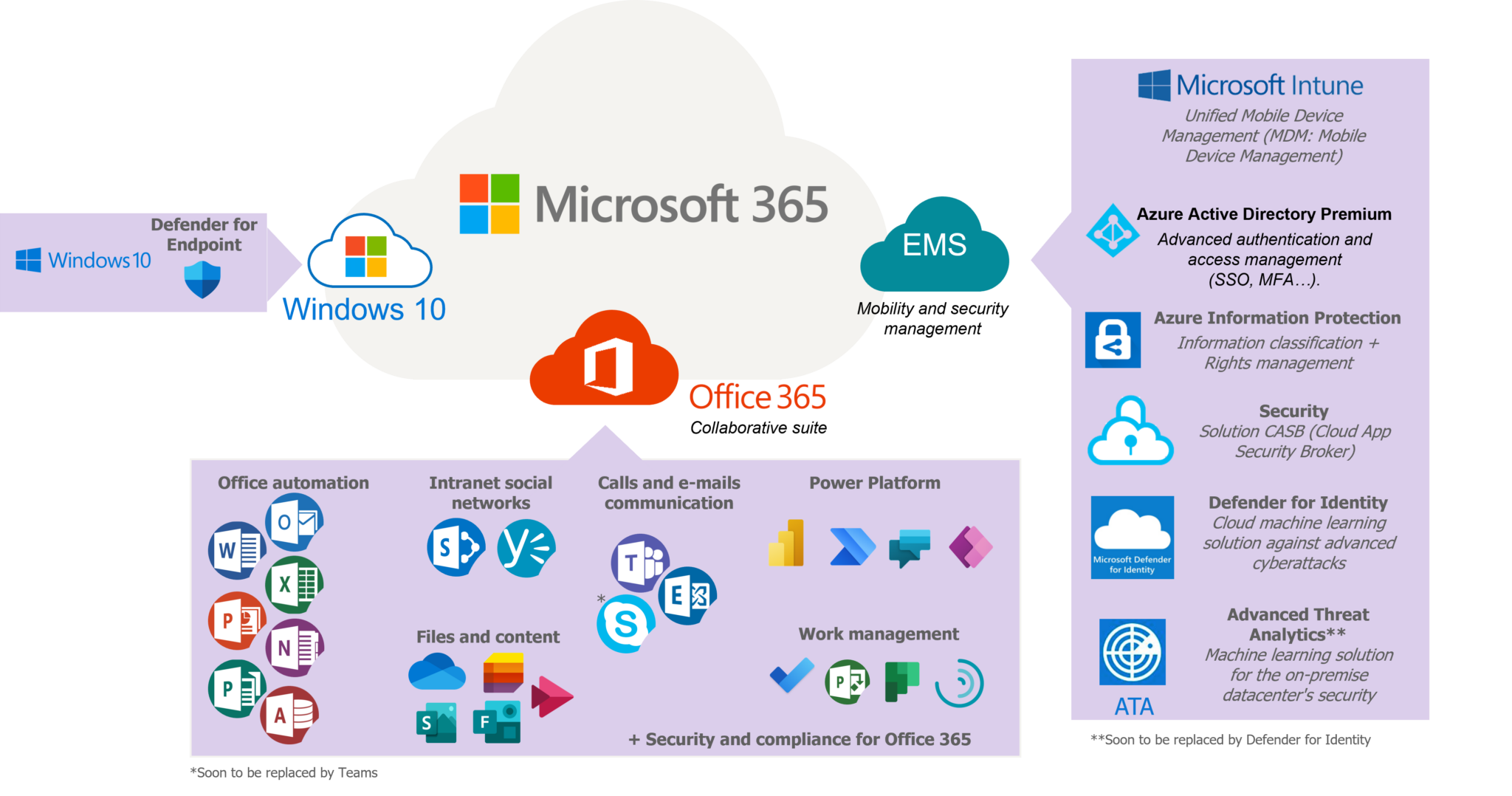
Gorgeous Microsoft Investigating Access Issues With M365 Cloud And Office.com Picture Photography
This gorgeous microsoft investigating access issues with m365 cloud and office.com photo offers a breathtaking view, making it a perfect choice for your next wallpaper.

Breathtaking Microsoft Investigating Access Issues With M365 Cloud And Office.com Moment Nature
Transform your screen with this vivid microsoft investigating access issues with m365 cloud and office.com artwork, a true masterpiece of digital design.
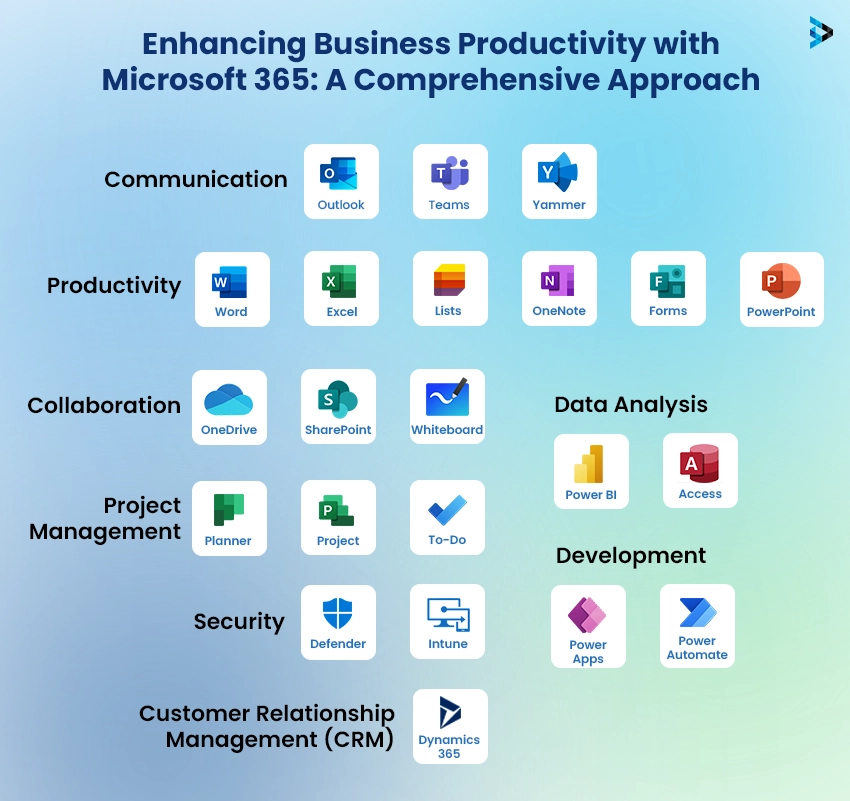
Gorgeous Microsoft Investigating Access Issues With M365 Cloud And Office.com Design for Your Screen
This gorgeous microsoft investigating access issues with m365 cloud and office.com photo offers a breathtaking view, making it a perfect choice for your next wallpaper.
Download these microsoft investigating access issues with m365 cloud and office.com wallpapers for free and use them on your desktop or mobile devices.