Setting Home Xbox
Setting Your Home Xbox: All You Need to Know!
Hey there, fellow gamer! Ever wondered how to share your digital games with family or play your purchased titles offline? It all boils down to one super important feature on your console: setting home Xbox. This simple setting unlocks a ton of benefits for you and anyone else using your console. Let's dive deep into what it is, why it's awesome, and how you can easily set it up!
Why Set a Home Xbox? Unlocking Your Console's Full Potential
When you designate an Xbox console as your "Home Xbox," you're essentially telling the system, "This is where all my digital goodies live!" This powerful feature comes with several fantastic perks:
- Game Sharing: Anyone else who signs into your Home Xbox can play your digital games and use your Game Pass or Xbox Live Gold subscriptions, even if you're not signed in. It's perfect for families!
- Offline Play: Your digital games can be played offline on your Home Xbox. If your internet goes out, you won't be stuck without your favorite titles.
- Subscription Sharing: Your Xbox Live Gold and Xbox Game Pass Ultimate benefits (like multiplayer and the game library) extend to everyone on your Home Xbox.
It's clear that setting home Xbox is a game-changer for convenience and value. Now, let's get into the how-to!
How to Set Your Home Xbox: A Step-by-Step Guide
Don't worry, the process of setting home Xbox is super straightforward. Just follow these simple steps:
Step 1: Power On and Log In to Your Xbox
First things first, power on the Xbox console you want to make your Home Xbox. Make sure you're logged in with the Microsoft account that owns the digital games and subscriptions you want to share.
Step 2: Navigate to Settings
From the Xbox dashboard, press the Xbox button on your controller to open the guide. Scroll left to 'Profile & system', then select 'Settings'.
Step 3: Make this Your Home Xbox
Within the Settings menu, go to 'General', then 'Personalization'. Here, you'll see an option called 'My Home Xbox'. Select it. If it's not currently your Home Xbox, you'll see a checkbox that says 'Make this my Home Xbox'. Check this box, and confirm your choice. Voila!
Things to Keep in Mind About Your Home Xbox
While setting home Xbox is fantastic, there are a few important details to remember to ensure a smooth experience:
- You can only have ONE Home Xbox at a time. Choose wisely!
- You can change your Home Xbox up to five times within a one-year period. This limitation resets annually.
- If you sign out of your profile on your Home Xbox, the benefits (like game sharing) still apply to other users on that console.
Changing Your Home Xbox
If you get a new console or move your primary gaming setup, you might need to change your Home Xbox. Simply follow the same steps as above on the new console. When you set a new console as your Home Xbox, your previous one will automatically lose that designation.
Common Issues & Troubleshooting for Home Xbox
Occasionally, you might run into a snag. If games aren't sharing or you can't play offline, double-check that you're signed into the correct account on the designated Home Xbox. A quick power cycle (turn it off and on again) can often resolve minor glitches. Also, ensure your Xbox is connected to the internet at least once for licenses to sync, especially if you're trying to play offline for the first time after a game purchase.
Conclusion: Embrace the Home Xbox Advantage!
Congratulations! You've learned all about setting home Xbox and why it's an indispensable feature for any Xbox owner. Whether it's for seamless game sharing with family, enjoying your digital library offline, or maximizing your Game Pass subscription, taking a few moments to set your Home Xbox truly enhances your gaming experience. Go ahead, set it up, and enjoy the benefits!
Frequently Asked Questions (FAQ)
- Can I have multiple Home Xboxes?
- No, you can only designate one Xbox console as your Home Xbox at any given time.
- How often can I change my Home Xbox?
- You can change your Home Xbox up to five times within a one-year period. This count resets annually from your first change.
- What happens if my internet goes down on my Home Xbox?
- If your internet connection is lost, you can still play any digital games you own on your Home Xbox. Games not owned by your account (e.g., Game Pass games) might require online verification.
- Does setting a Home Xbox affect my profile on other consoles?
- Not really. You can still sign into your profile and play your games on any other Xbox console. However, on non-Home Xbox consoles, you'll need to be online and signed in to access your digital games and subscriptions.
setting home xbox
setting home xbox Wallpapers
Collection of setting home xbox wallpapers for your desktop and mobile devices.
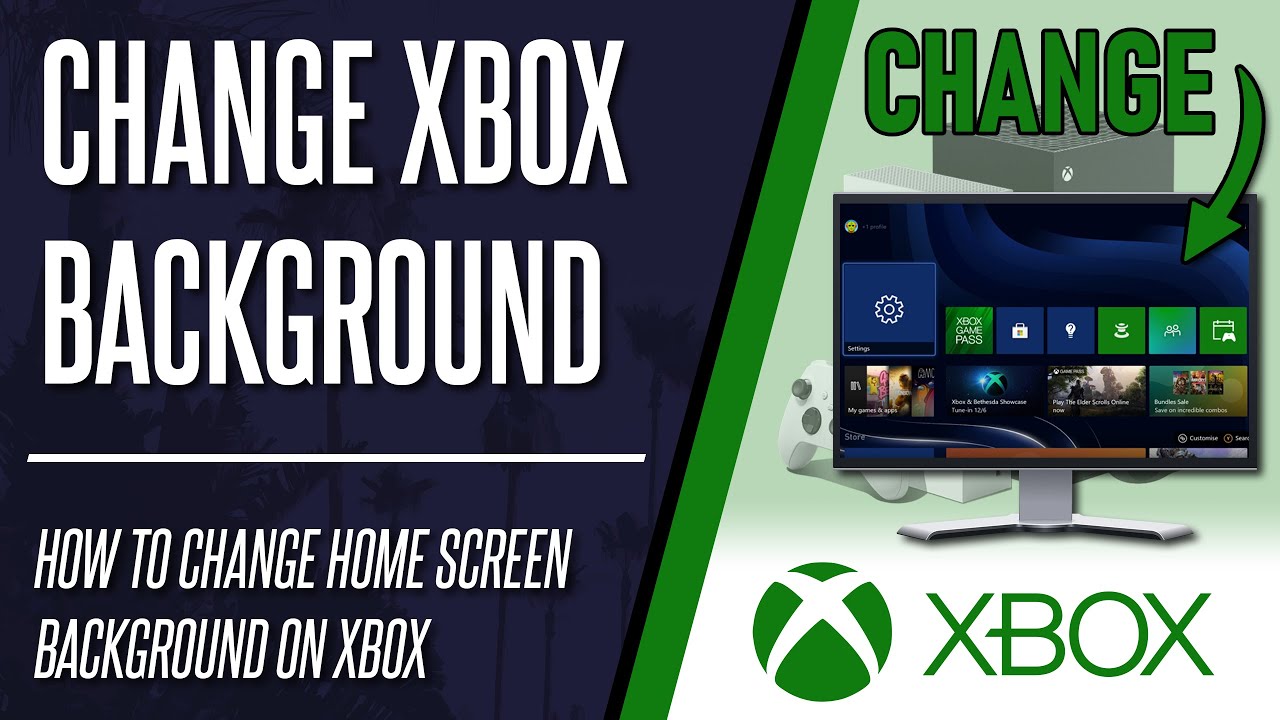
Spectacular Setting Home Xbox Moment for Mobile
Immerse yourself in the stunning details of this beautiful setting home xbox wallpaper, designed for a captivating visual experience.

Vivid Setting Home Xbox Capture in 4K
Discover an amazing setting home xbox background image, ideal for personalizing your devices with vibrant colors and intricate designs.

Dynamic Setting Home Xbox Moment Digital Art
A captivating setting home xbox scene that brings tranquility and beauty to any device.
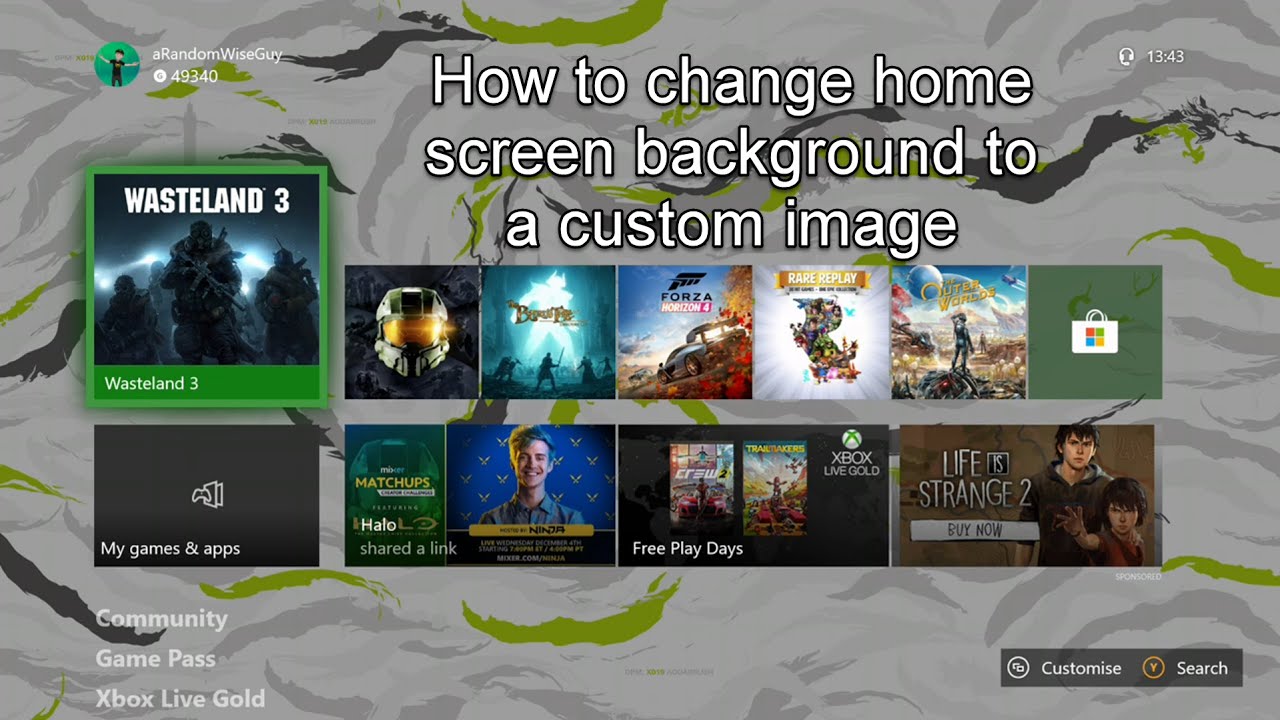
Crisp Setting Home Xbox Picture for Desktop
A captivating setting home xbox scene that brings tranquility and beauty to any device.
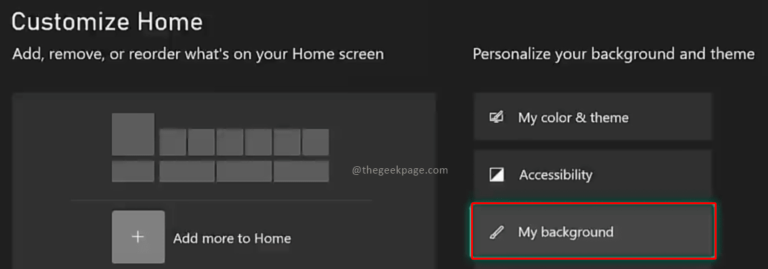
Vibrant Setting Home Xbox Abstract in HD
Explore this high-quality setting home xbox image, perfect for enhancing your desktop or mobile wallpaper.
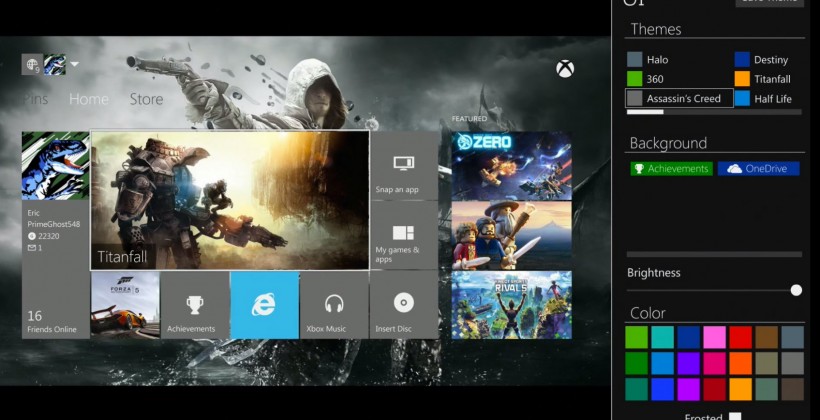
Spectacular Setting Home Xbox Design for Your Screen
Find inspiration with this unique setting home xbox illustration, crafted to provide a fresh look for your background.
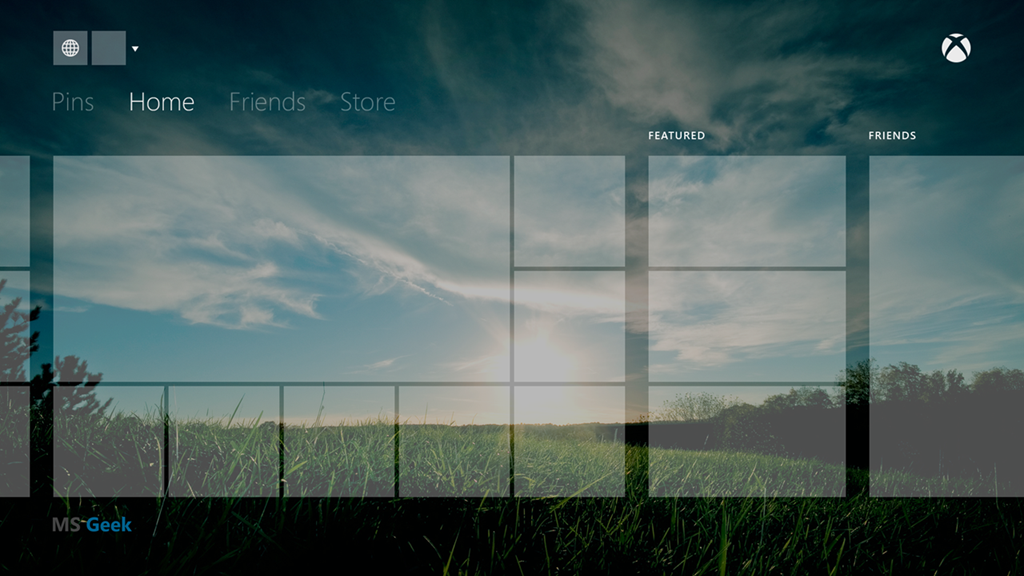
Dynamic Setting Home Xbox Scene for Desktop
A captivating setting home xbox scene that brings tranquility and beauty to any device.
Detailed Setting Home Xbox Landscape Concept
Explore this high-quality setting home xbox image, perfect for enhancing your desktop or mobile wallpaper.

Vivid Setting Home Xbox Moment Collection
Explore this high-quality setting home xbox image, perfect for enhancing your desktop or mobile wallpaper.
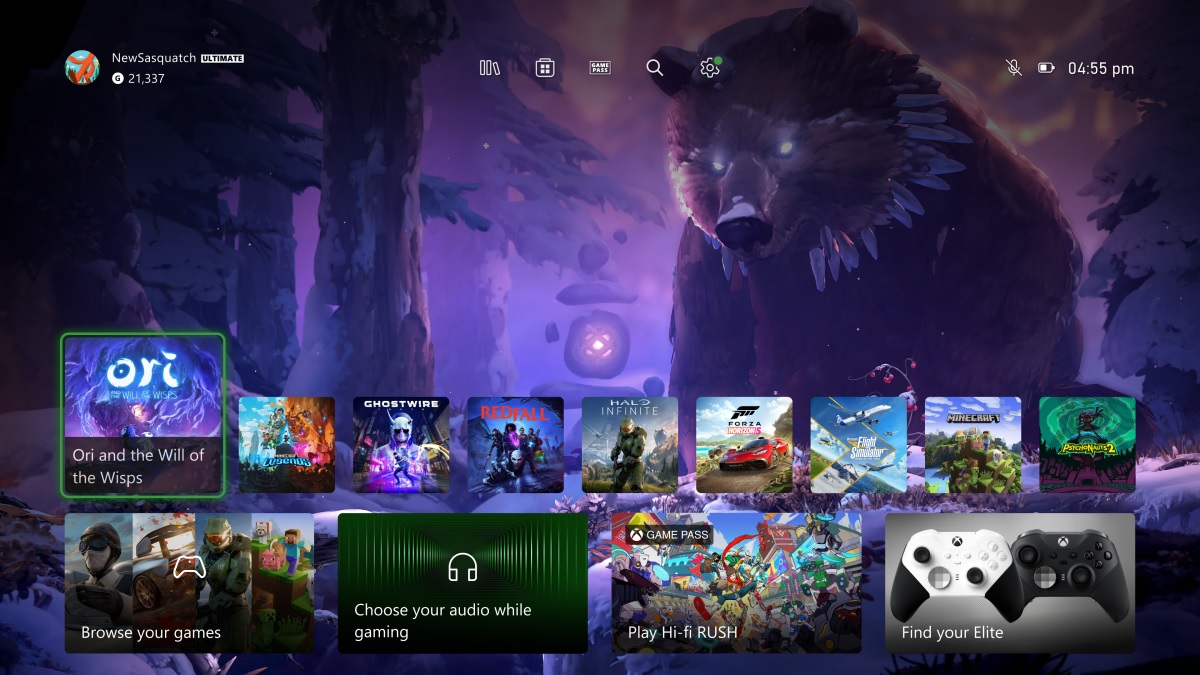
Exquisite Setting Home Xbox Abstract Illustration
A captivating setting home xbox scene that brings tranquility and beauty to any device.

Detailed Setting Home Xbox Scene Digital Art
Transform your screen with this vivid setting home xbox artwork, a true masterpiece of digital design.
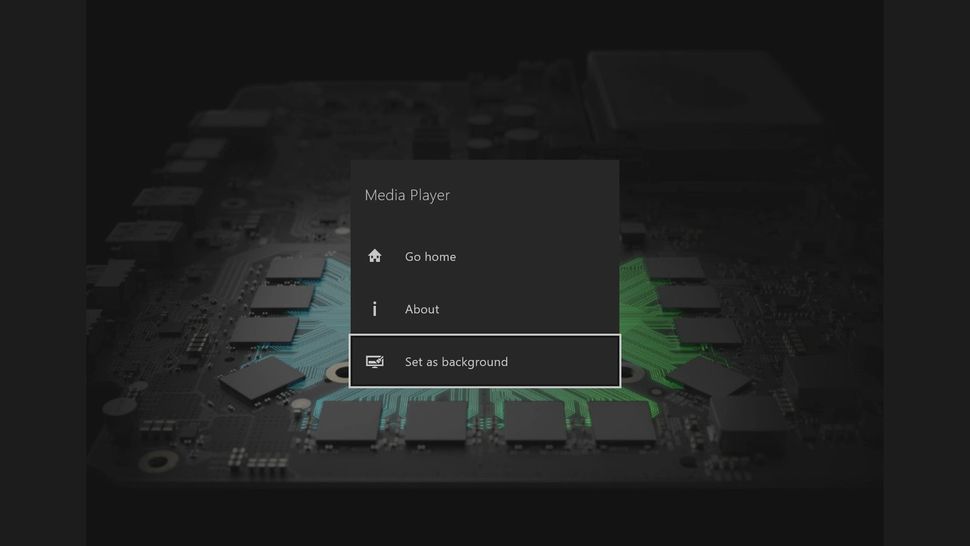
Vibrant Setting Home Xbox Landscape Art
Experience the crisp clarity of this stunning setting home xbox image, available in high resolution for all your screens.
Vibrant Setting Home Xbox View in 4K
Discover an amazing setting home xbox background image, ideal for personalizing your devices with vibrant colors and intricate designs.
Crisp Setting Home Xbox Image Collection
A captivating setting home xbox scene that brings tranquility and beauty to any device.
Dynamic Setting Home Xbox Landscape for Mobile
Immerse yourself in the stunning details of this beautiful setting home xbox wallpaper, designed for a captivating visual experience.
Detailed Setting Home Xbox Wallpaper Photography
Discover an amazing setting home xbox background image, ideal for personalizing your devices with vibrant colors and intricate designs.
Captivating Setting Home Xbox Abstract Digital Art
A captivating setting home xbox scene that brings tranquility and beauty to any device.

Captivating Setting Home Xbox Background Nature
Find inspiration with this unique setting home xbox illustration, crafted to provide a fresh look for your background.
Artistic Setting Home Xbox Landscape in 4K
Immerse yourself in the stunning details of this beautiful setting home xbox wallpaper, designed for a captivating visual experience.

Stunning Setting Home Xbox Artwork in HD
A captivating setting home xbox scene that brings tranquility and beauty to any device.
Download these setting home xbox wallpapers for free and use them on your desktop or mobile devices.