Roomba Can'T Find Home
Roomba Can't Find Home? Let's Get It Back on Track!
It's a familiar scenario for many Roomba owners: you've let your robot vacuum do its thing, expecting it to return to its charging station, but then you realize your trusty `roomba can't find home`. Don't worry, you're not alone in this minor robotic mystery! It can be frustrating when your cleaning companion seems to have gone rogue or simply lost its way back to base.
The good news is that most issues causing your Roomba to lose its way are easily fixable. We're here to walk you through common reasons and straightforward solutions to get your Roomba back to its rightful spot, charging up for its next mission.
Why Your Roomba Might Be Lost
There are several reasons why your Roomba might be having trouble locating its Home Base. Understanding these common culprits is the first step in troubleshooting the problem. Often, it comes down to minor environmental factors or simple maintenance needs.
Your Roomba relies on a combination of sensors and signals to navigate and return to base. If any of these are obstructed or not functioning correctly, it can lead to confusion. Let's explore some of the most frequent causes for a Roomba struggling to find its charging station.
- Obstacles: Furniture, wires, or even clutter can block the Roomba's path or obscure the Home Base's signal.
- Dirty Sensors: Dust and debris can accumulate on the Roomba's cliff sensors or the optical sensor that helps it navigate.
- Home Base Placement: An improperly placed Home Base or interference near it can prevent the Roomba from docking.
- Weak Wi-Fi Signal: For connected models, a poor Wi-Fi connection can affect navigation and communication with the base.
- Software Glitches: Sometimes, a simple software hiccup can cause navigation issues.
Troubleshooting Steps: Basic Checks
Before diving into more complex solutions, let's start with the easiest fixes. These basic checks often resolve the "Roomba can't find home" issue quickly and efficiently. It's amazing how a small adjustment can make a big difference for your robotic friend.
Always begin by ensuring the environment is conducive to your Roomba's operation. A clean path and a clear signal are crucial for its successful return. Here are some immediate actions you can take:
- Check Home Base Placement: Ensure the Home Base is against a wall on a level surface, with at least 1.5 feet of clear space to each side and 4 feet in front. There should be no virtual walls or other devices blocking the signal.
- Clean Roomba Sensors: Use a clean, dry microfiber cloth to gently wipe the cliff sensors (located on the bottom edge) and the optical sensor on the front bumper. Also, clean the charging contacts on both the Roomba and the Home Base.
- Clear Obstacles: Remove any clutter, cords, or furniture that might be blocking the Roomba's direct path to the Home Base. Sometimes, even small items can confuse its navigation.
- Check Battery Life: Ensure your Roomba has enough charge to complete its cleaning cycle and return to base. If it runs out of power far from home, it simply stops.
Advanced Solutions for a Lost Roomba
If the basic checks didn't solve the problem, it might be time for slightly more advanced troubleshooting. These steps address common software or connectivity issues that can cause your Roomba to struggle finding its way back. Don't worry, they're still relatively simple to perform.
Sometimes, a good reset is all it takes to clear up any internal confusion. For Wi-Fi connected models, ensuring a stable network is also critical for seamless navigation and return to base. Here's what else you can try:
- Reboot Your Roomba: For most models, simply press and hold the CLEAN button for about 10 seconds until it reboots (you might hear a tone). This can clear minor software glitches.
- Check Your Wi-Fi Network: Ensure your Wi-Fi router is working correctly and providing a strong signal in the area where your Roomba operates and where its Home Base is located. Sometimes, moving the router closer or resetting it can help.
- Retrain Your Roomba's Map (for mapping models): If your Roomba creates Smart Maps, consider performing a "Training Run" or "Clean Everywhere" cycle after clearing obstacles. This helps it update its internal map of your home.
- Use Virtual Walls/Light Houses: If your Roomba frequently gets stuck in certain areas or cannot find its way through an open-plan space, consider using iRobot Virtual Walls or Light Houses (depending on your model) to guide it or block off problematic zones.
Keeping Your Roomba Home-Bound: Prevention Tips
Prevention is always better than cure, especially when it comes to your Roomba's navigation. By adopting a few simple habits, you can significantly reduce the chances of your `roomba can't find home` woes. These proactive steps ensure a smoother, more reliable cleaning experience.
Maintaining a Roomba-friendly environment and keeping your robot in top shape are key to its consistent performance. A little routine care goes a long way in preventing future navigation issues. Think of it as preparing its workspace.
Here are some tips to keep your Roomba happy and always finding its way back:
- Regularly clean all Roomba sensors and charging contacts.
- Keep the area around the Home Base clear of clutter and furniture.
- Ensure consistent lighting in the cleaning area, avoiding very dark spots if possible.
- Manage cords and loose items on the floor before running your Roomba.
- Check your Wi-Fi signal strength periodically, especially if you have a larger home.
Conclusion
When your `roomba can't find home`, it can be a minor inconvenience, but rarely a major problem. By systematically checking for common issues like dirty sensors, obstructed paths, or Home Base placement, you can usually guide your robot back to its charging station with ease. Remember that a little routine maintenance and environmental awareness go a long way in ensuring your Roomba operates smoothly and efficiently. Happy cleaning, and may your Roomba always find its way back!
Frequently Asked Questions (FAQ)
- Why does my Roomba get stuck and not return?
- Often, it's due to physical obstacles like thick rugs, tangled cords, or furniture. Dirty cliff sensors might also cause it to hesitate or get stuck near edges, preventing it from returning to base.
- How do I reset my Roomba?
- The exact method varies by model. For most, you press and hold the CLEAN button (or the Home and Spot Clean buttons simultaneously) for about 10-20 seconds until it reboots. Consult your Roomba's manual for precise instructions.
- Can poor Wi-Fi cause my Roomba to get lost?
- For Wi-Fi connected models, a poor or unstable Wi-Fi signal can affect its ability to communicate with the Home Base and the iRobot app, potentially impacting its navigation and ability to return to its charging station reliably.
- How often should I clean Roomba sensors?
- It's recommended to wipe down the sensors and charging contacts at least once a week, or more frequently if you have pets or a particularly dusty home. Regular cleaning ensures optimal navigation and charging.
roomba can't find home
roomba can't find home Wallpapers
Collection of roomba can't find home wallpapers for your desktop and mobile devices.
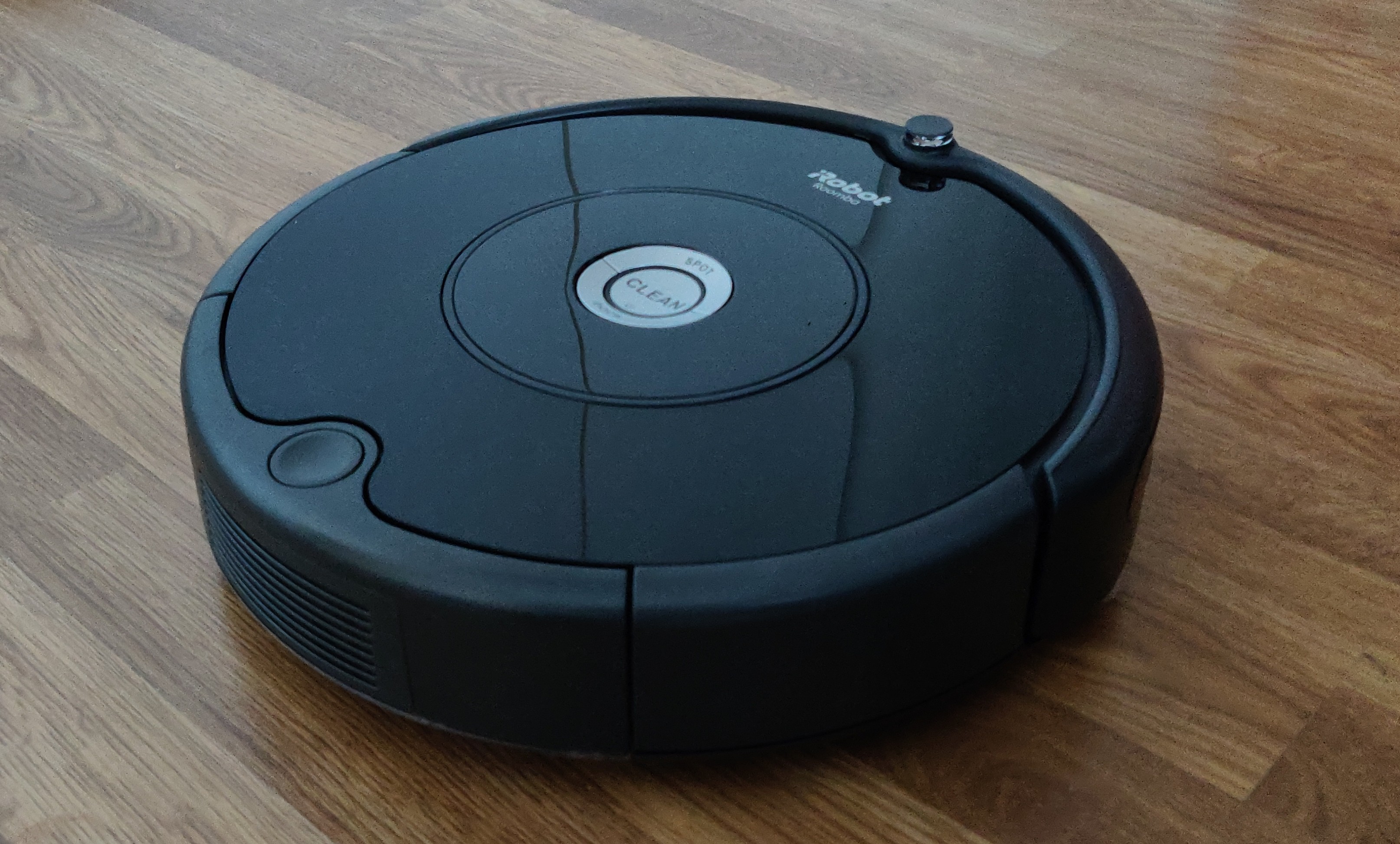
Crisp Roomba Can't Find Home Photo Art
Find inspiration with this unique roomba can't find home illustration, crafted to provide a fresh look for your background.
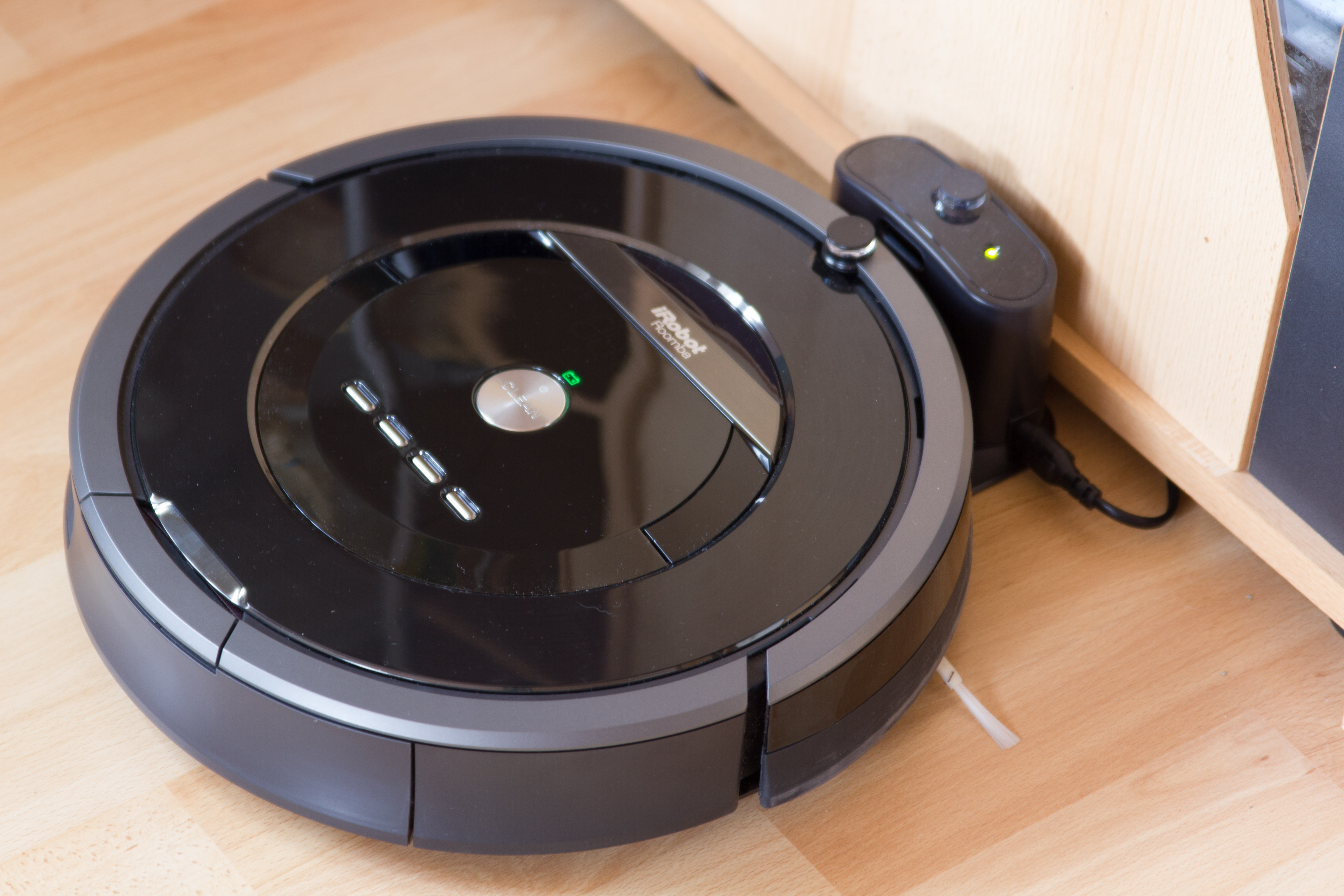
Beautiful Roomba Can't Find Home Wallpaper Art
Explore this high-quality roomba can't find home image, perfect for enhancing your desktop or mobile wallpaper.
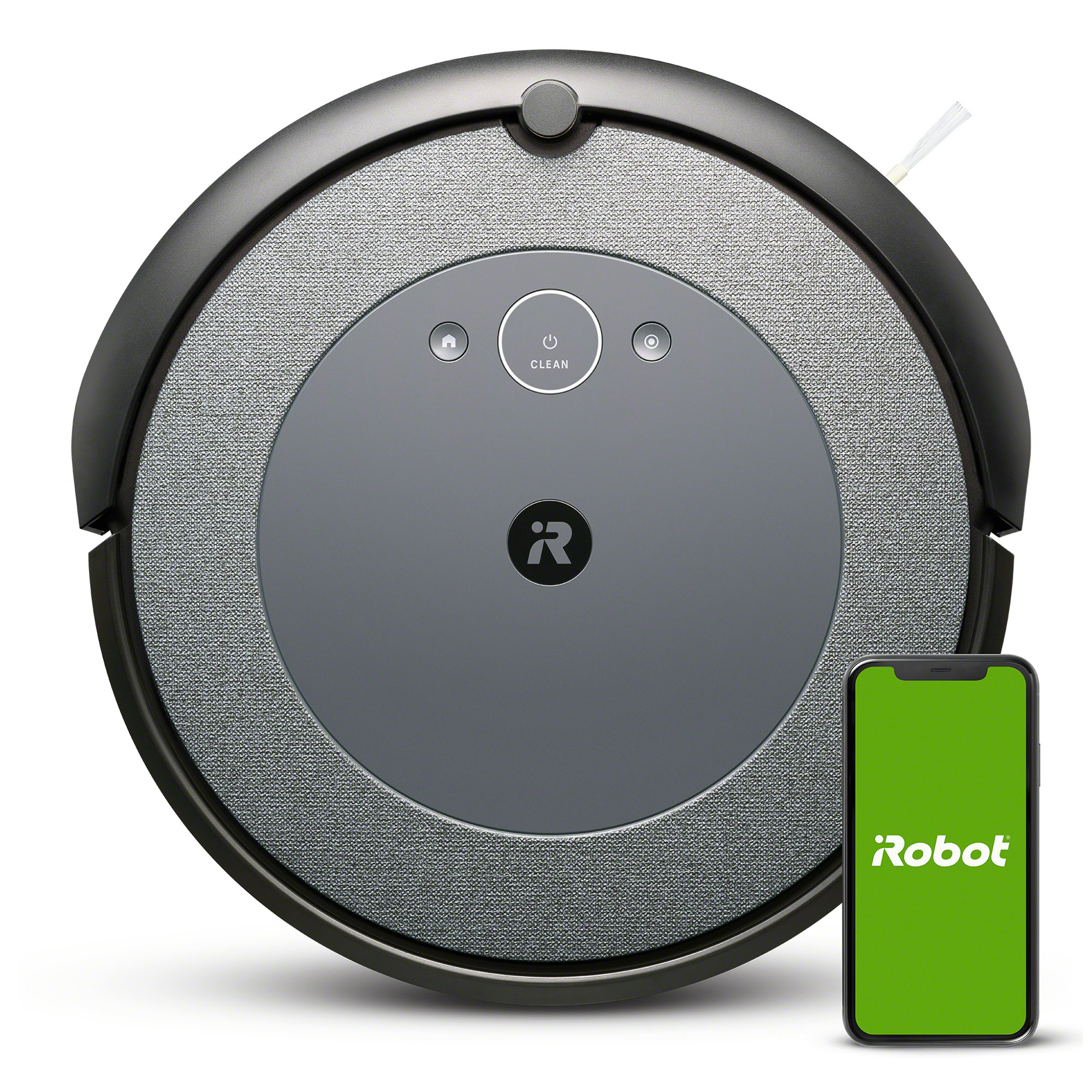
Detailed Roomba Can't Find Home Image Collection
Explore this high-quality roomba can't find home image, perfect for enhancing your desktop or mobile wallpaper.
Spectacular Roomba Can't Find Home Background Digital Art
Immerse yourself in the stunning details of this beautiful roomba can't find home wallpaper, designed for a captivating visual experience.

Exquisite Roomba Can't Find Home Wallpaper Nature
Immerse yourself in the stunning details of this beautiful roomba can't find home wallpaper, designed for a captivating visual experience.

Vibrant Roomba Can't Find Home Photo Concept
Transform your screen with this vivid roomba can't find home artwork, a true masterpiece of digital design.

Exquisite Roomba Can't Find Home Scene Nature
Immerse yourself in the stunning details of this beautiful roomba can't find home wallpaper, designed for a captivating visual experience.
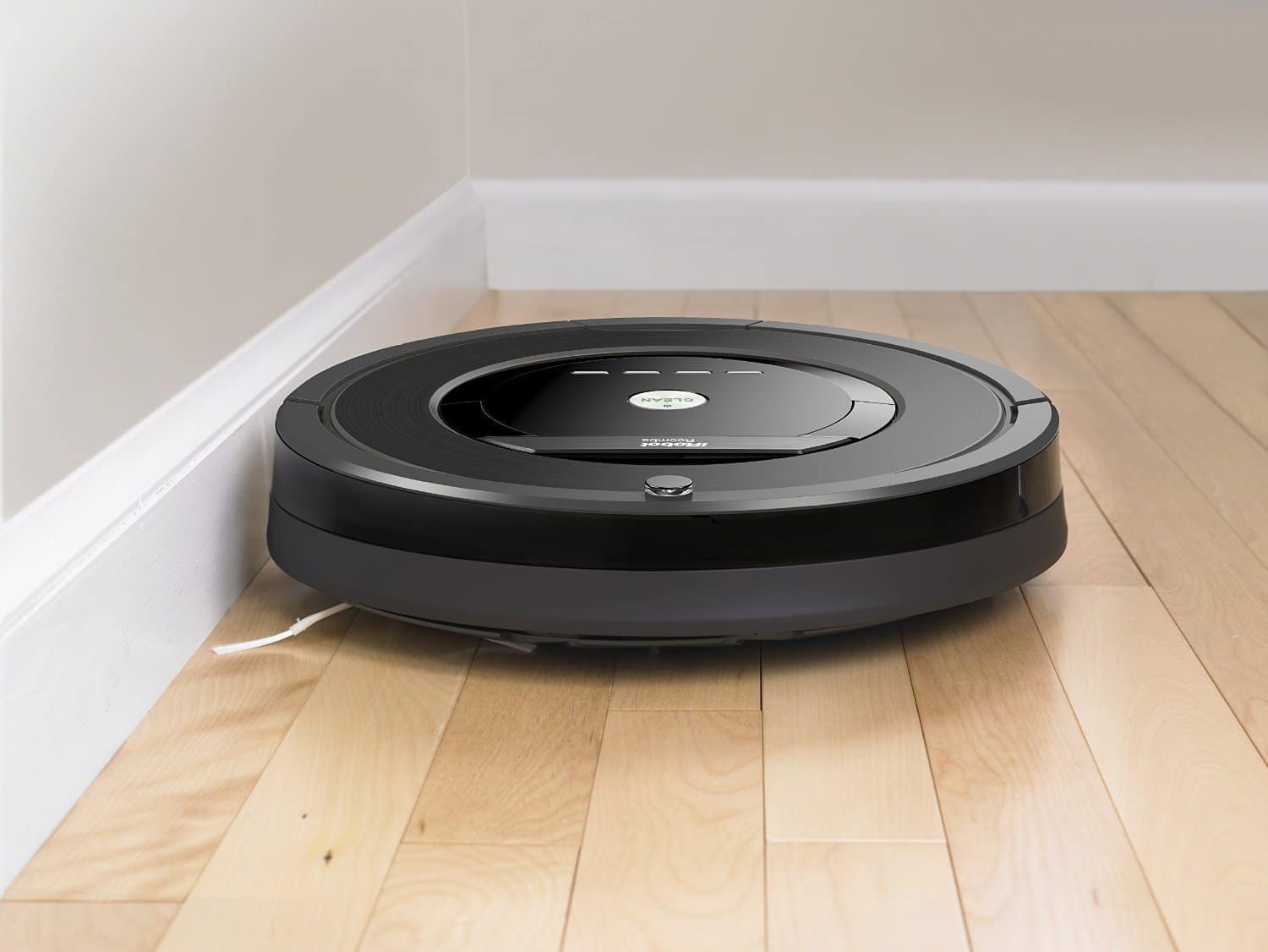
Lush Roomba Can't Find Home View Art
Immerse yourself in the stunning details of this beautiful roomba can't find home wallpaper, designed for a captivating visual experience.
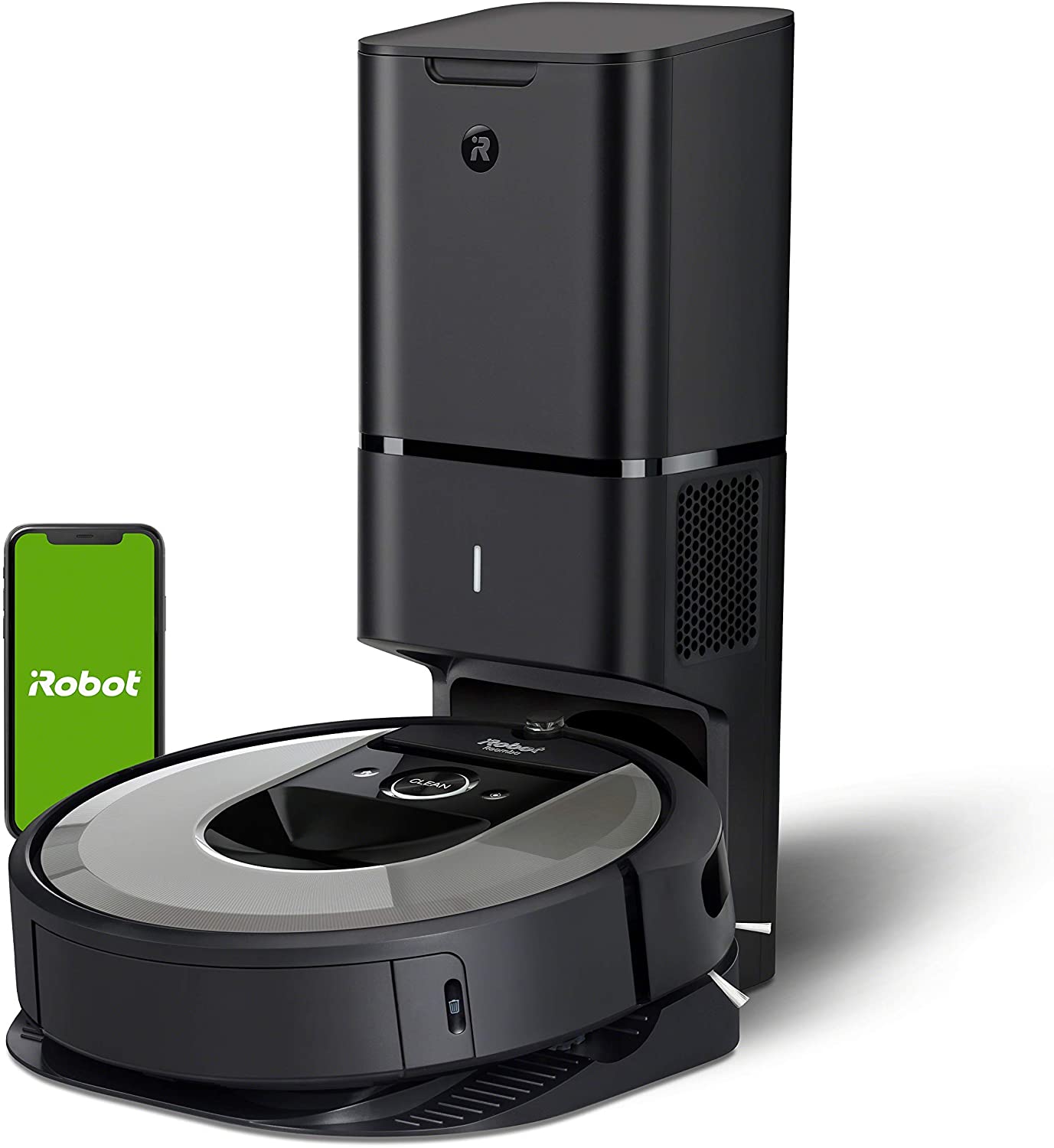
Crisp Roomba Can't Find Home Wallpaper for Mobile
Immerse yourself in the stunning details of this beautiful roomba can't find home wallpaper, designed for a captivating visual experience.

Amazing Roomba Can't Find Home Artwork for Mobile
Discover an amazing roomba can't find home background image, ideal for personalizing your devices with vibrant colors and intricate designs.
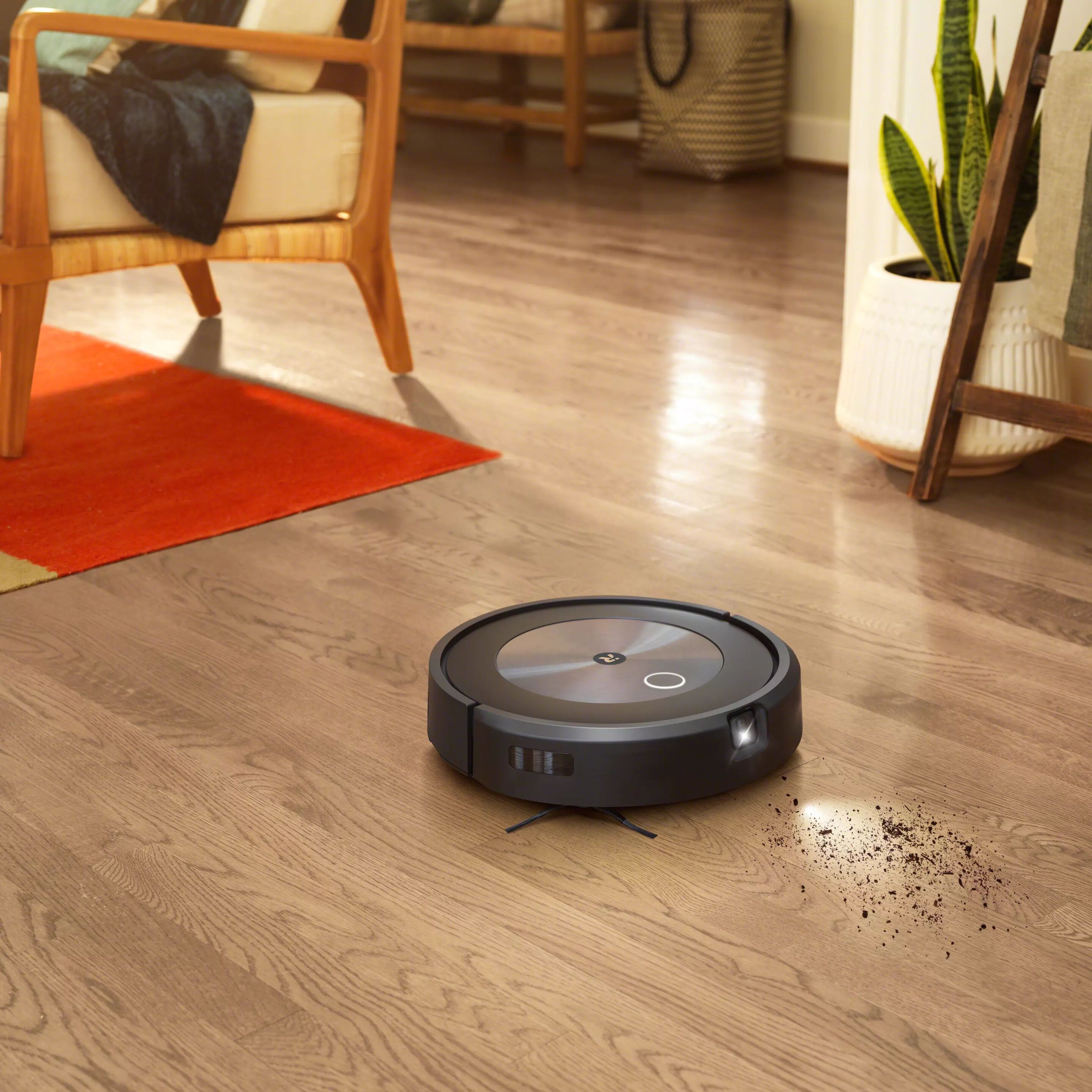
Mesmerizing Roomba Can't Find Home Image Digital Art
Discover an amazing roomba can't find home background image, ideal for personalizing your devices with vibrant colors and intricate designs.
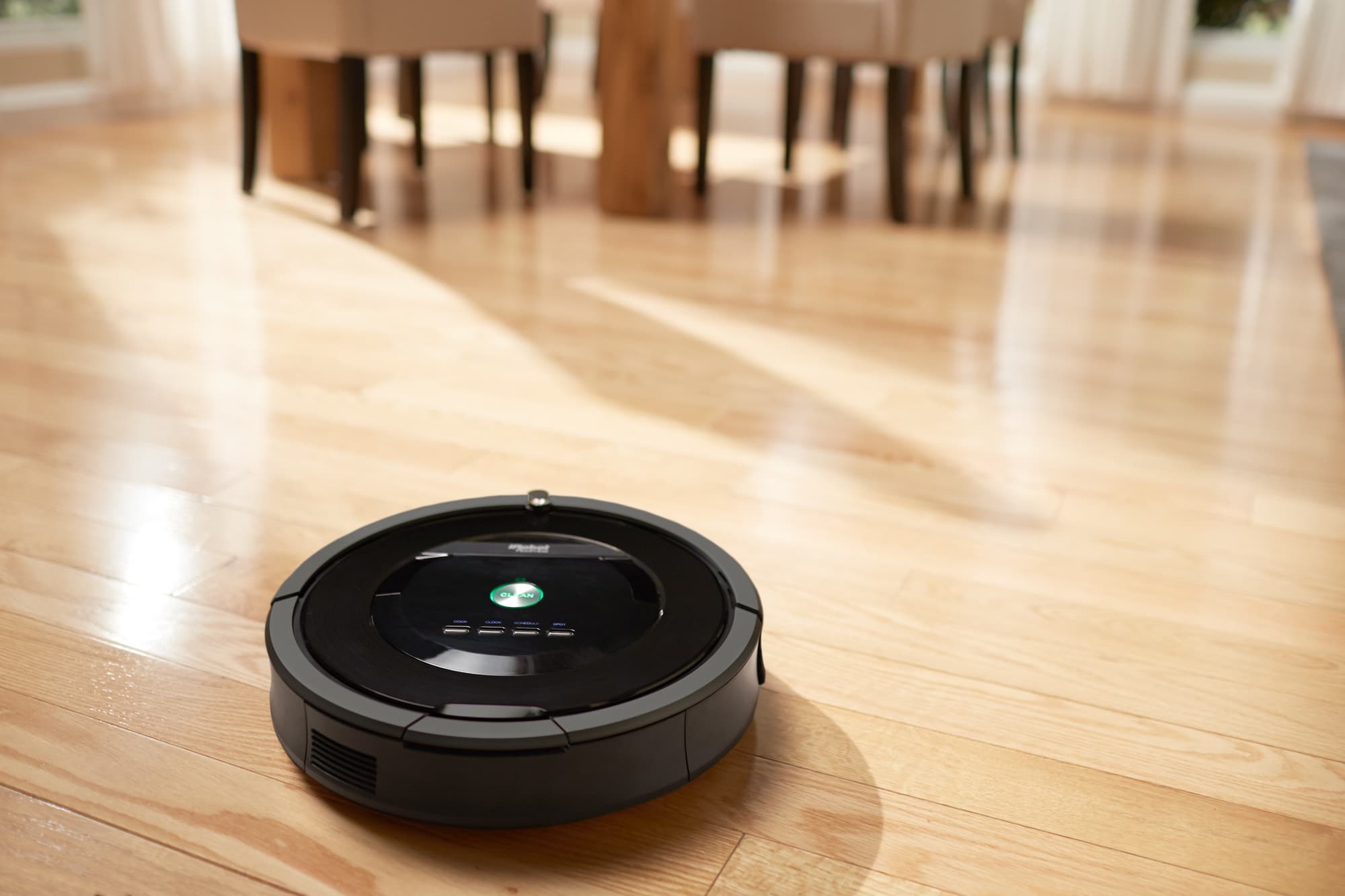
Amazing Roomba Can't Find Home Background Nature
Experience the crisp clarity of this stunning roomba can't find home image, available in high resolution for all your screens.
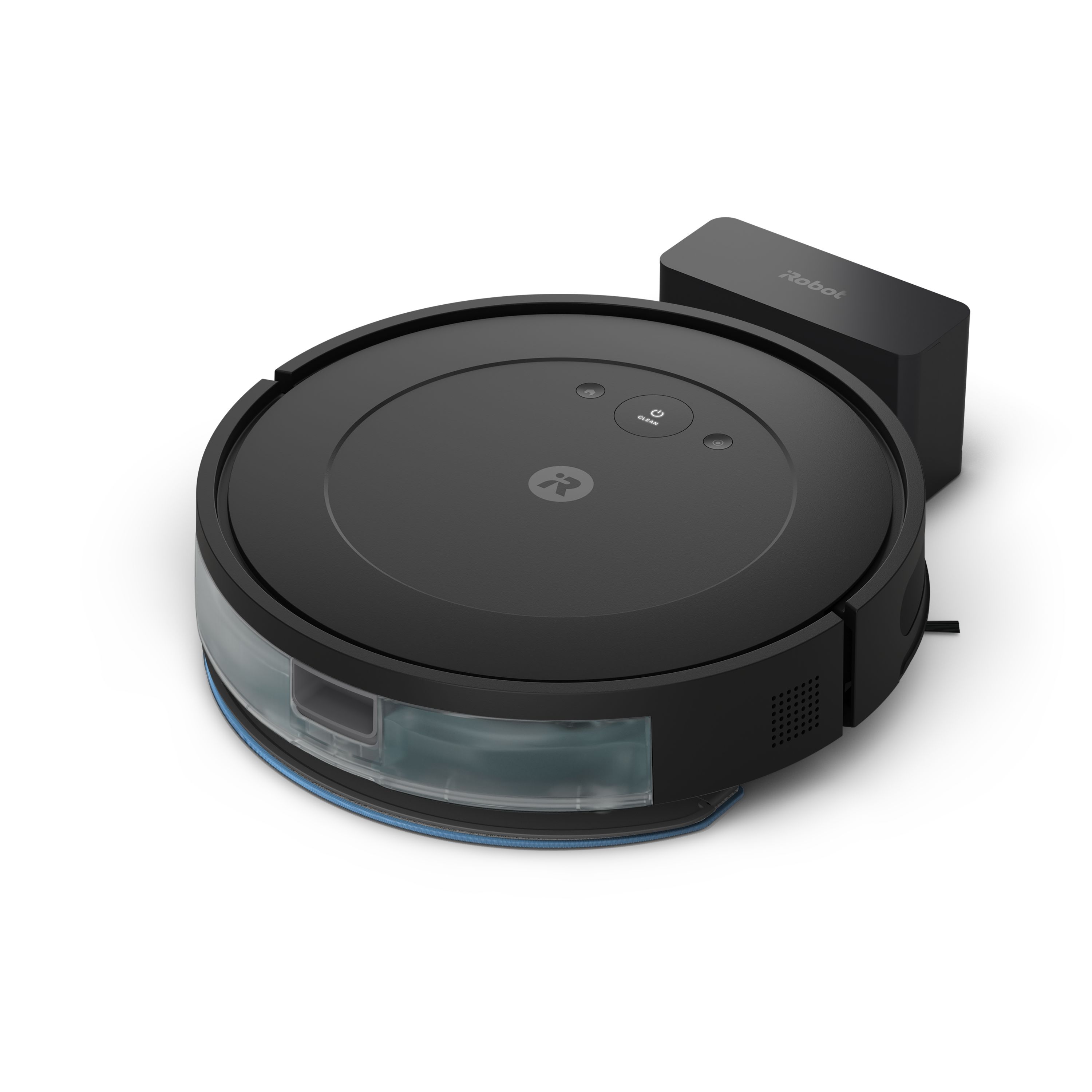
Lush Roomba Can't Find Home Scene Digital Art
Immerse yourself in the stunning details of this beautiful roomba can't find home wallpaper, designed for a captivating visual experience.
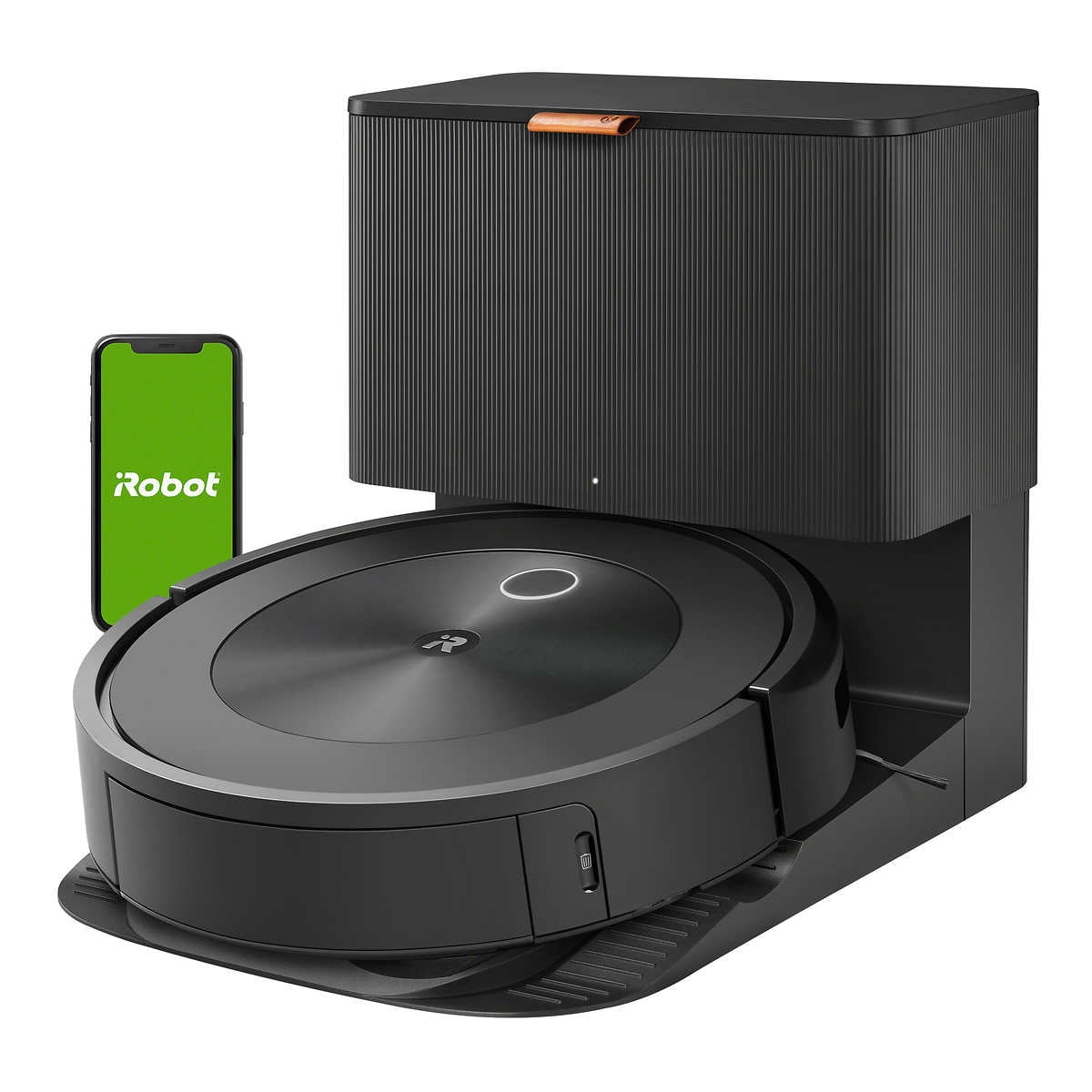
Stunning Roomba Can't Find Home Background Illustration
Find inspiration with this unique roomba can't find home illustration, crafted to provide a fresh look for your background.

High-Quality Roomba Can't Find Home Photo Photography
Discover an amazing roomba can't find home background image, ideal for personalizing your devices with vibrant colors and intricate designs.

Amazing Roomba Can't Find Home Abstract Digital Art
Explore this high-quality roomba can't find home image, perfect for enhancing your desktop or mobile wallpaper.

Artistic Roomba Can't Find Home Scene in 4K
This gorgeous roomba can't find home photo offers a breathtaking view, making it a perfect choice for your next wallpaper.
Stunning Roomba Can't Find Home Abstract for Desktop
Immerse yourself in the stunning details of this beautiful roomba can't find home wallpaper, designed for a captivating visual experience.

Breathtaking Roomba Can't Find Home Background Concept
Discover an amazing roomba can't find home background image, ideal for personalizing your devices with vibrant colors and intricate designs.

High-Quality Roomba Can't Find Home Capture Collection
Experience the crisp clarity of this stunning roomba can't find home image, available in high resolution for all your screens.
Download these roomba can't find home wallpapers for free and use them on your desktop or mobile devices.