Can'T Open File For Writing
Can't Open File for Writing? Let's Fix That!
Ever been in the middle of an important task, trying to save your work, and suddenly you're hit with that dreaded "can't open file for writing" error? It's incredibly frustrating, isn't it? This message pops up when your computer or a specific program is unable to modify or save a file to its intended location. Don't worry, you're not alone, and most of the time, it's a fixable issue. Let's dive into why this happens and how we can get you back on track!
Understanding Why It Happens
The "can't open file for writing" error usually points to a problem with your system's ability to access or modify a file. It could be a simple glitch or something a bit more technical. Identifying the root cause is the first step towards a solution.
File Permissions Troubles
One of the most common culprits for "can't open file for writing" errors is insufficient file permissions. Your operating system, whether it's Windows, macOS, or Linux, has security measures in place to prevent unauthorized changes to files and folders. If the program you're using doesn't have the necessary permissions to write to a specific location, it will throw this error.
Administrator Privileges
Sometimes, a program needs elevated permissions (administrator rights) to modify files, especially in system folders or certain protected directories. If you're not running the application as an administrator, it might struggle to write data.
Ownership Issues
Similar to permissions, if a file or folder is owned by another user account or system process, your current user account might not have the rights to modify it. This is more common in shared environments or after transferring files between computers.
File Is Already Open or In Use
Another frequent reason for "can't open file for writing" is that the file you're trying to save or modify is already open by another program or process. Operating systems typically lock files to prevent corruption when multiple applications try to write to them simultaneously.
Disk Space or Corruption
A less common but equally frustrating cause is a full disk drive. If there's no space left on your hard drive, the system literally can't write any more data. Furthermore, a corrupted file system or bad sectors on your hard drive can also prevent successful file writing.
Simple Solutions to Try First
Before diving into more complex fixes for "can't open file for writing," let's try some quick and easy steps:
- Close and Reopen: Simply close the program and reopen it. This can often clear temporary glitches.
- Restart Your Computer: A full restart can resolve many underlying system issues and clear any stuck processes.
- Check for Other Open Programs: Make sure the file isn't open in another application. Even a preview pane can sometimes lock a file.
- Try Saving to a Different Location: Attempt to save the file to your desktop or another folder. If it works, the original folder might have a permission issue.
- Run as Administrator: Right-click on the program's icon and choose "Run as administrator."
Advanced Troubleshooting Steps
If the simple solutions didn't work for your "can't open file for writing" problem, it's time to dig a little deeper:
- Check Disk Space: Go to 'This PC' (Windows) or 'About This Mac' (macOS) and ensure you have enough free space on your drive.
- Verify File Permissions:
- Windows: Right-click the file/folder, go to 'Properties' > 'Security' tab. Ensure your user account has 'Write' permissions.
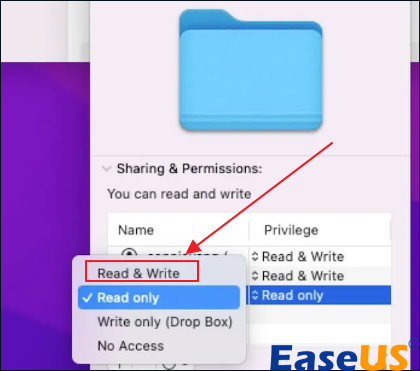
- macOS: Right-click the file/folder, 'Get Info' > 'Sharing & Permissions'. Check your user's privileges.
- Disable Antivirus Temporarily: Your antivirus software might be overly protective and blocking write access. Disable it briefly to test. Remember to re-enable it afterwards!
- Check for File Corruption: On Windows, you can use the 'chkdsk' command in Command Prompt (run as admin). On macOS, Disk Utility can verify and repair disk issues.
- Check OneDrive/Cloud Sync Status: If the file is in a cloud-synced folder (like OneDrive, Google Drive, Dropbox), ensure it's not currently syncing or experiencing conflicts.
Conclusion
Encountering the "can't open file for writing" error can be a speed bump in your workflow, but it's rarely a dead end. By systematically checking for common issues like file permissions, locked files, or disk space, you can usually resolve the problem quite quickly. We hope these steps have helped you get back to your work smoothly. Remember, a little troubleshooting goes a long way!
Frequently Asked Questions (FAQ)
- What does "can't open file for writing" specifically mean?
- It means the program you're using is unable to modify or save changes to a specific file or create a new file in a particular location. This is usually due to permission issues, the file being in use, or disk problems.
- Why do I get "can't open file for writing" even if I'm the administrator?
- Even as an administrator, an application might still need to be explicitly "Run as administrator" to gain the necessary elevated permissions for certain system-protected folders. Also, the file might be locked by another process or be corrupted.
- Can a virus cause "can't open file for writing" errors?
- While less common, some malware or viruses could potentially lock files or corrupt your file system, leading to this error. If you suspect a virus, run a full system scan with your antivirus software.
- Is it safe to temporarily disable my antivirus to fix "can't open file for writing"?
- Yes, for troubleshooting purposes, it's generally safe to temporarily disable your antivirus for a few minutes to see if it resolves the issue. However, always re-enable it immediately after testing to maintain your system's security.
can't open file for writing
can't open file for writing Wallpapers
Collection of can't open file for writing wallpapers for your desktop and mobile devices.

Artistic Can't Open File For Writing Design Illustration
Find inspiration with this unique can't open file for writing illustration, crafted to provide a fresh look for your background.
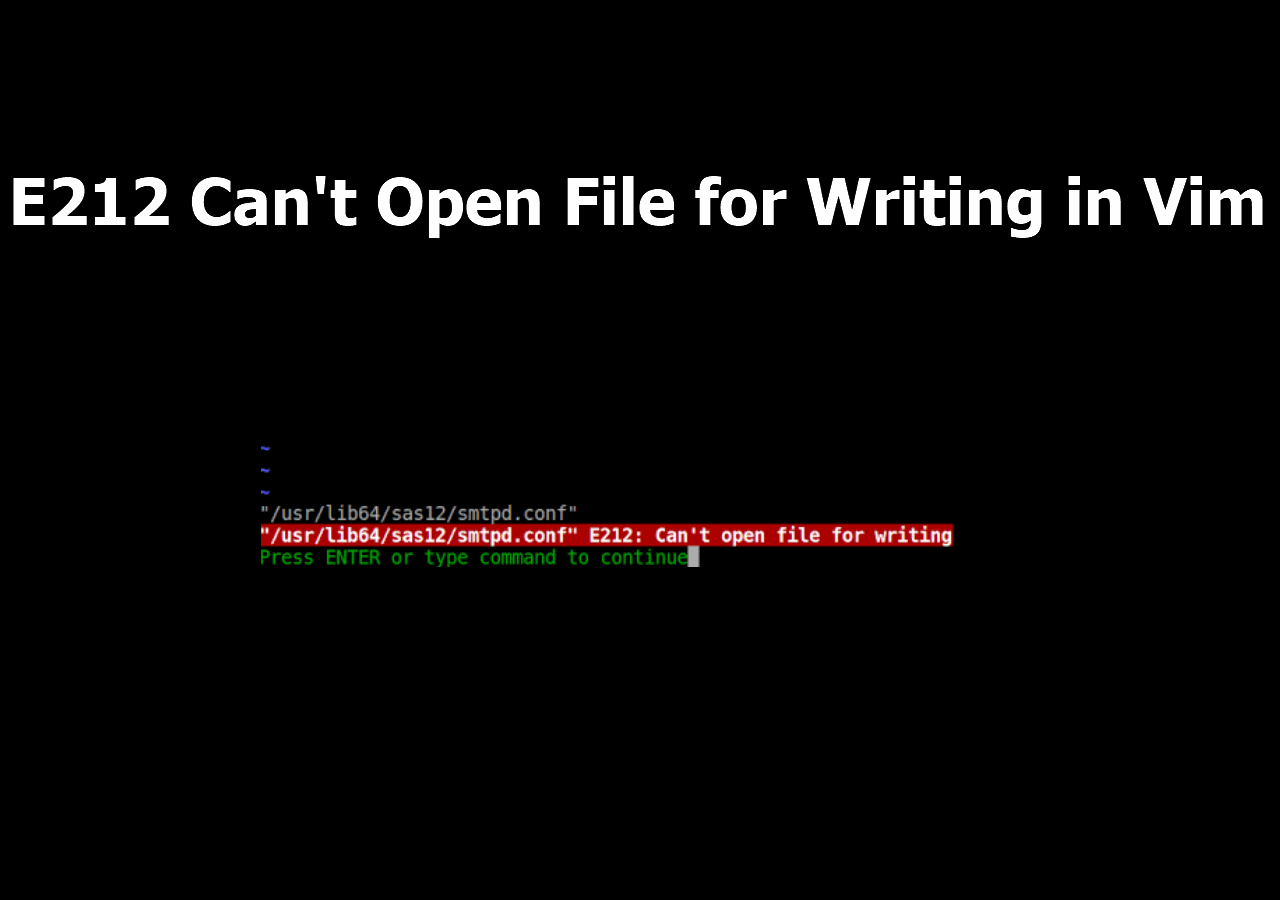
Detailed Can't Open File For Writing Photo for Your Screen
Experience the crisp clarity of this stunning can't open file for writing image, available in high resolution for all your screens.
Detailed Can't Open File For Writing Image Collection
Explore this high-quality can't open file for writing image, perfect for enhancing your desktop or mobile wallpaper.

Spectacular Can't Open File For Writing Abstract Illustration
A captivating can't open file for writing scene that brings tranquility and beauty to any device.
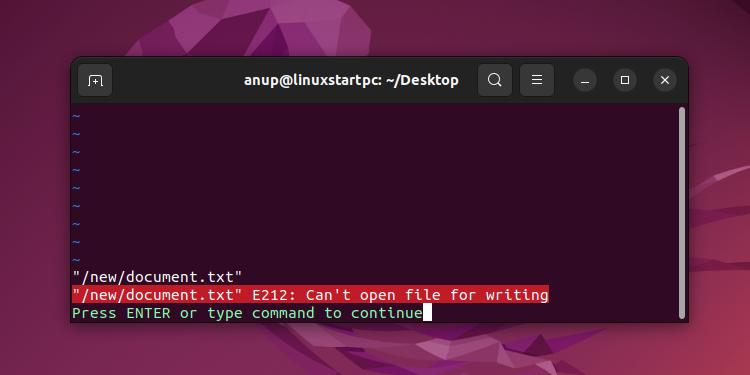
Stunning Can't Open File For Writing Background Photography
Find inspiration with this unique can't open file for writing illustration, crafted to provide a fresh look for your background.
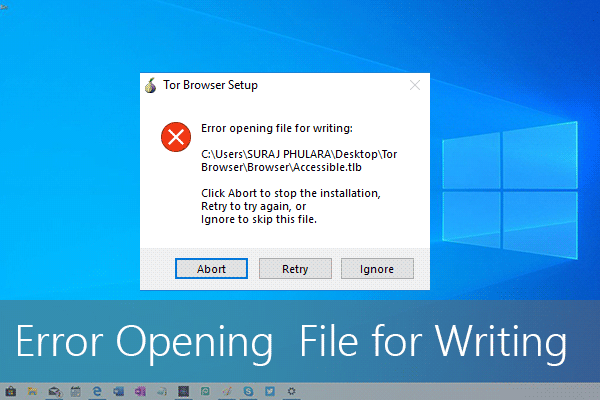
Gorgeous Can't Open File For Writing Abstract Collection
Find inspiration with this unique can't open file for writing illustration, crafted to provide a fresh look for your background.
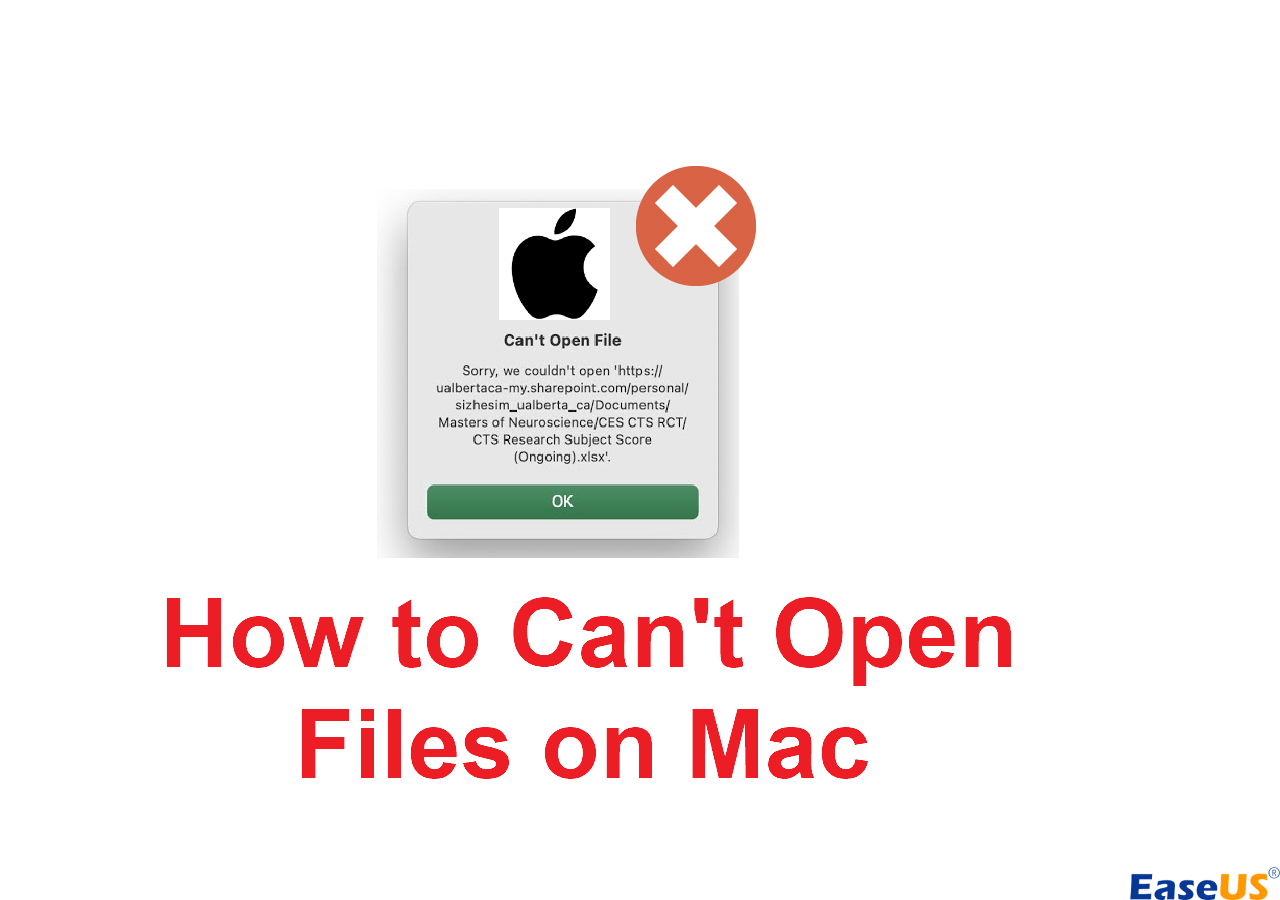
Stunning Can't Open File For Writing Abstract Art
A captivating can't open file for writing scene that brings tranquility and beauty to any device.

Beautiful Can't Open File For Writing Photo Digital Art
Discover an amazing can't open file for writing background image, ideal for personalizing your devices with vibrant colors and intricate designs.
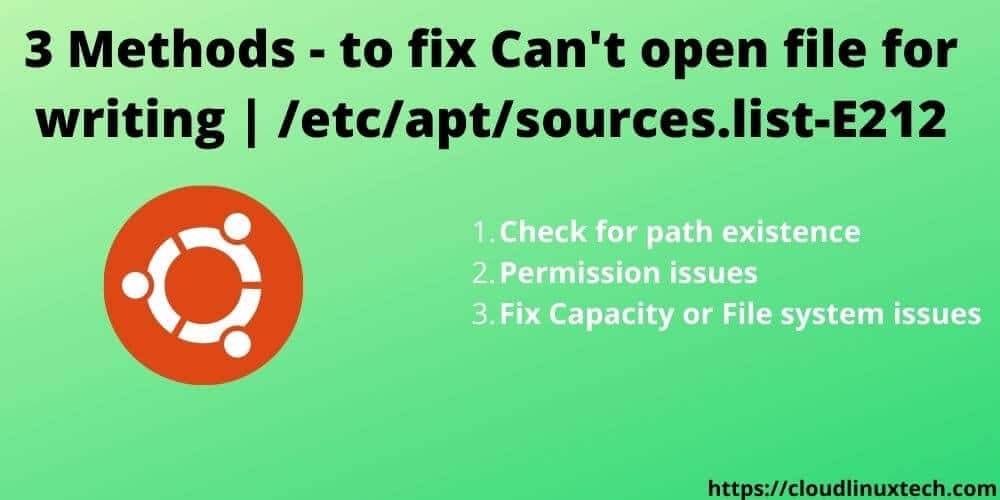
Gorgeous Can't Open File For Writing View for Desktop
Immerse yourself in the stunning details of this beautiful can't open file for writing wallpaper, designed for a captivating visual experience.
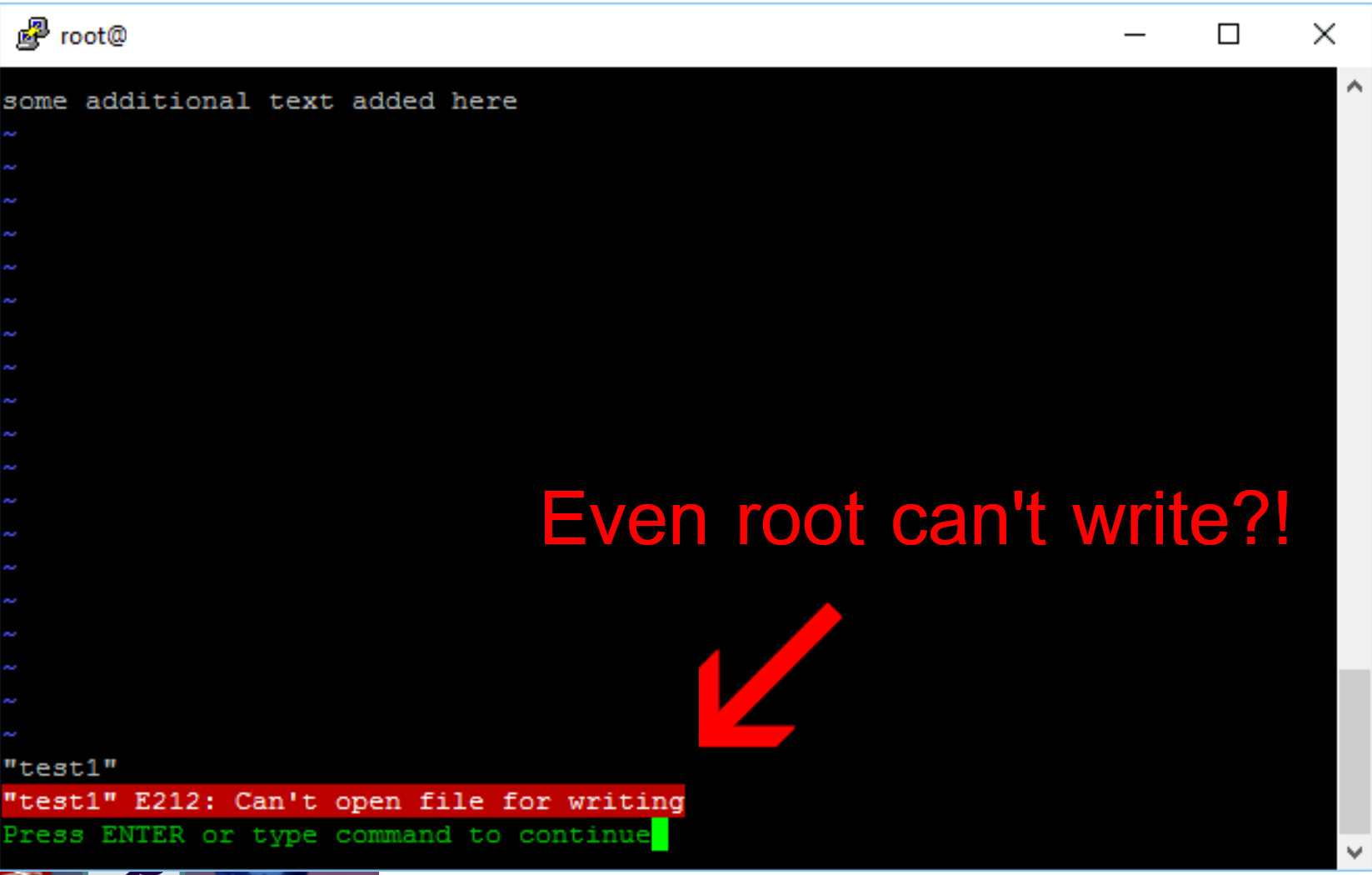
Amazing Can't Open File For Writing Background for Your Screen
Discover an amazing can't open file for writing background image, ideal for personalizing your devices with vibrant colors and intricate designs.

Exquisite Can't Open File For Writing Image Art
This gorgeous can't open file for writing photo offers a breathtaking view, making it a perfect choice for your next wallpaper.

High-Quality Can't Open File For Writing Background for Mobile
Discover an amazing can't open file for writing background image, ideal for personalizing your devices with vibrant colors and intricate designs.

Exquisite Can't Open File For Writing Image Concept
This gorgeous can't open file for writing photo offers a breathtaking view, making it a perfect choice for your next wallpaper.

Mesmerizing Can't Open File For Writing View Collection
Transform your screen with this vivid can't open file for writing artwork, a true masterpiece of digital design.

Breathtaking Can't Open File For Writing Landscape Collection
Explore this high-quality can't open file for writing image, perfect for enhancing your desktop or mobile wallpaper.
Serene Can't Open File For Writing Moment for Your Screen
Experience the crisp clarity of this stunning can't open file for writing image, available in high resolution for all your screens.
Vibrant Can't Open File For Writing Photo for Desktop
Transform your screen with this vivid can't open file for writing artwork, a true masterpiece of digital design.

Vivid Can't Open File For Writing Picture Nature
Discover an amazing can't open file for writing background image, ideal for personalizing your devices with vibrant colors and intricate designs.
Captivating Can't Open File For Writing Background Illustration
A captivating can't open file for writing scene that brings tranquility and beauty to any device.
Stunning Can't Open File For Writing Wallpaper Digital Art
This gorgeous can't open file for writing photo offers a breathtaking view, making it a perfect choice for your next wallpaper.
Download these can't open file for writing wallpapers for free and use them on your desktop or mobile devices.