The Ultimate Guide to Camera Zoom and Video Call Cameras
High-Zoom Smartphone Cameras (100X and 200X)
Many modern smartphones boast powerful zoom cameras. For instance, Samsung’s Galaxy S24 Ultra offers up to 10× optical zoom and 100× digital “Space Zoom”. In other words, you can zoom in very far, but image quality drops at extreme digital zoom. For example, 100× zoom means the camera crops and enlarges part of the image. Some devices and attachable lenses advertise even 200× zoom. These use special clip-on lenses or AI processing. For example, a NanoZoom lens for phones advertises up to 200× magnification. Such strong zoom can act like a microscope to reveal tiny details, but it usually needs a steady hand and good light.
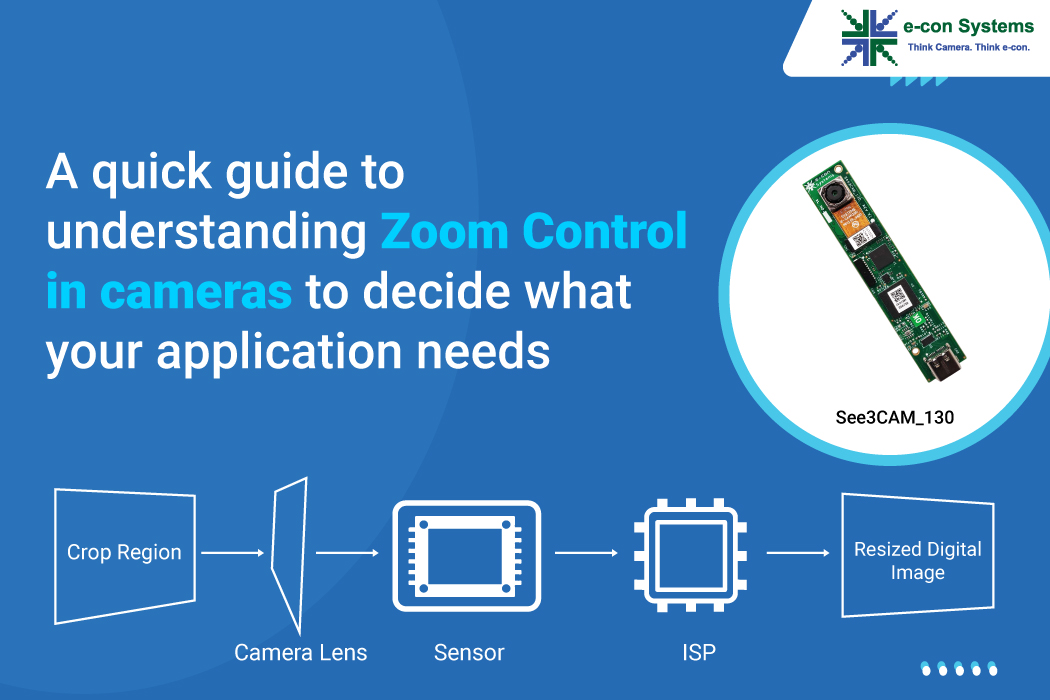
High-zoom phones typically combine a telephoto lens with digital cropping. Optical zoom (using the lens) keeps pictures sharp, while digital zoom just enlarges the image (so it looks blurrier). For best pictures, use the optical limit. For example, Samsung’s latest phone has 10× optical and up to 100× digital zoom.
-
100X Zoom Camera Phone: Some flagship phones (like Samsung’s Ultra series or Honor Magic) offer 100× zoom. This is mostly digital, after a smaller optical zoom (around 10×). It can grab far-away subjects, but details may be soft at maximum.
-
200X Zoom Camera Phone: A few accessories (like the NanoZoom) or future models claim 200× zoom. These act like a pocket microscope. They let you see very tiny things, but only in close, stable conditions.
-
Optical vs. Digital Zoom: Optical zoom uses a telescope lens and keeps images clear. Digital zoom just crops the photo and blows it up. For example, Samsung’s Galaxy S24 Ultra combines 10× optical with 100× “Space Zoom” digital. In other words, you get the best image up to 10×, and everything beyond that is software.
Also, don’t forget that even kid’s cameras can zoom a bit. The VTech Kidizoom is a kid-friendly camera (2.0 MP) with a 4× digital zoom. It’s simple tech, but shows that even children’s cameras have zoom functions.
-
High-zoom phones give you far-away shots, but clarity drops at max zoom. Optical zoom (like 10×) stays sharp, while 100× digital zoom can look grainy.
-
Some clip-on lenses can push beyond normal zoom (up to 200×), but they act like microscopes.
Camera Lenses and Accessories
Beyond built-in phone features, there are many zoom lens attachments and apps. You can find clip-on telephoto or macro lenses for iPhones or Android phones. These physically magnify the scene. For example, a clip-on telephoto lens kit might add 2× or 12× magnification. Some special macro lenses (marketed as “200× phone microscopes”) let you focus on tiny details, at the cost of narrow focus. Remember: very high zoom attachments often require a tripod or steady hold to avoid blur.
For iPhone users, many kits offer extra zoom. A “Camera Zoom Lens for iPhone” might include a wide lens, a 2× telephoto, and a close-up lens. Quality varies by price. Also, smartphone camera apps can enhance zoom: a “Camera Zoom App” on Android or iPhone may let you pinch-zoom smoothly, apply digital enhancements, or add filters. In general, the phone’s built-in camera app is fine, but third-party apps might provide extra control or effects.
-
Optical Lens Kits: These are glass attachments with their own zoom or focus. Good ones give clear, sharp images at higher magnifications. Cheap kits may be blurry at the edges.
-
Macro/Microscope Lenses: These convert your phone into a close-up camera. For example, a “Phone Microscope Lens 200×” can show fine details of plants or coins. They are fun for science projects, but not practical for everyday photos.
-
External Camera Apps: Many apps advertise extra zoom abilities. For example, “Ultra Zoom Camera” or “Maximum Zoom” apps claim to digitally enhance your photo. They rely on your phone’s sensor and software, so they typically just crop and sharpen. Use these if you need special filters or controls.
If you want more zoom on iPhone, remember that Apple’s newer models have built-in zoom. (For example, the iPhone 15 Pro Max has a 5× optical telephoto). But you can still add lenses for extra effect.
For designers or content creators, you might search online for “Camera Zoom Lens PNG”, “Camera Zoom PNG”, or “iPhone Camera Zoom PNG” to find transparent camera icons. Sites like Icons8 offer thousands of free camera icons in PNG format. These graphics can be used in presentations or apps to represent a camera or zoom function.
Tip: When choosing a phone lens attachment, check the optical zoom rating (e.g. 10×, 12×) and customer reviews. Beware of claims like “200×” – they usually include a lot of digital zoom.
Camera Zoom Effects and Apps
You can also simulate a zoom effect in software or add sound effects:
-
Camera After Effects Zoom: In video editing programs (like Adobe After Effects), you can create a “camera” layer and animate it to zoom in on your scene. This makes the picture appear to move closer. It’s a virtual zoom that’s great for films and slideshows.
-
Camera Zoom Sound Effect: Film editors often add a mechanical zoom sound to enhance the zoom. Websites like Pixabay offer free “camera zoom” sound effects. For example, a clip of a camera lens whirring can make a digital zoom feel more realistic in a video.
-
Camera Zoom App: Some mobile apps let you pinch-to-zoom on video calls or photos. On Android and iOS, camera apps let you smoothly zoom your lens digitally. For instance, the default Camera app on smartphones lets you tap or pinch to zoom, with some image stabilization. Third-party apps may add extra options like slow-motion zoom or special filters.
-
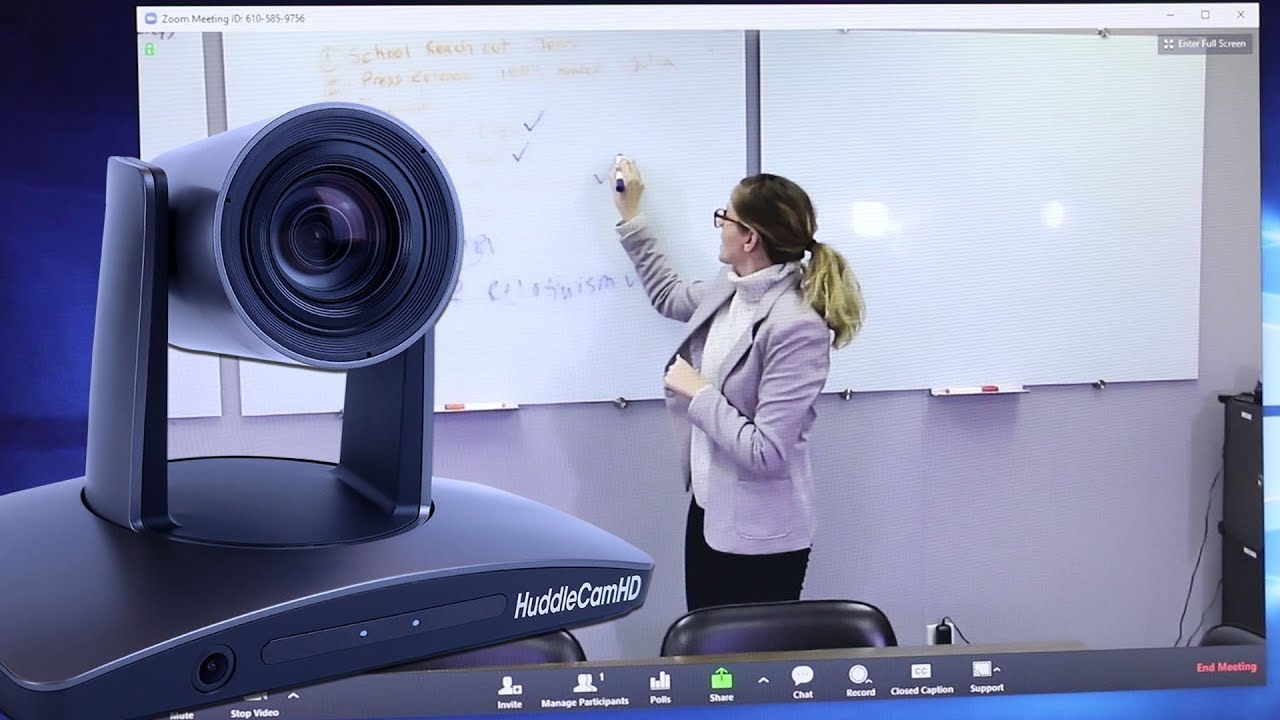
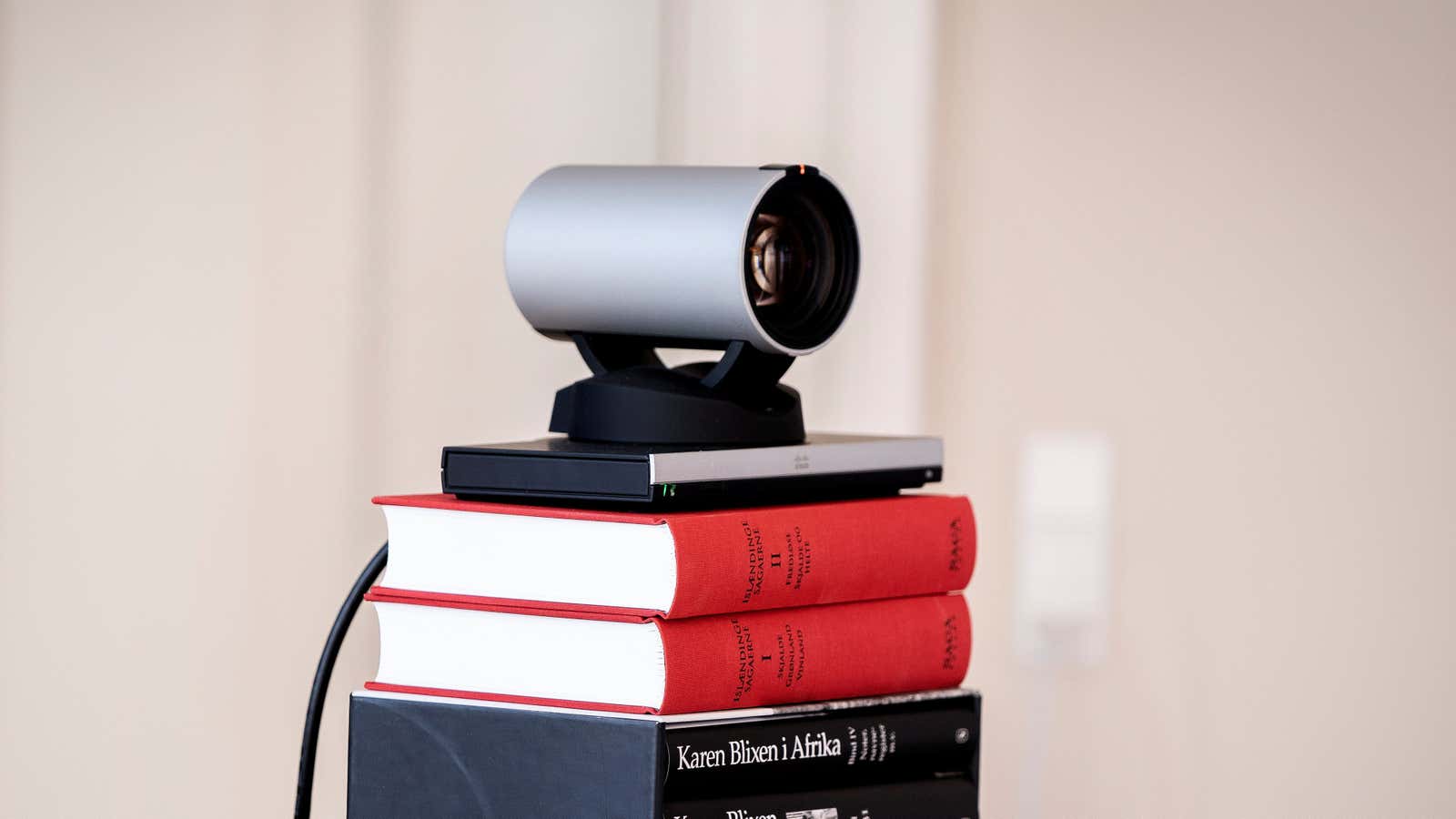
Camera Pan/Tilt/Zoom (PTZ): This refers to motorized cameras used in conferences or surveillance. A PTZ camera can pan left/right, tilt up/down, and zoom in/out via remote control. These are often used in big meeting rooms or for security. For example, a PTZ webcam can automatically track a speaker, moving the lens to keep them in frame. In video calls, you rarely have a true PTZ camera unless you’re in a professional setup.
In virtual events, these effects add flair. You might zoom in on a presenter’s face or play a zoom sound when switching cameras.
Troubleshooting Cameras in Zoom and Teams
If your camera misbehaves on Zoom or Teams, try these fixes:
-
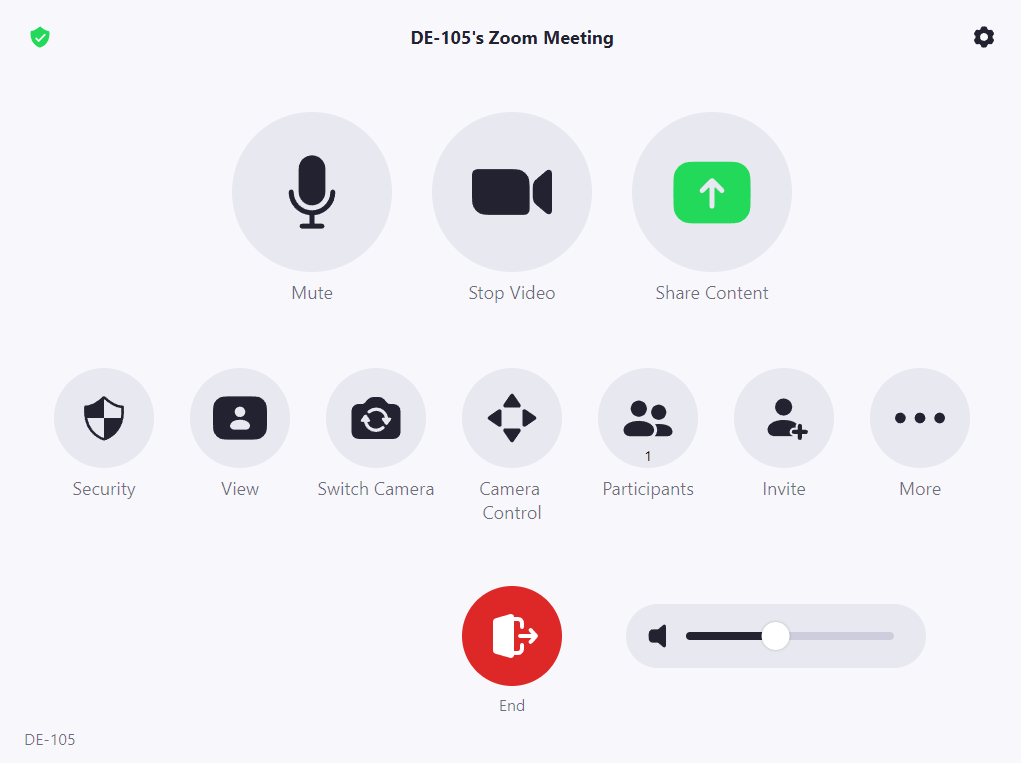
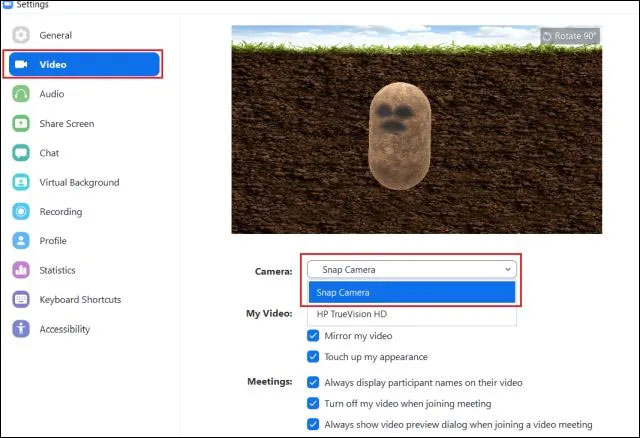
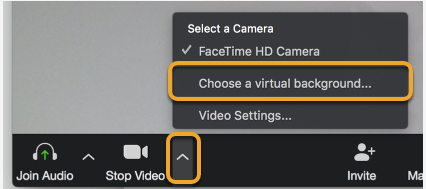
Camera Not Working on Zoom / Zoom Camera Not Working: First, check Zoom’s settings. Zoom recommends selecting the correct camera and ensuring it has permission. For example, if your computer has a built-in and an external webcam, click the arrow next to Start Video in Zoom and choose the right camera. Also, make sure your operating system lets Zoom access the camera. On Windows or Mac, check privacy settings and allow Zoom to use the camera. If it still fails, try uninstalling Zoom and reinstalling the latest version.
-
Why Camera Not Working on Zoom: Often it’s just a permissions issue. Your computer might block apps from using the camera. Check system settings under Camera privacy and allow Zoom. Also close other apps that might be using the camera (like Skype).
-
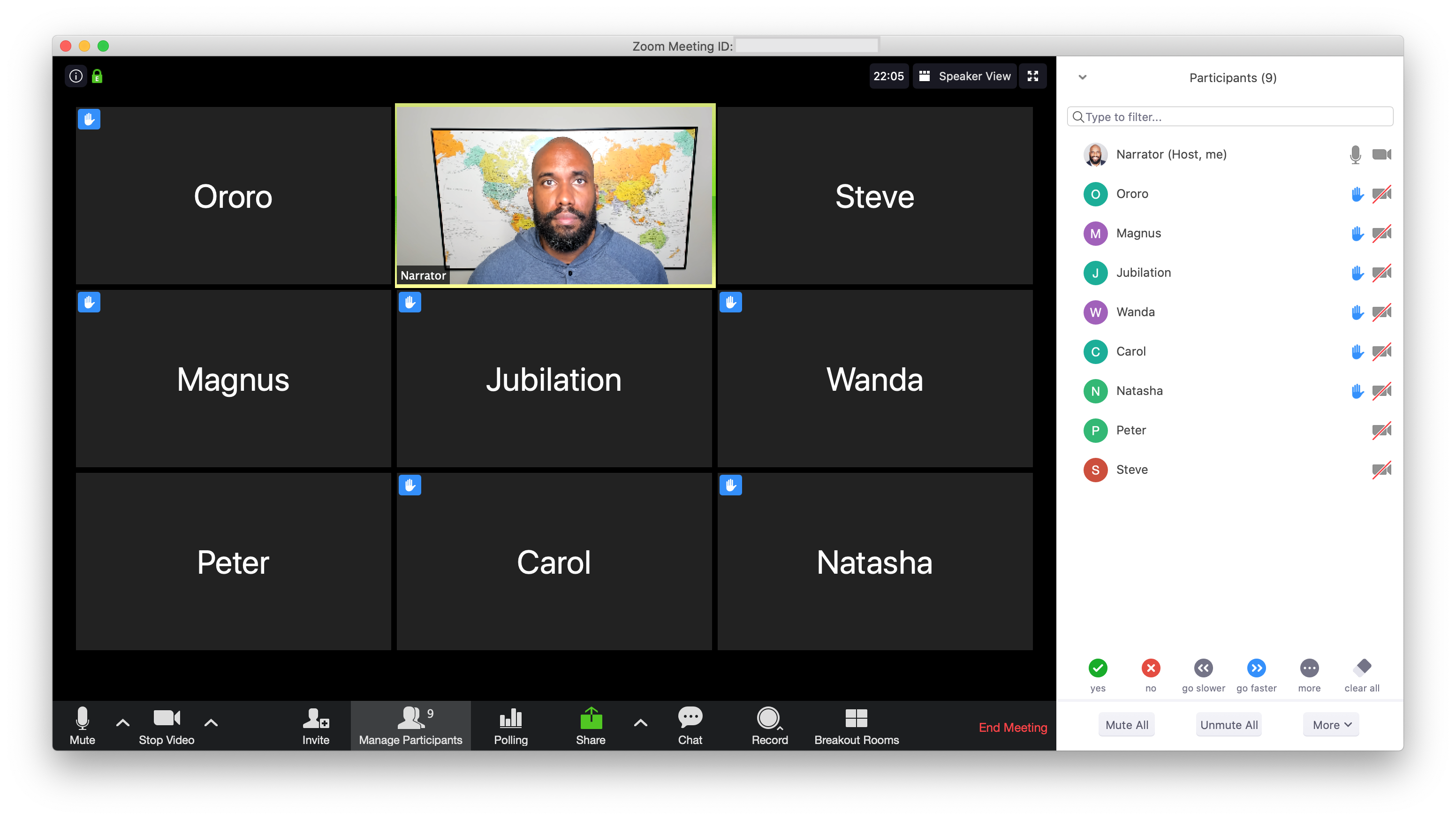
Camera Off on Zoom: If the Zoom video icon is crossed out, it means your camera is off. Click the Start Video button to turn it on. Also check if a physical webcam cover or lens cap is on – it sounds simple, but you’d be surprised!
-
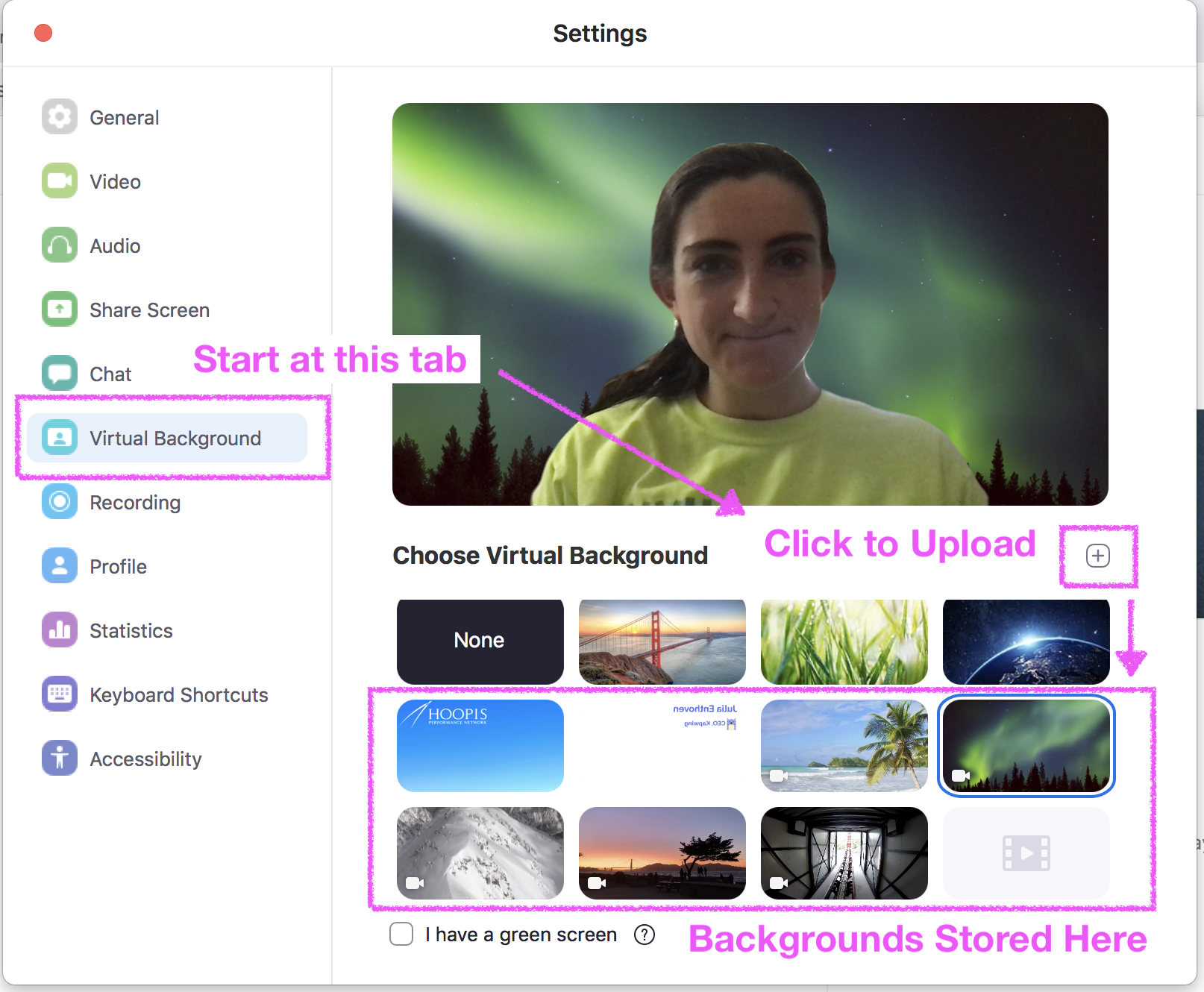
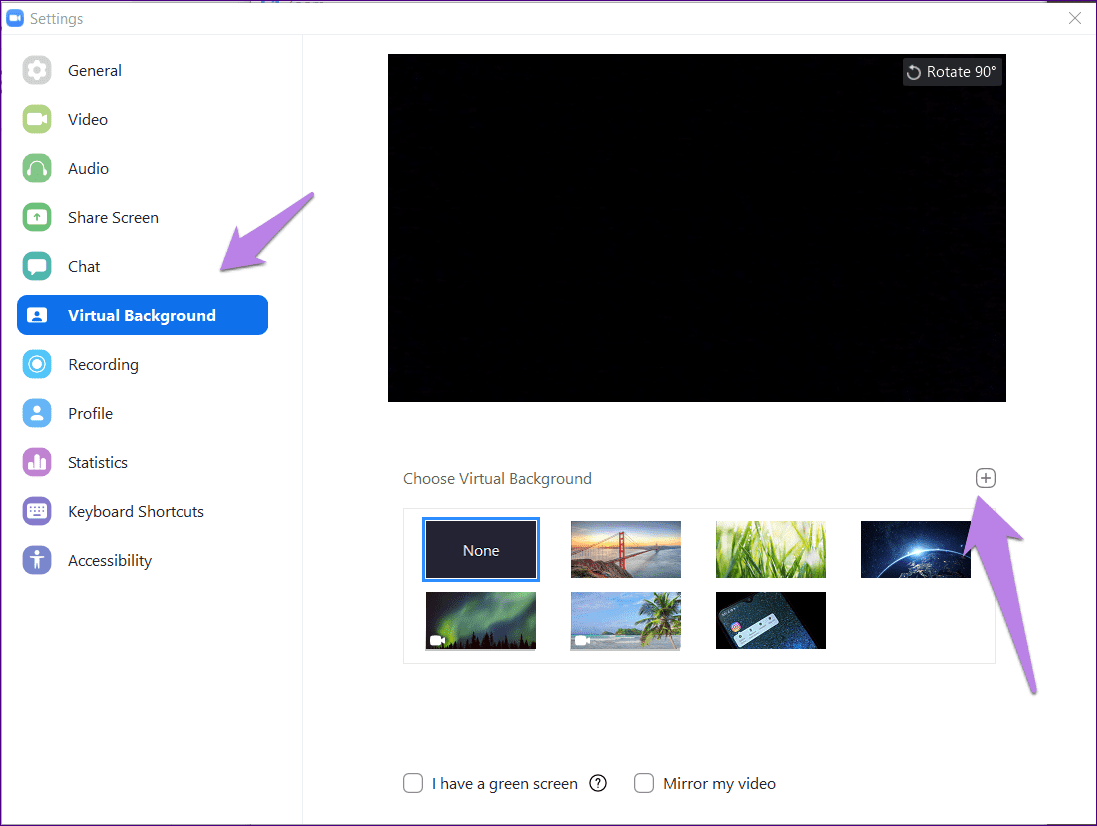
Camera Upside Down in Zoom: If your video appears flipped upside-down or sideways, Zoom has a rotate feature. Open Zoom’s video settings (click your profile picture ➔ Settings ➔ Video). Look for a small rotate icon in the preview. Clicking it rotates your image. Lenovo’s guide notes: “Click the rotate button in the top-right corner to rotate your camera”. Use this until your video looks right-side-up.
-
Camera Zooming In and Out on Zoom: Sometimes a webcam auto-focus or auto-exposure can make the image seem to jump or zoom slightly. If the video is jerky or the framing changes on its own, try disabling auto-focus in your webcam software. Also, unstable internet can cause choppy frames. If necessary, lower your camera resolution in Zoom’s Video Settings to reduce lag.
-
Camera Pan/Tilt/Zoom (PTZ) in Meetings: If you have a professional PTZ camera, some meeting apps allow remote control. In Zoom, you can control PTZ cameras if they’re connected via USB or network. For regular webcams, there’s no built-in pan/tilt – you’d need physical movement.
-
Camera Zoom on Teams: Microsoft Teams (mobile) lets you pinch to zoom on the video gallery. For example, on the iOS or Android Teams app, you can "Pinch in or out to zoom and adjust your view" of participants. This doesn’t zoom your own camera, but it changes how you see others. Teams on desktop doesn’t have a built-in camera zoom for your own video; you’d use your camera’s software instead.
-
Zoom Camera Test: Always test your camera before joining an important meeting. Zoom and other apps have a “Test Video” feature (in Settings) so you can preview yourself. Online tools like a Zoom Camera Test website can help. Testing ensures “your camera is connected and functioning correctly” and avoids embarrassing issues.
Quick Tips: Use good lighting and clean your lens for a clear image. Keep your camera drivers and Zoom/Teams apps updated. If things still fail, restart your computer and try again.
Camera Graphics (PNG Icons)
If you need visuals, there are free camera icons in PNG format. Search for terms like "camera icon PNG", "Zoom camera PNG", or "iPhone camera zoom PNG". Many design sites (like Icons8) offer free PNG and SVG camera icons. These images have transparent backgrounds and can be used in slides, websites, or app designs to represent a camera or zoom feature. For instance, Icons8 has thousands of camera icons ready for download.
Summary
Camera zoom covers a lot: from 100× and 200× smartphone cameras to video call troubleshooting. High-zoom phones combine optical and digital zoom. Clip-on lens kits (like NanoZoom) can reach 200× magnification but require care. In video editing, you can fake a zoom effect and even add a zoom sound. In meetings, make sure your camera works by checking settings and permissions. Mobile apps like Teams let you pinch-zoom the view. Finally, for graphics, PNG camera icons (e.g. “camera zoom PNG”) are easy to find online.
Whether you’re capturing distant subjects or fixing a video call, these insights and tips will help you make the most of camera zoom technology.
Sources: Industry camera specs and support pages, along with product info (Kidizoom camera specs, NanoZoom lens) and icon resources.
The Ultimate Guide to Camera Zoom and Video Call Cameras Wallpapers
Collection of The Ultimate Guide to Camera Zoom and Video Call Cameras wallpapers for your desktop and mobile devices.

The Ultimate Guide To Camera Zoom And Video Call Cameras Image
Gorgeous the ultimate guide to camera zoom and video call cameras photo that makes a perfect wallpaper.

The Ultimate Guide To Camera Zoom And Video Call Cameras Backdrop
Stunning the ultimate guide to camera zoom and video call cameras image with high resolution quality.
The Ultimate Guide To Camera Zoom And Video Call Cameras Picture
Gorgeous the ultimate guide to camera zoom and video call cameras photo that makes a perfect wallpaper.
The Ultimate Guide To Camera Zoom And Video Call Cameras Backdrop
Stunning the ultimate guide to camera zoom and video call cameras image with high resolution quality.

The Ultimate Guide To Camera Zoom And Video Call Cameras Backdrop
Beautiful the ultimate guide to camera zoom and video call cameras wallpaper with stunning details and colors.
The Ultimate Guide To Camera Zoom And Video Call Cameras Image
High quality the ultimate guide to camera zoom and video call cameras image perfect for desktop or mobile wallpaper.

The Ultimate Guide To Camera Zoom And Video Call Cameras Wallpaper
Gorgeous the ultimate guide to camera zoom and video call cameras photo that makes a perfect wallpaper.

The Ultimate Guide To Camera Zoom And Video Call Cameras Scenery
Amazing the ultimate guide to camera zoom and video call cameras background image for your devices.

The Ultimate Guide To Camera Zoom And Video Call Cameras Wallpaper
Stunning the ultimate guide to camera zoom and video call cameras image with high resolution quality.
The Ultimate Guide To Camera Zoom And Video Call Cameras Picture
Stunning the ultimate guide to camera zoom and video call cameras image with high resolution quality.

The Ultimate Guide To Camera Zoom And Video Call Cameras Image
Stunning the ultimate guide to camera zoom and video call cameras image with high resolution quality.
The Ultimate Guide To Camera Zoom And Video Call Cameras Wallpaper
Gorgeous the ultimate guide to camera zoom and video call cameras photo that makes a perfect wallpaper.

The Ultimate Guide To Camera Zoom And Video Call Cameras Wallpaper
Gorgeous the ultimate guide to camera zoom and video call cameras photo that makes a perfect wallpaper.

The Ultimate Guide To Camera Zoom And Video Call Cameras Photograph
Stunning the ultimate guide to camera zoom and video call cameras image with high resolution quality.

The Ultimate Guide To Camera Zoom And Video Call Cameras Picture
Stunning the ultimate guide to camera zoom and video call cameras image with high resolution quality.
The Ultimate Guide To Camera Zoom And Video Call Cameras Scenery
High quality the ultimate guide to camera zoom and video call cameras image perfect for desktop or mobile wallpaper.
The Ultimate Guide To Camera Zoom And Video Call Cameras Shot
Stunning the ultimate guide to camera zoom and video call cameras image with high resolution quality.
The Ultimate Guide To Camera Zoom And Video Call Cameras Photo
Stunning the ultimate guide to camera zoom and video call cameras image with high resolution quality.
The Ultimate Guide To Camera Zoom And Video Call Cameras Backdrop
Stunning the ultimate guide to camera zoom and video call cameras image with high resolution quality.
The Ultimate Guide To Camera Zoom And Video Call Cameras Picture
Amazing the ultimate guide to camera zoom and video call cameras background image for your devices.

The Ultimate Guide To Camera Zoom And Video Call Cameras Photograph
High quality the ultimate guide to camera zoom and video call cameras image perfect for desktop or mobile wallpaper.

The Ultimate Guide To Camera Zoom And Video Call Cameras Image
Beautiful the ultimate guide to camera zoom and video call cameras wallpaper with stunning details and colors.

The Ultimate Guide To Camera Zoom And Video Call Cameras View
Stunning the ultimate guide to camera zoom and video call cameras image with high resolution quality.
The Ultimate Guide To Camera Zoom And Video Call Cameras Shot
Stunning the ultimate guide to camera zoom and video call cameras image with high resolution quality.
The Ultimate Guide To Camera Zoom And Video Call Cameras Shot
Stunning the ultimate guide to camera zoom and video call cameras image with high resolution quality.
The Ultimate Guide To Camera Zoom And Video Call Cameras Shot
Stunning the ultimate guide to camera zoom and video call cameras image with high resolution quality.

The Ultimate Guide To Camera Zoom And Video Call Cameras Backdrop
Amazing the ultimate guide to camera zoom and video call cameras background image for your devices.

The Ultimate Guide To Camera Zoom And Video Call Cameras Background
Gorgeous the ultimate guide to camera zoom and video call cameras photo that makes a perfect wallpaper.
The Ultimate Guide To Camera Zoom And Video Call Cameras Backdrop
Gorgeous the ultimate guide to camera zoom and video call cameras photo that makes a perfect wallpaper.
Download these The Ultimate Guide to Camera Zoom and Video Call Cameras wallpapers for free and use them on your desktop or mobile devices.
